10 Anniversary Video Ideas for 2026: Photos to Keepsakes
Discover 10 anniversary video ideas, from living photo clips to memorial tributes and family keepsake montages, with practical tips for each format.
You're preparing an anniversary dinner, and the best photograph you have is a faded wedding print. Relatives live across the country, the original album is tucked away, and you want something more personal than a greeting over stock music. You don't need a complete archive to make a meaningful video. You need a format that fits the photographs you have.
The strongest anniversary video ideas do a specific job: bring a single portrait into gentle motion, compare the beginning with the present, or preserve a family's history. Start with the image, add a short line describing the moment, create restrained movement, then download and share the result. Save elaborate editing for material that needs it.
If guests are contributing pictures, collect original files rather than screenshots from group chats. An AI event photo sharing platform can be part of that collection workflow, but keep your selected photographs in a separate working folder.
Choose by source material, not by the fanciest effect:
- A single photograph: Make a living portrait, greeting card, or quiet memorial.
- Early and recent pictures: Build a then-and-now comparison.
- An extensive collection: Create a chronological montage or family heritage keepsake.
Table of Contents
- 1. Living Photo Anniversary Clip
- 2. Old Photo Revival for a Couple's Early Years
- 3. Then and Now Split Comparison
- 4. Year-by-Year Anniversary Montage
- 5. Memorial Anniversary Tribute
- 6. Anniversary Greeting Card Video
- 7. Brand or Business Anniversary Product Visual
- 8. Milestone Tribute Reel for Events
- 9. Anniversary Parallax Portrait
- 10. Family Heritage Anniversary Keepsake
- How the 10 anniversary video formats compare
- Pick One Format This Anniversary and Start With Your Best Photo
1. Living Photo Anniversary Clip
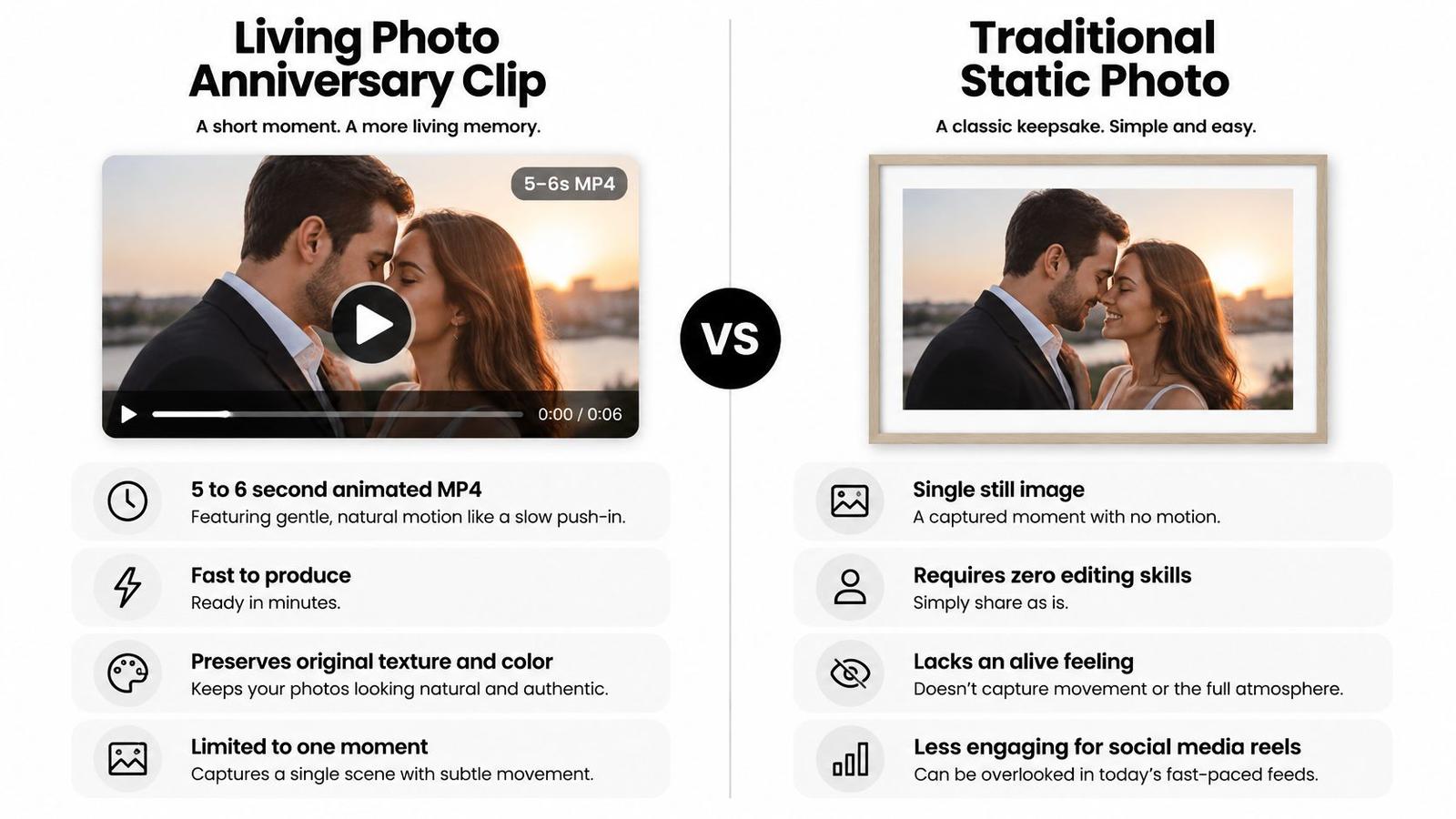
Best for one clear photograph and a message you want to send immediately. A living photo clip adds a small amount of movement to a still image without requiring a full editing project. A wedding portrait, engagement photograph, or recent anniversary picture can carry the entire greeting.
For example, use a wedding portrait with a slow push-in, then add the couple's names and a personal anniversary message. Keep the original expression intact rather than asking the subjects to turn, embrace, and smile all at once. The more actions you request, the more details you'll need to inspect.
Make the motion smaller than the memory
Choose a sharp image with visible eyes and enough space around the faces. Describe a slow camera move and a quiet atmosphere; don't use a vague instruction to make everything cinematic. The anniversary video maker guide provides a starting point for shaping that prompt.
- Keep identity stable: Compare the generated faces, hands, and clothing with the original.
- Separate text from animation: Add the greeting in your editor so you can revise it without regenerating the image.
- Download promptly: Our uploads and generated videos automatically delete after 7 days.
This format is easy to share, but it can't explain an entire relationship. Let the caption supply the context rather than forcing a complicated story into a single portrait.
2. Old Photo Revival for a Couple's Early Years
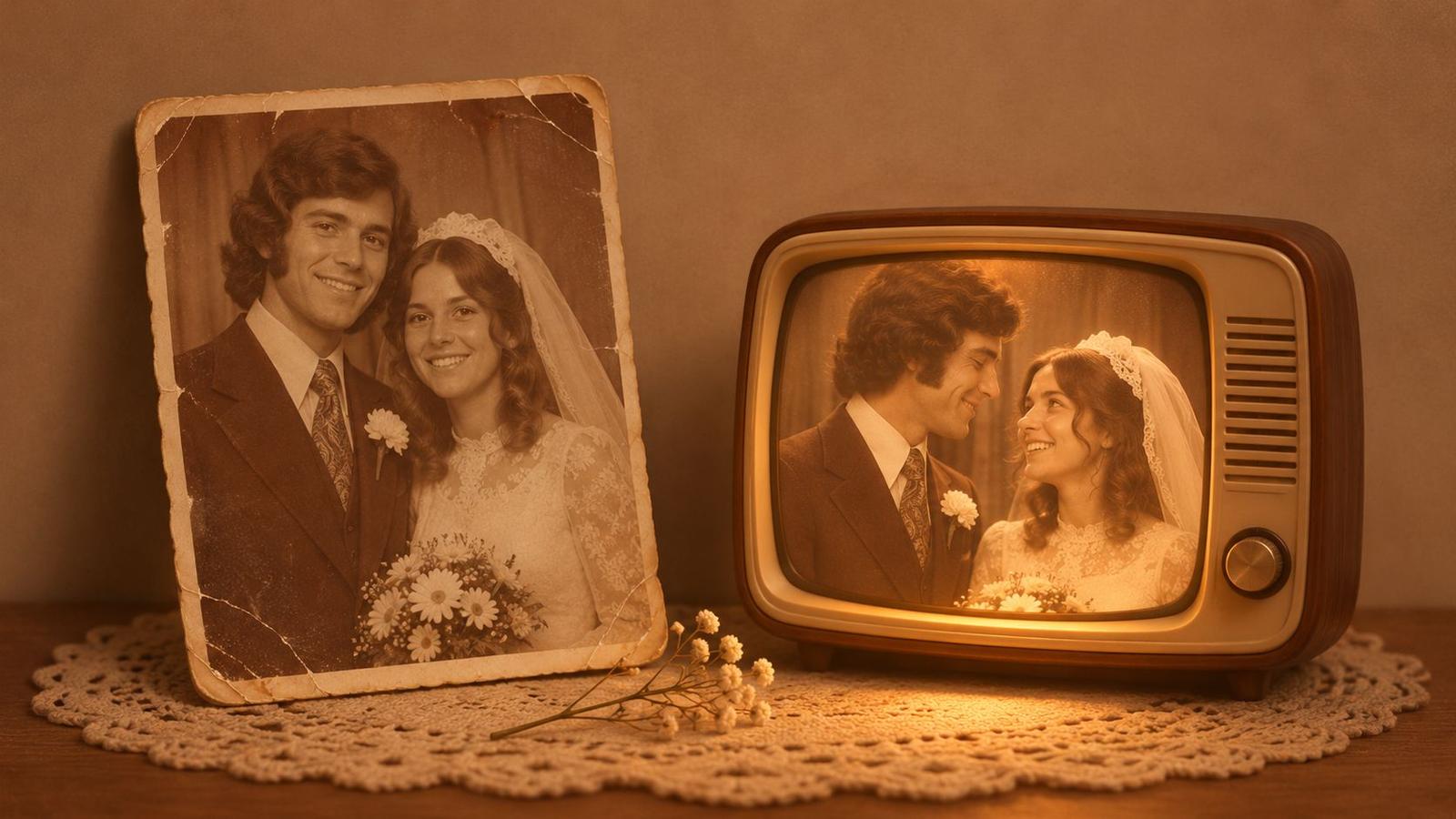
A worn wedding print can be more meaningful than a technically perfect recent portrait. Old photo revival works when the photograph itself is the emotional centre, especially if relatives haven't seen it outside an album.
The preservation need is substantial: a ScanMyPhotos account of a 2024 survey of 450 Consumer Electronics Show attendees reported that 90% had not digitized their analog photographs, slides, or home movies. That's a limited attendee survey, not a census of families, but it offers a practical reason to scan before editing.
Preserve the original character
Scan the print in colour, even if it looks monochrome, so you retain its paper tone. Keep an untouched master file and make restoration adjustments on a copy. Remove distracting dust carefully, but don't smooth away skin texture or automatically replace damaged facial details.
Say you're reviving a faded reception photograph for a family dinner. Show the untouched scan first, introduce a restrained camera move, and finish with a relative's recollection of the occasion. Our black-and-white animation guide can help you plan motion that suits an older image.
Preservation rule: Animation is an interpretation of a photograph, not recovered footage of what happened.
A slow zoom usually asks less of a damaged image than subject movement. If eyes or hands are unclear, leave them still rather than encouraging the generator to invent detail.
3. Then and Now Split Comparison
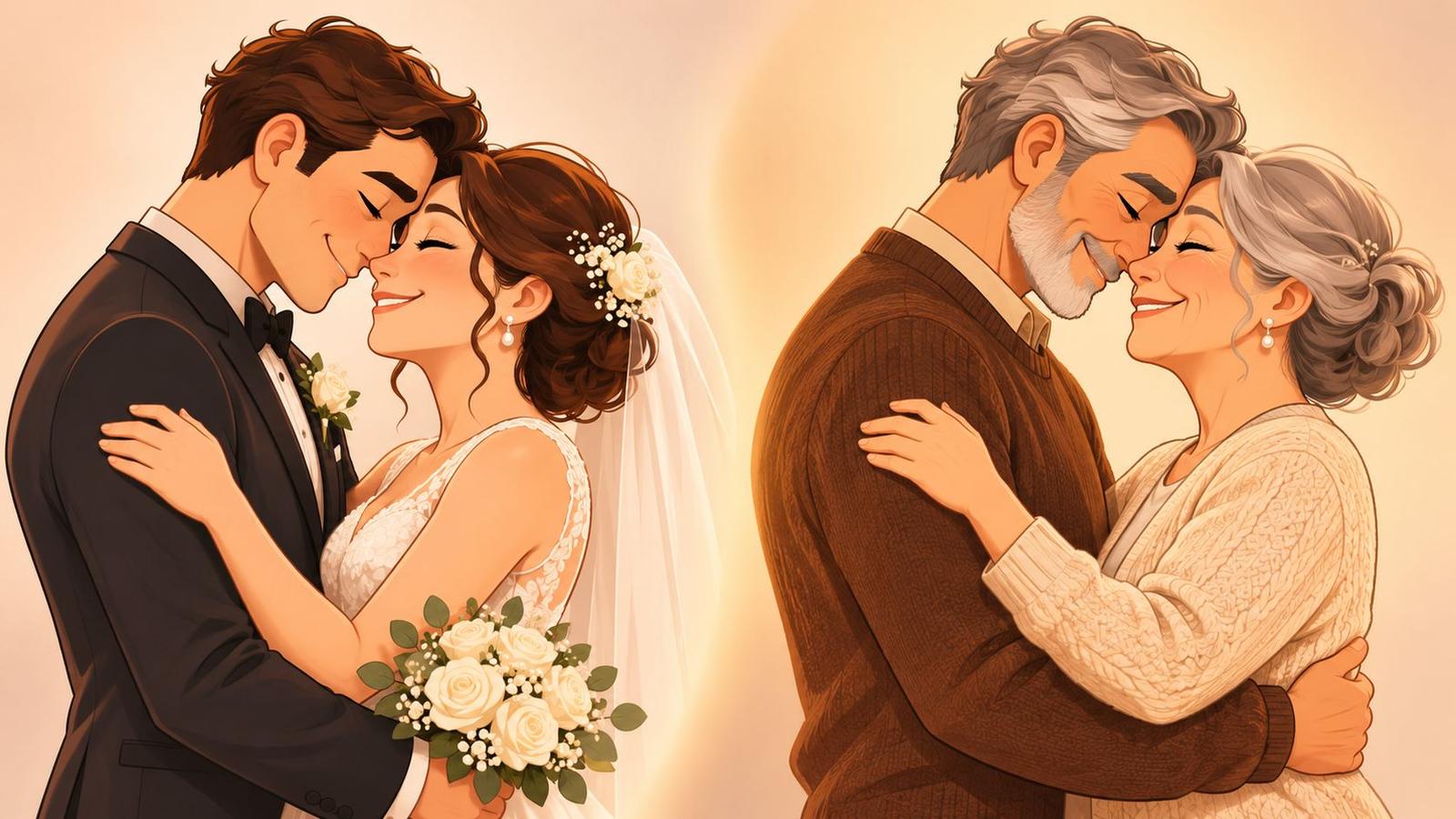
Use this when you have a strong early photograph and a strong recent one, but little in between. A then-and-now comparison makes an uneven archive feel intentional. It doesn't need to account for every intervening year.
For a wedding-anniversary greeting, pair the original wedding portrait with a current photograph taken in a similar pose. The connection can come from matching expressions, joined hands, or the same location. Don't force a visual match if doing so requires cropping out an important person.
- Match face size: Adjust the crops so the couple occupies a similar area in each frame.
- Match movement: Use the same restrained camera direction on both images.
- Name the connection: Add a brief caption about the relationship, location, or shared ritual.
A split screen lets viewers compare details directly, but it makes each image smaller on a phone. A sequential edit gives each photograph more room and is often the better choice when faces are distant.
Avoid morphing the younger faces into the older ones unless the couple specifically wants that treatment. A clean dissolve shows the passage of time without inventing the years between. End on the recent photograph long enough for viewers to recognise the people they know today.
4. Year-by-Year Anniversary Montage
The chronological montage is the right choice when you have a reasonably complete archive and viewers want the full story. It can include wedding photographs, homes, holidays, changing hairstyles, friendships, and everyday routines. It struggles when editors give every picture equal weight.
Start by sorting images into dated folders, then choose photographs that introduce something new. If several years look similar, select the strongest image rather than treating completeness as an obligation. Our anniversary photo video guide offers a workflow for turning those selections into a coherent tribute.
Use this embedded example as a reference while considering your own sequence.
Build around chapters, not just dates
Group the timeline into recognisable stages, such as early adventures, building a home, and life today. Keep year labels consistent, and don't invent dates when the family isn't sure. An approximate life stage is better than a confidently incorrect caption.
Music should support the edit rather than determine every cut. If you're considering a personalised soundtrack, how Song Tailor crafts anniversary songs offers ideas for turning specific memories into lyrics.
- Edit for meaning: Keep a photograph because it contributes a story, not because it fills a gap.
- Confirm permissions: Choose music with terms that cover your intended sharing.
- Keep a clean version: Save an export without music so you can change the soundtrack later.
Not every image needs animation. Alternating moving photographs with untouched stills can give viewers a welcome visual pause.
5. Memorial Anniversary Tribute
A memorial anniversary video needs a different standard of restraint. The aim is recognition and remembrance, not the illusion that someone has returned. A familiar portrait, a dedication, and an authentic voice recording can be enough.
For a surviving partner marking a wedding anniversary, begin with the original photograph and keep the movement in the camera rather than the person's face. Close with a message approved by the partner, not a generic sentiment chosen by an editor. Don't assume they want the result shared publicly.
Agree on boundaries before generating
Ask close relatives whether animation feels appropriate and which photographs they're comfortable using. Some will welcome gentle movement; others will prefer an entirely still image. Make room for both responses without framing either as less loving.
Research on family-memory systems and the capture and replay of significant moments identifies privacy concerns that are relevant to intimate family recordings. Decide who receives the finished file and whether recipients may repost it.
A respectful still photograph is better than an animation the family finds unsettling.
Keep any dedication factual and personal. Don't generate speech, expressions, or gestures that suggest the person participated in an event they never attended, and disclose when an image has been animated.
Save the original portrait, approved wording, and final export together. That makes future revisions possible without asking relatives to revisit every decision during another emotionally difficult occasion.
6. Anniversary Greeting Card Video
A greeting card video delivers a private message without demanding a full tribute. It suits a first-date photograph, a favourite holiday snapshot, or a candid picture that means more to the recipient than it would to an audience.
For example, send your partner an animated photograph of the café where you met, followed by a sentence about returning there together. The location can do the storytelling even when neither person appears in the frame. That's often more personal than applying a romantic template to an unrelated portrait.
Keep the greeting brief enough to read comfortably during playback. If you need a longer letter, send it alongside the video rather than squeezing it onto the image.
Make the card understandable without sound
The 3Play Media accessibility statistics collection reports that 41% of online videos are incomprehensible without sound or captions. A family greeting shouldn't depend on the recipient hearing a lyric or spoken message at the right moment.
- Use readable contrast: Place text on a solid or shaded panel when the photograph is busy.
- Caption speech: Include the meaning of any voice message on screen.
- Protect faces: Keep greetings away from eyes, mouths, and important details.
Send a test copy to yourself and watch it muted on your phone. Check that the message remains visible long enough and that the final frame doesn't disappear abruptly. A direct video attachment can suit a private greeting, but review the received copy for compression before sending it to everyone.
7. Brand or Business Anniversary Product Visual
Not every anniversary video celebrates a couple. A business anniversary clip can connect a current product with the people or place behind it, using existing photographs rather than arranging a new shoot.
Say a neighbourhood coffee shop has a photograph of its original storefront and a clean image of its current coffee packaging. Open with the storefront, transition to the product, and finish with a thank-you to customers. Keep the anniversary message separate from any offer so you can reuse the historical portion later.
This format works best when the source image is already accurate and well lit. Animation won't fix unreadable labels or reflections that hide the product.
Protect product accuracy
- Keep packaging stable: Check lettering, logos, seams, and closures throughout the clip.
- Prefer camera movement: A gentle push-in is safer than asking a rigid package to rotate from an angle the photograph doesn't show.
- Prepare the crop first: Leave room for the anniversary message without covering the product.
A founder portrait can carry the human story, while a packshot supplies a clear ending. Don't ask a generated clip to demonstrate a product function unless the result can be checked against the actual product.
The trade-off is straightforward: a subtle visual can introduce an anniversary campaign, but it can't replace a clear offer or an accurate business history. Keep founding claims, dates, and promotional terms in editable text, and have someone responsible for the business approve them before publication.
8. Milestone Tribute Reel for Events
An event reel has a specific job: give the room a shared moment before a toast or presentation. It shouldn't compete with dinner service, require guests to read dense captions, or delay the person waiting at the microphone.
For an anniversary dinner, select an opening portrait, a meaningful shared memory, a family image, and a closing greeting. Gather contributions early enough to resolve missing names and permissions before the venue rehearsal. One editor should make the final selection so the reel doesn't become a collection of unrelated requests.
A VideoScribe compilation citing Wyzowl reports approximately 50% average engagement for videos under one minute. That marketing benchmark doesn't predict family-event attention, but a brief edit is a sensible starting point when guests are waiting for the next part of the celebration.
Build separate event and sharing versions
Make the room version for the actual screen, then prepare a phone-friendly edit from the same project. Reposition captions rather than cropping the finished video and cutting off faces.
- Test the venue: Check playback, sound level, screen shape, and text from the back of the room.
- Keep playback local: Download the final file rather than relying on a live connection.
- Assign an operator: Give a named person the file and a clear playback cue.
Event edit advice: Cut anything guests need explained before they can understand it.
A longer family film can be shared afterward. The event reel only needs to establish the mood and hand the room back to the celebration.
9. Anniversary Parallax Portrait
A parallax portrait creates apparent depth by moving the foreground and background differently. Choose it for a formal photograph with clear separation between the couple and their surroundings. It's a visual treatment, not a substitute for a story.
For an anniversary announcement, a studio portrait against softly blurred foliage can support a restrained forward camera move. The result can accompany an invitation or serve as an opening image in a longer film. A crowded reception photograph is less suitable because overlapping guests make depth separation harder.
Inspect the edges, not just the faces
Hair, veils, glasses, chair backs, and the spaces between arms often reveal problems first. When a simulated camera move exposes an area hidden in the original photograph, the software must fill it. Bigger movements therefore create more opportunities for invented detail.
- Choose visible separation: A distinct subject against a simpler background is easier to work with.
- Leave breathing room: Avoid tight crops that cut through hair, hands, or clothing.
- Reduce the move: If edges stretch or backgrounds bend, simplify rather than adding another effect.
Compare the animation with a plain slow zoom before deciding which to keep. The simpler version may preserve the photograph more faithfully.
Parallax also needs less help from transitions than many editors assume. Let the movement settle, add a restrained title, and end cleanly. Stacking lens flares, floating particles, and elaborate transitions can make a carefully posed anniversary portrait feel like an effects demonstration.
10. Family Heritage Anniversary Keepsake
Choose a heritage keepsake when the anniversary is an opportunity to preserve the family record. Unlike a party reel, it should remain understandable to someone who wasn't present and may not recognise everyone on screen.
A couple's anniversary can provide the centre, with chapters about their homes, friendships, children, chosen family, and shared traditions. Ask contributors for names, locations, and a sentence explaining why each photograph matters. Don't make the couple's story depend on having children or following a conventional family timeline.
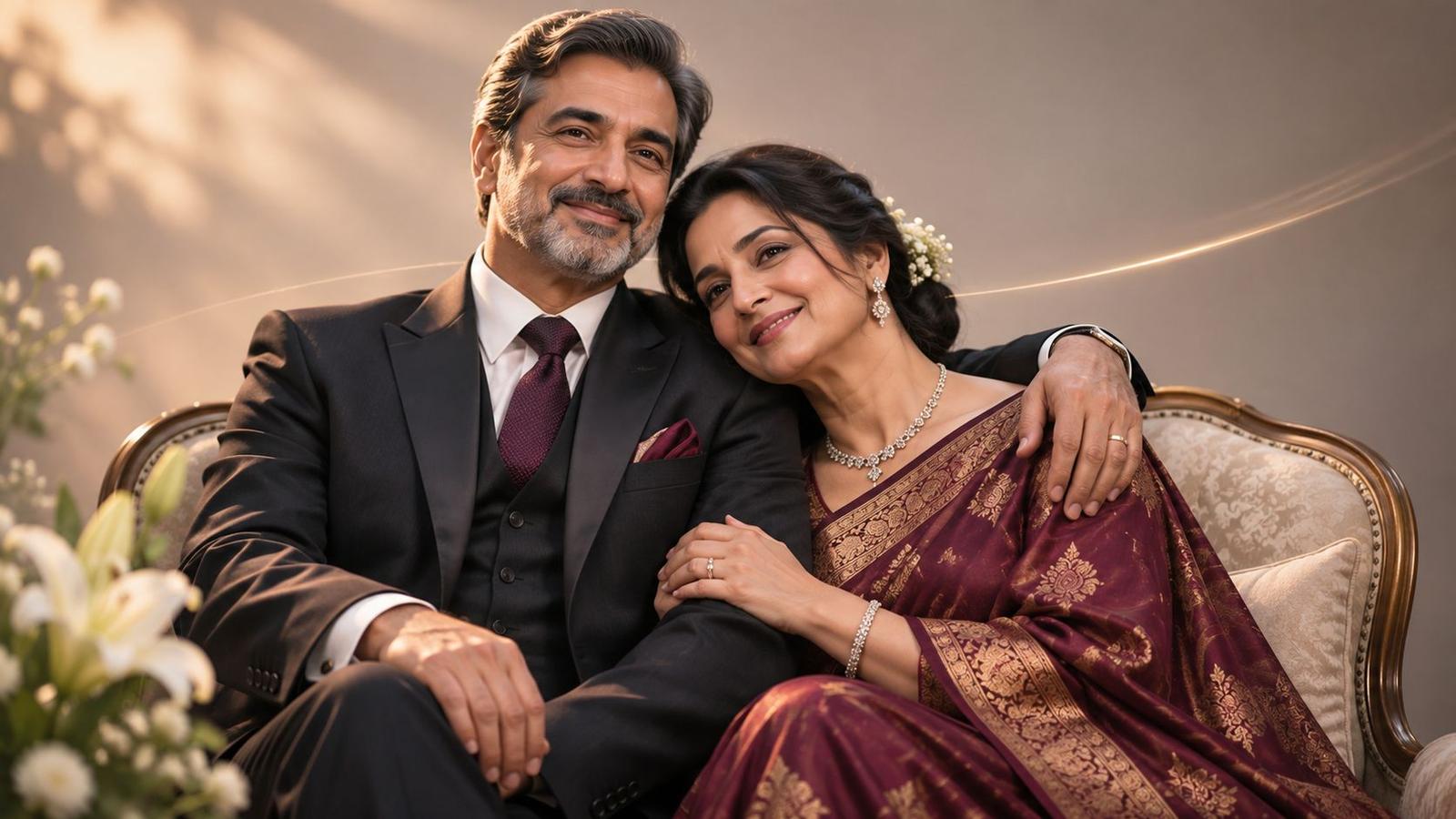
Preserve the explanation alongside the image
A systematic review of digital storytelling interventions for older adults found memory-related benefits in 88% of the included studies. That finding concerns structured interventions, not a promise about an anniversary montage, but it supports giving meaningful personal context priority over decorative effects.
For example, pair a kitchen photograph with a grandchild's recollection of Sunday meals. If an existing recording contains useful speech under background music, AI tools for isolating video dialogue may help you prepare it, though you should compare the processed voice with the original.
- Keep source files: Save untouched scans separately from animated versions.
- Preserve annotations: Store names, captions, and narration outside the editing project too.
- Make independent backups: Keep the finished film and its materials in separate storage locations.
Build a private archive version first. Then remove sensitive photographs or recordings when preparing a shorter version for wider sharing.
How the 10 anniversary video formats compare
| Item | Best For | Suggested Length | Main Limitation |
|---|---|---|---|
| Living Photo Anniversary Clip | Sharing one cherished anniversary photo | 5 to 6 seconds | Captures only one moment, with subtle motion |
| Old Photo Revival for a Couple's Early Years | Turning old family photos into keepsakes | 5 to 6 seconds | Damaged or low-resolution photos may produce artifacts |
| Then and Now Split Comparison | Showing a couple's journey with two photos | 6 to 12 seconds | Requires two well-matched photos |
| Year-by-Year Anniversary Montage | Creating a longer tribute to a relationship | 60 to 120 seconds | Gathering and dating photos takes time |
| Memorial Anniversary Tribute | Remembering a loved one on an anniversary | 5 to 6 seconds | Animation may be upsetting for some family members |
| Anniversary Greeting Card Video | Sending a personal anniversary message | 5 to 6 seconds | Text may need to be added in a separate editor |
| Brand or Business Anniversary Product Visual | Celebrating a business milestone with product or brand imagery | 5 to 6 seconds | Motion can distort product details or feel gimmicky |
| Milestone Tribute Reel for Events | Sharing a tribute at an anniversary event | 30 to 60 seconds | Requires coordinating photos and event playback |
| Anniversary Parallax Portrait | Adding cinematic motion to a posed portrait | 5 to 6 seconds | Extreme movement can distort faces or image edges |
| Family Heritage Anniversary Keepsake | Creating a multi-generation family keepsake | 2 to 5 minutes | Collecting photos from relatives can take weeks |
Pick One Format This Anniversary and Start With Your Best Photo
Start with the photograph that matters most, not the longest possible timeline. A single living clip suits a treasured portrait, a split comparison suits early and recent images, and a montage suits an archive with enough variety to sustain a story. Missing years aren't a failure; they're a reason to organise around places, rituals, and people instead.
Keep the original photograph as your reference throughout the process. Compare faces, hands, clothing, and background details before approving any animation. If the movement changes what you value about the image, reduce it or use the still photograph.
Make a small first edit
Choose an opening image, write its caption, and generate a restrained version before collecting more material. Our workflow turns a still photo into a downloadable MP4, and Photo for Video starts at $1, with no subscription required to buy credits. Preset motion styles include Subtle & natural, Smile toward camera, Cinematic push-in, and Gentle ambient movement.
The quieter presets are a sensible starting point for family photographs, especially older scans. A smile prompt can change an expression, so use it only when that change suits the person and the occasion. You don't need to animate every photograph to make the finished video feel considered.
- Review with the recipient in mind: A private greeting, memorial, and public party reel need different boundaries.
- Check the viewing device: Test text and sound on the phone, television, or venue screen people will use.
- Save beyond the platform: Download your MP4 before our 7-day automatic deletion window, and keep it with the original image and caption.
Ask a trusted relative to check names and sensitive details before you share the final version. Give them a specific review task rather than asking whether they like it, since factual corrections are easier to act on than competing editing preferences.
The best anniversary video ideas don't require the largest archive or the most elaborate motion. They require a clear purpose, recognisable people, and enough context for the memory to mean something. Choose a format, make a short first clip this week, and decide what belongs around it after you've watched it.
Photo for Video turns a treasured still photograph into a short MP4 with natural AI motion for anniversary greetings, tribute reels, and family keepsakes. Visit Photo for Video, upload your best image, and describe a gentle camera move to begin your anniversary clip.