Best Photo Animation App: Top Tools for 2026
Find the best photo animation app for your 2026 projects. Explore 10 top tools for AI tributes, stunning social media reels, and moving pictures. See pros &
You're probably here with a specific photo open on your phone or desktop. It might be a faded print of a grandparent, a wedding portrait you want to use in an anniversary video, or a birthday photo that feels too important for a tacky animation preset. In that moment, the hard part isn't finding an app that can make a photo move. It's finding one that makes it move in the right way.
That distinction matters more than most comparison lists admit. Some tools create gentle scene motion that feels respectful and cinematic. Some make a face talk. Some are best for looped cinemagraphs. Some are built for editors who want full control, and some are built for a family member who just wants a clean result without wrestling with timelines and masks.
The best photo animation app depends less on features than on emotional tone. If you're working with an irreplaceable old photo, “fun” isn't enough. You want subtle motion, preserved texture, and a result that still feels like the person in the picture. If you're making social clips, speed and shareability matter more.
Below are the tools that stand out in 2026, grouped by the kind of animation feel they produce.
Table of Contents
- 1. Photo for Video
- 2. Motionleap by Lightricks
- 3. Corel PhotoMirage
- 4. Plotaverse Plotagraph
- 5. Immersity AI formerly LeiaPix Converter
- 6. MyHeritage Deep Nostalgia
- 7. D-ID Creative Reality Studio
- 8. TokkingHeads by Rosebud AI
- 9. Runway
- 10. Kaiber
- Top 10 Photo Animation Apps, Feature Comparison
- Final Thoughts
1. Photo for Video
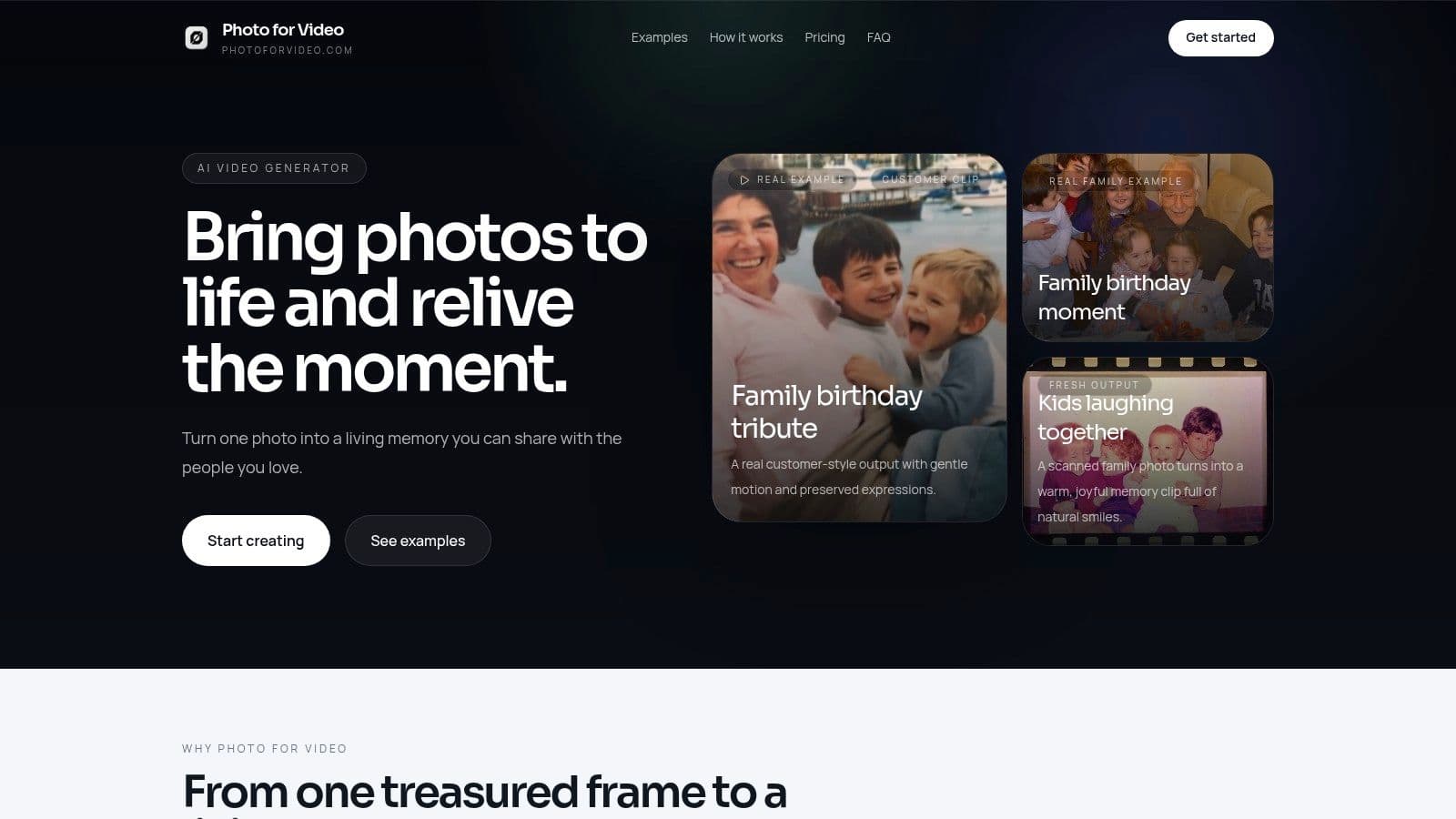
You find one photo that matters more than the rest. A wedding portrait with soft grain. A scanned snapshot of a parent. A single image you want to use in a tribute video without making it feel artificial. Photo for Video is one of the better tools for that job because the motion it generates tends to feel restrained and memory-friendly, not theatrical.
The workflow is simple. Upload one still image, describe the movement you want, then generate a short MP4 with subtle subject motion, camera drift, or both. For older family photos, that restraint matters. The goal is usually not to make someone perform. It is to preserve the expression people already know.
A practical place to start is the service's photo animation workflow, especially if you're working from scanned prints or faded portraits.
Why It Stands Out
Photo for Video fits the "natural AI motion" category better than the talking-head or cinemagraph tools in this list. That makes it a strong first choice for memorial intros, anniversary edits, and slideshow moments where the final animation should feel gentle and believable.
It also keeps the process approachable. You get watermark-free exports, examples that show the tone the tool is aiming for, and guidance focused on tribute storytelling instead of novelty effects.
Practical rule: If the photo is emotionally irreplaceable, choose the app that adds the least distracting motion.
The main trade-off is scope. The clips are short, which works well for opening moments, montage inserts, and social posts, but not for a full narrative sequence built from one image. The platform's website lists plans like Lite at $14.99 per month, Plus at $24.99 per month, and Pro at $49.99 per month. It also notes credit-based generation and automatic deletion of uploads and generated videos after 7 days, which may matter if you are handling private family images.
Best Use Cases
- Family tributes: Best for a calm opening shot or a brief emotional beat inside a memorial or birthday video.
- Old photo restoration projects: A good fit when you want motion that respects the original pose and expression.
- Occasional editors: Credit refills make sense if you only animate a few images each month.
- Social montage creators: Short MP4 exports drop easily into reels, slideshows, and timeline-based edits.
The trade-off is clear. If you want long-form storytelling, face-sync dialogue, or highly stylized motion, use a different app from this list. If you want a treasured photo to feel present for a few seconds without losing its dignity, Photo for Video is one of the strongest starting points.
2. Motionleap by Lightricks
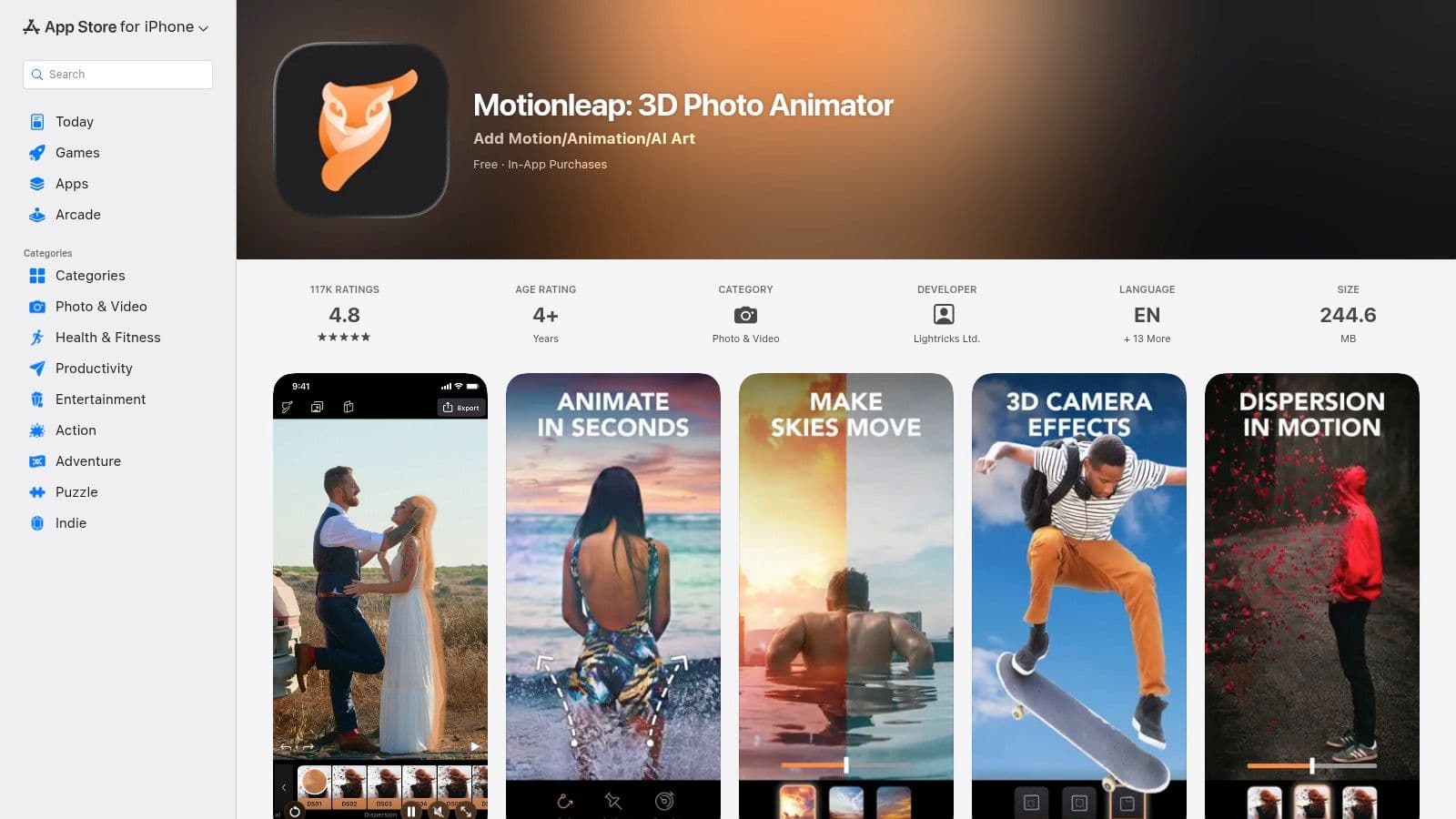
Motionleap is a good reminder that the best photo animation app isn't always the most advanced AI model. Sometimes you just need to add believable movement to water, clouds, hair, or a slow camera drift, and you want to do it directly on your phone. That's where Motionleap still works well.
It's a mobile-first app built for cinemagraph-style edits. You draw motion paths, pin the areas that should stay still, and export a looping clip that keeps most of the original image intact. For family edits, that can be more tasteful than full AI generation, especially when you don't want the face itself to change much.
Best for Cinemagraph Style Motion
Motionleap is specifically designed to bring life to images through 3D animation and has established itself as a key app for photo animators in the Apple App Store, as noted in Shotkit's overview of photo animation apps.
A few real trade-offs matter here:
- Best on mobile: It's fast because the workflow is simple, but desktop editors may find it limiting.
- Better for atmosphere than acting: It's stronger at moving parts of a scene than generating nuanced facial performance.
- Privacy appeal: Running on-device can feel more comfortable for personal family photos.
If your goal is “make this still feel alive” rather than “make this person speak,” Motionleap remains one of the easiest tools to recommend.
3. Corel PhotoMirage
Corel PhotoMirage is the tool for people who want manual control and don't want AI making aesthetic choices on their behalf. It's desktop software for Windows that turns still images into loopable motion using anchor points, motion arrows, and masks. That sounds simple, and in practice it is.
What makes PhotoMirage useful is predictability. If you need a soft looping background for a slideshow, memorial display, digital signage, or a webpage hero, it gives you precise control over what moves and what stays locked. You avoid the uncanny artifacts that can show up when AI tries to infer too much from the photo.
Best for Precise Looping Motion
This isn't the tool for talking portraits or full cinematic video generation. It's for a different look entirely. You're creating a smooth moving photo, not a synthetic performance.
Gentle loops often age better than dramatic AI motion. That matters when the clip will be shown repeatedly at an event or on a memorial page.
The downsides are clear. It's Windows-only, and it doesn't offer the kind of prompt-driven automation people now expect from newer AI tools. But if you care more about exact control than novelty, PhotoMirage still earns a place on this list.
Visit Corel PhotoMirage.
4. Plotaverse Plotagraph
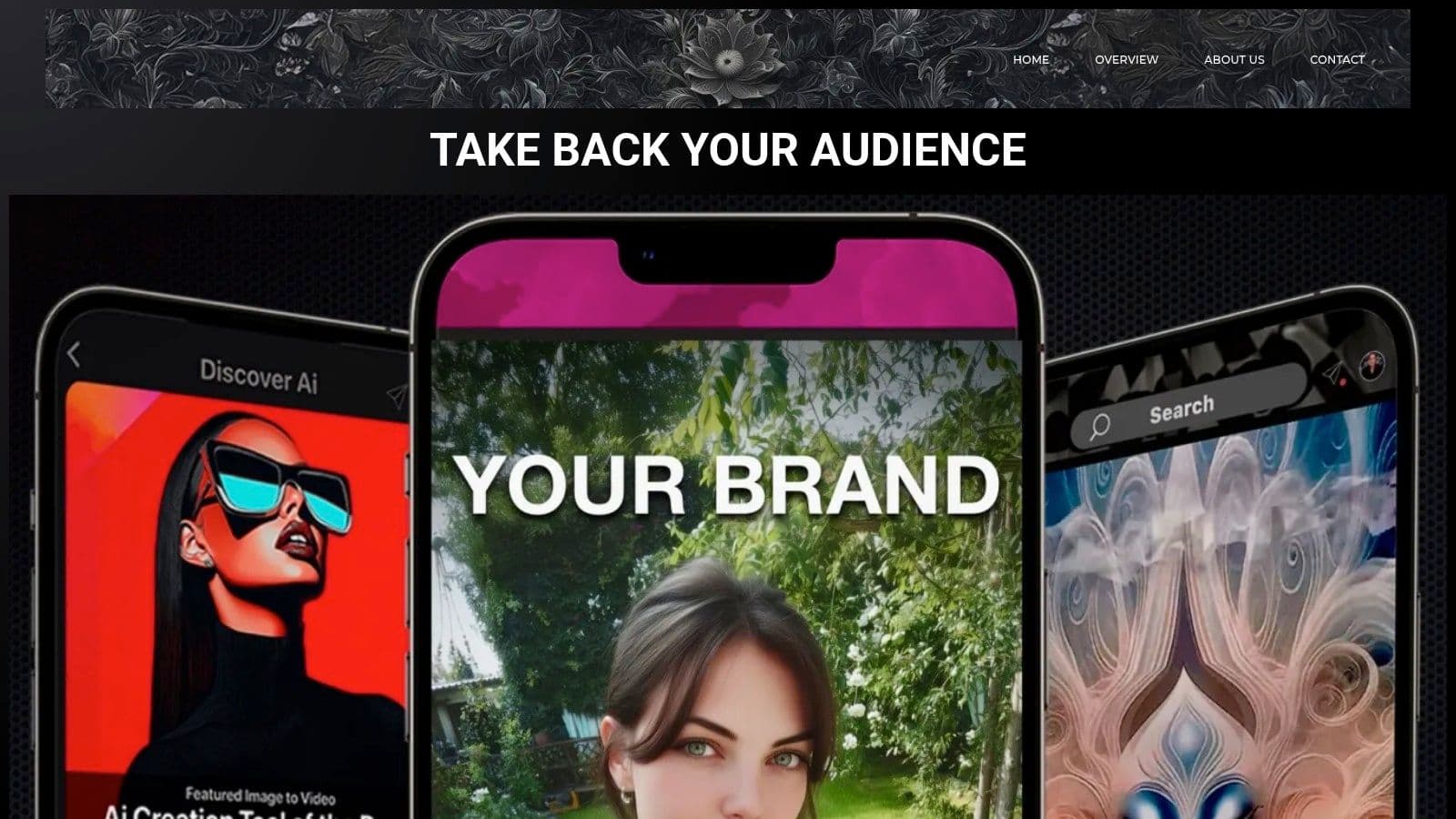
Plotaverse has been around long enough to feel like part of the foundation of animated photo tools. If you've seen looped motion art where specific parts of a still image drift or flow while the rest stays frozen, you've probably seen the style it helped popularize.
The suite combines photo motion, edits, effects, and video-oriented tools across web and mobile. Its patented pixel-shifting approach gives it a distinct visual feel. It's often less about realism and more about motion design. That can be beautiful, especially for artistic tributes, social posts, or visual storytelling that leans expressive instead of documentary.
Best for Motion Art and Community Presets
Plotaverse is strongest when you want inspiration as much as output. The creator community and asset library help if you'd rather start from proven visual ideas than from a blank canvas.
- Good fit for creatives: Presets and community examples speed up experimentation.
- Less ideal for subtle memorial realism: The aesthetic can drift toward stylized motion art.
- Worth checking before paying: Subscription details can be harder to evaluate before you're fully inside the account flow.
If your photo animation app needs to feel artistic first and literal second, Plotaverse is still relevant.
5. Immersity AI formerly LeiaPix Converter
A scanned wedding portrait, a vacation photo, a childhood snapshot. Sometimes the goal is not to make the person speak or smile. The goal is to give the image a quiet sense of presence without changing what made it meaningful in the first place.
Immersity AI fits that job well. It turns a flat photo into a depth-based animation, so the finished clip feels like a gentle camera move through the scene. That distinction matters. The emotional tone is usually more respectful and less synthetic than apps that generate new facial motion.
For tribute videos, memorial slideshows, travel memories, and old printed photos, that restraint is often the right trade-off. You get movement, but the app is mostly interpreting distance and perspective rather than inventing expression. If you want a portrait to speak or perform, a tool built for AI talking photo effects is a better fit.
Best for Gentle 3D Motion in Still Photos
Immersity AI works best on images that already have a clear subject and some foreground-background separation. Portraits, street scenes, scenic views, and posed family photos tend to respond well. Flat scans with busy edges or heavy damage can still work, but the depth effect may need more cleanup to look convincing.
Use it when you want:
- Subtle parallax: The photo feels alive without drifting into a surreal look.
- A fast workflow: Upload, generate depth, export.
- Safer motion for irreplaceable images: Camera movement usually preserves the mood of the original photo better than invented face animation.
The limitation is straightforward. Immersity AI is about spatial motion, not character performance. It will not create the same emotional result as a talking-head tool or a cinematic image-to-video model.
Visit Immersity AI.
6. MyHeritage Deep Nostalgia
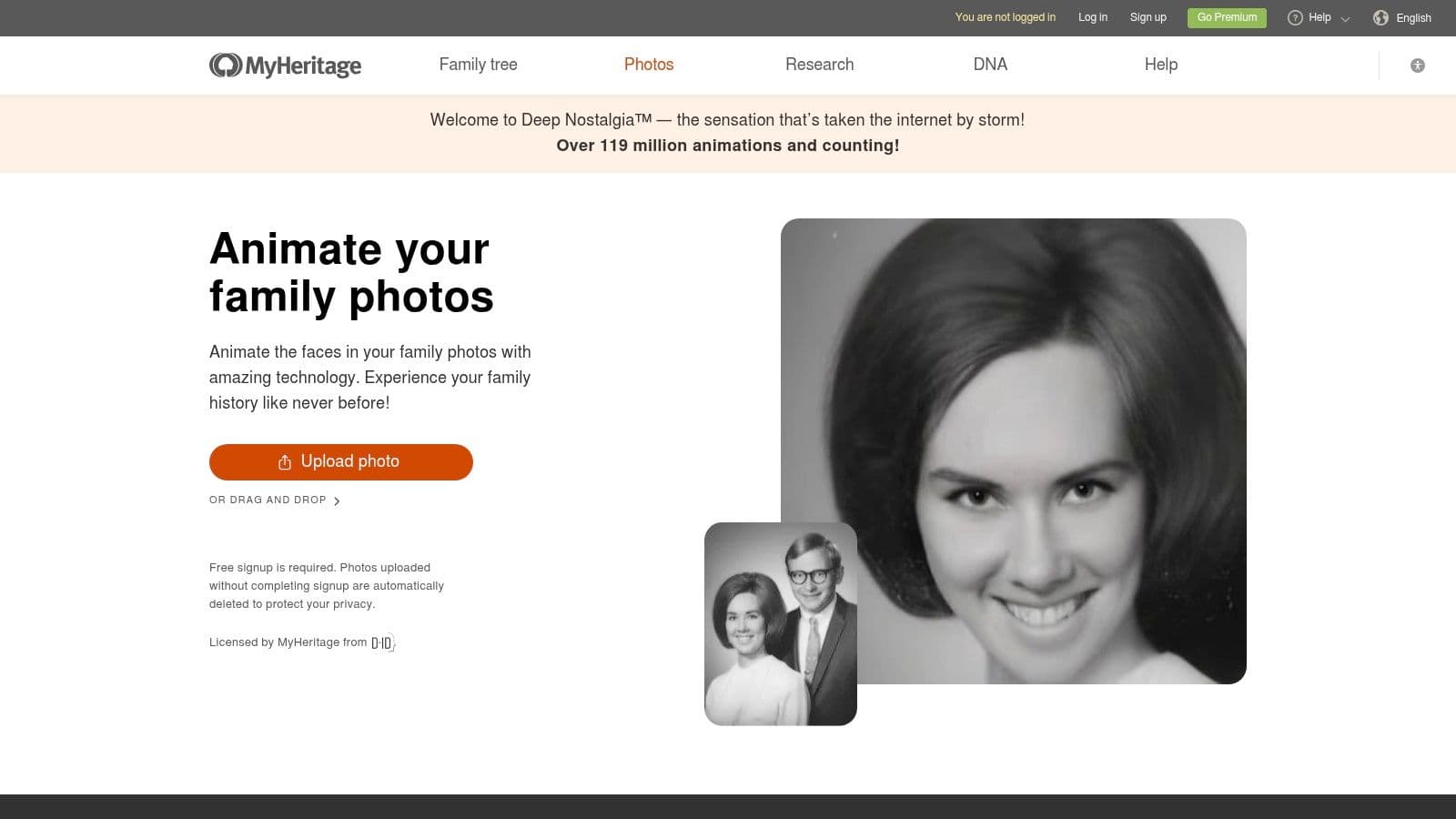
MyHeritage Deep Nostalgia remains one of the most recognizable names in family-photo animation because it's pointed directly at heritage use. If you have a scanned portrait of a parent, grandparent, or great-grandparent and want a quick, one-click facial animation, it's still one of the easiest ways to get there.
The appeal is simplicity. It also pairs naturally with restoration-oriented tools in the MyHeritage ecosystem, which matters when the original image needs cleanup before animation. That all-in-one family-history angle still gives it a place, especially for people who care more about a straightforward sentimental result than about creative control.
A broader look at where this category is heading is useful too. Advanced models now handle subtle motion better than free mobile 3D zoom tools, which is one reason many creators looking for more cinematic memorial clips move beyond one-click face animation. For that wider shift, see this practical guide to AI photo to video generator options.
Best for Heritage Portrait Animation
MyHeritage works best when the photo is a clear single face and the goal is a short emotional keepsake. It's less useful when you need full-scene motion or an editor-ready clip with custom camera language.
Pre-curated face motion can be comforting for family history projects because you're choosing from restrained patterns rather than improvising with a blank prompt.
The main caution is scope. This is a face-first tool, not a whole-image animation studio.
Visit MyHeritage Deep Nostalgia.
7. D-ID Creative Reality Studio

D-ID sits in a different category from the tools above. It's for talking portraits. If you want a still image to deliver a message, read a script, narrate a memorial line, or speak in multiple languages, D-ID is one of the established platforms in that lane.
That distinction matters because “talking photo” and “animated photo” aren't the same thing. A talking portrait can be powerful in the right context, but it can also feel too direct for sensitive family work. It's often better suited to event intros, informational clips, or commemorative messages than to delicate montage moments.
Best for Talking Portraits
D-ID supports face animation from text-to-speech or uploaded audio, multilingual voice options, and business-ready workflows including API access. That makes it attractive for teams, agencies, and organizations that need repeatable output.
If you're considering this format, it helps to compare it against gentler motion-first options. This overview of talking photos AI workflows is useful because it makes the tone difference obvious.
- Best when speech is the point: Announcements, narrated keepsakes, or multilingual messages.
- Less suitable for subtle tribute visuals: The output is centered on speaking behavior.
- Plan carefully: Trials or lighter plans may include watermarks, and minutes-based billing can shape the workflow.
Visit D-ID Creative Reality Studio.
8. TokkingHeads by Rosebud AI
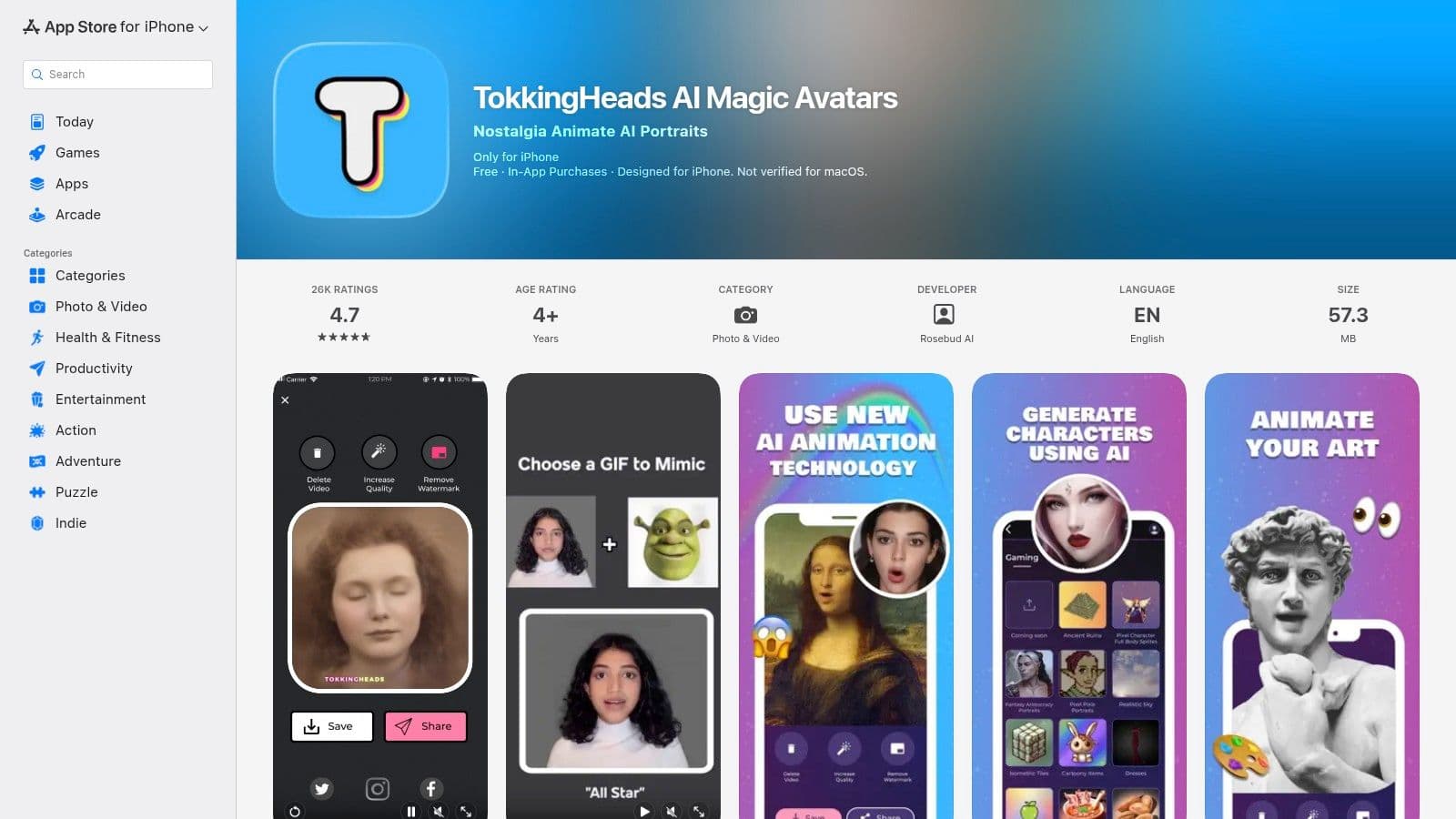
TokkingHeads is the fast, playful option on this list. It's an iPhone-first app that animates a portrait with face motion, lip-sync effects, and lightweight puppeteering tools. If you want to turn a single portrait into a quick reel or a playful family message without learning a full editor, it's approachable.
Its strength is speed. You can move from still image to shareable result quickly, and the interface doesn't ask much from the user. That makes it appealing for casual creators and family members who don't want to think in layers, masks, or prompts.
Best for Fast Playful Face Animation
TokkingHeads works well when the goal is charm, humor, or novelty. It's not the app I'd choose for a serious memorial piece.
That's consistent with a broader split in the market. Some mobile-first face apps are optimized for humorous, shareable expressions rather than the restrained motion needed for emotional keepsakes, as discussed in this community comparison of AI picture animation services.
Use it when you want a friendly, quick result from one portrait. Skip it when the photo carries a lot of emotional weight and you need the animation to feel almost invisible.
Visit TokkingHeads.
9. Runway
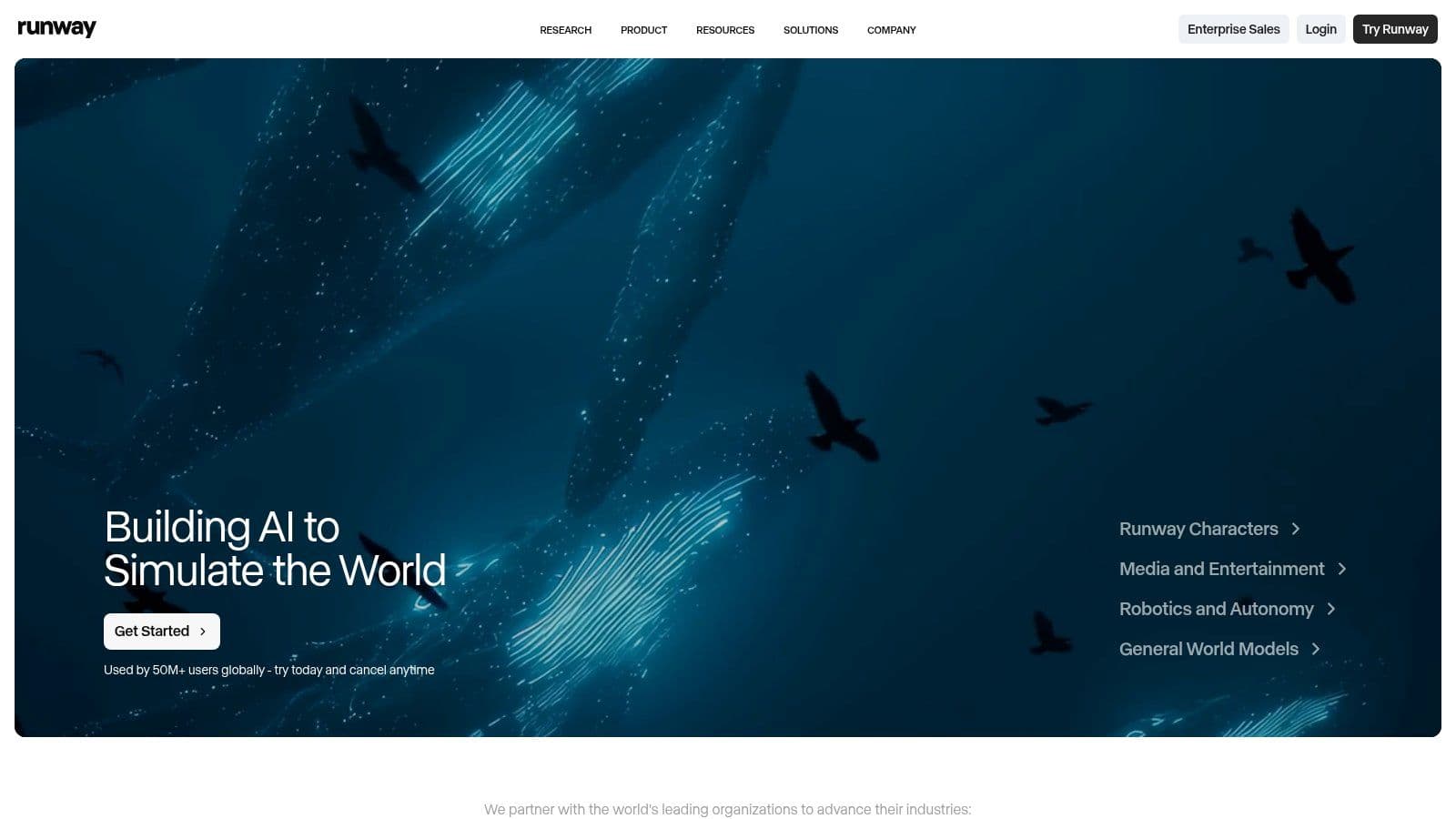
Runway suits people who need the animation to fit into a finished piece, not just stand alone. If you are building a family tribute video, a short documentary sequence, or a polished social campaign from several photos, the primary job is shaping pacing, tone, and continuity across the whole edit. Runway handles that better than the simpler apps on this list because you can generate motion, refine it, and cut it together in the same workspace.
What sets it apart is the feel of control. Some tools are built to produce one striking result from one image. Runway is better when you need a series of animations to feel consistent, restrained, and intentional. That matters with old photos. A single dramatic motion effect can pull attention away from the memory itself.
Best for Editors and Advanced Control
Runway works best for cinematic photo animation rather than novelty animation or face-driven lip sync. Its image-to-video tools, masking, motion controls, and timeline editing let you decide where movement happens and how much of it belongs in the frame. For memorial slideshows or heritage pieces, that usually leads to a calmer result than fully automated apps.
The trade-off is time. Credits, model choices, and iterative prompting can slow down the process, especially for beginners. People who already edit video will get more from it.
A practical way to consider this:
- Choose Runway if you need multiple animated photos to share one visual tone.
- Choose something simpler if you want one quick result with almost no setup.
- Be conservative with motion when the source photo is emotionally important. Small camera drift often feels better than dramatic movement.
Runway is less about bringing a single face to life and more about shaping a complete piece with intention.
Visit Runway.
10. Kaiber
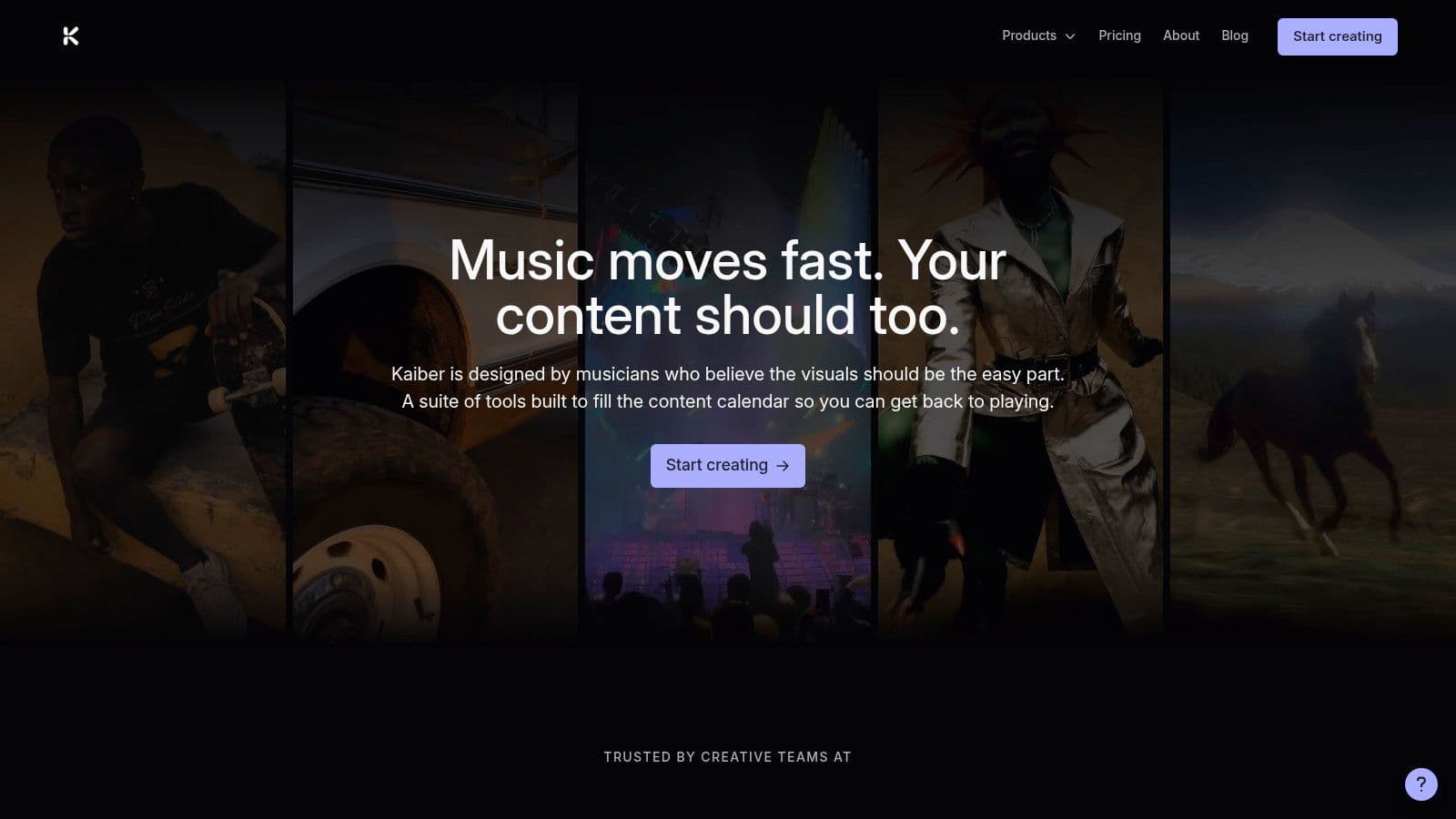
Kaiber is the tool I'd reach for when the animation needs style more than fidelity. It can turn a single still into a short clip with prompt-driven movement, camera changes, and a stronger visual signature than the more restrained tools on this list.
That makes it useful for social reels, mood pieces, music-adjacent visuals, and fast concepting. If the original photo is precious and documentary in value, I'd be careful. If the goal is to build an evocative short-form visual, Kaiber can be a better match than a realism-first tool.
Best for Stylized Short Social Clips
The wider market helps explain why tools like Kaiber are part of the conversation at all. The animation software market report highlights a 71% surge in demand for 3D animation tools and a 64% year-over-year growth in VFX-based content production in 360 Research Reports. People want motion that feels designed, not just automated.
Kaiber fits that appetite well. The trade-off is control. You get speed and aesthetic energy, but not the same frame-by-frame precision you'd expect from a more editing-centric platform.
Visit Kaiber.
Top 10 Photo Animation Apps, Feature Comparison
| Product | Core features | UX / Quality (★) | Price / Value (💰) | Target audience (👥) | Unique selling point (✨) |
|---|---|---|---|---|---|
| Photo for Video 🏆 | Single photo → 5–6s living memory, promptable motion, MP4 export | ★★★★☆ Natural, gentle, quick outputs | 💰 Credit subs: Lite $14.99 / Plus $24.99 / Pro $49.99; refills & one‑offs | 👥 Families, creators, tribute editors | ✨ Guided demos, watermark‑free, privacy (auto‑delete 7d) |
| Motionleap (Lightricks) | Path & anchor tools, sky/water FX, camera FX | ★★★★☆ Fast, mobile‑friendly | 💰 Freemium + IAPs | 👥 Social creators, casual editors | ✨ On‑device speed, easy cinemagraphs |
| Corel PhotoMirage | Anchors, motion arrows, loop tuning, GIF/MP4 export | ★★★★ Precise, manual control | 💰 Perpetual license available | 👥 Desktop users, signage/web designers | ✨ Exact loop control, no AI artifacts |
| Plotaverse (Plotagraph) | Pixel‑shift motion, masks, asset library, web + iOS | ★★★★ Mature, community‑driven | 💰 Subscription (creator plans) | 👥 Motion artists, social creators | ✨ Creator community & presets |
| Immersity AI | 2D→3D depth conversion, parallax camera moves | ★★★★ Natural parallax & camera feel | 💰 Web plans / credit options | 👥 Photographers, e‑commerce, families | ✨ Clean 3D parallax from scans/portraits |
| MyHeritage Deep Nostalgia | One‑click face animation, restoration integration | ★★★★ Tasteful, heritage‑focused | 💰 Freemium; unlimited via MyHeritage sub | 👥 Family historians, genealogy users | ✨ Curated face motions + restorations |
| D‑ID Creative Reality Studio | Talking portraits, TTS / uploaded audio, API & batch | ★★★★☆ Business‑grade, multilingual | 💰 Minutes/credits billing; API tiers | 👥 Brands, businesses, global messaging | ✨ Multilingual TTS + API/batch creation |
| TokkingHeads (Rosebud AI) | Face puppeteering, lip‑sync, mobile exports | ★★★☆ Fast, playful results | 💰 Freemium / in‑app purchases | 👥 Mobile users, social sharers | ✨ Quick portrait puppeteering on iOS |
| Runway | Image→Video models, motion brushes, integrated editor | ★★★★☆ Powerful editor + creative control | 💰 Credits + subscription tiers | 👥 Editors, pro creators, studios | ✨ Integrated edit pipeline & models |
| Kaiber | Promptable image→video, style & camera controls | ★★★★ Rapid prototyping for social | 💰 Freemium + subscription/credits | 👥 Short‑form creators, marketers | ✨ Fast, stylized montages from one image |
Final Thoughts
The best photo animation app isn't the one with the longest feature list. It's the one whose motion style matches the job.
For family tributes, memorial videos, anniversaries, and keepsakes, subtle motion wins. A small camera drift, a gentle expression shift, or a quiet sense of depth usually lands better than anything flashy. That's why tools built around natural movement tend to feel more respectful with old photos. They preserve the photo's identity instead of overpowering it.
For that kind of work, Photo for Video stands out because it keeps the workflow simple and the result emotionally usable. You can start with one image, one short prompt, and get a clip that's ready for a montage instead of something you need to rescue in editing. That's a big distinction when you're working on a tribute under time pressure or handling photos that can't be replaced.
If your goal is different, the choice changes fast. Motionleap is great when you want cinemagraph-style motion on a phone. Immersity AI is a better fit when you want tasteful 3D parallax from a scan or portrait. MyHeritage Deep Nostalgia makes sense for quick heritage face animation. D-ID and TokkingHeads belong in the talking-photo lane, where speech or playful expression is the main point. Runway is the strongest pick for editors building finished pieces inside a broader creative workflow. Kaiber works when style matters more than realism.
The wider market also reflects this split. As noted earlier, the category now includes everything from integrated design platforms like Canva and Adobe Express to high-end generative video tools and large mobile animation ecosystems. Free plans are often fine for testing, but they usually come with trade-offs like watermarks, lower export quality, limited templates, or restrictions that make serious tribute work harder. Once a project matters emotionally, those limits become much more noticeable.
If you're choosing today, start with the feeling you want the viewer to have. Not the effect. Not the interface. The feeling. Do you want the image to breathe softly, speak directly, loop artistically, or drift through depth? That answer will narrow your options faster than any feature matrix.
For most readers trying to bring one meaningful photo to life without turning it into a gimmick, the safest recommendation is the app that aims for natural motion first.
If you want a fast way to turn one treasured image into a tasteful short video, try Photo for Video. It's especially strong for birthdays, memorials, anniversaries, and old family photos where gentle motion matters more than flashy effects.