
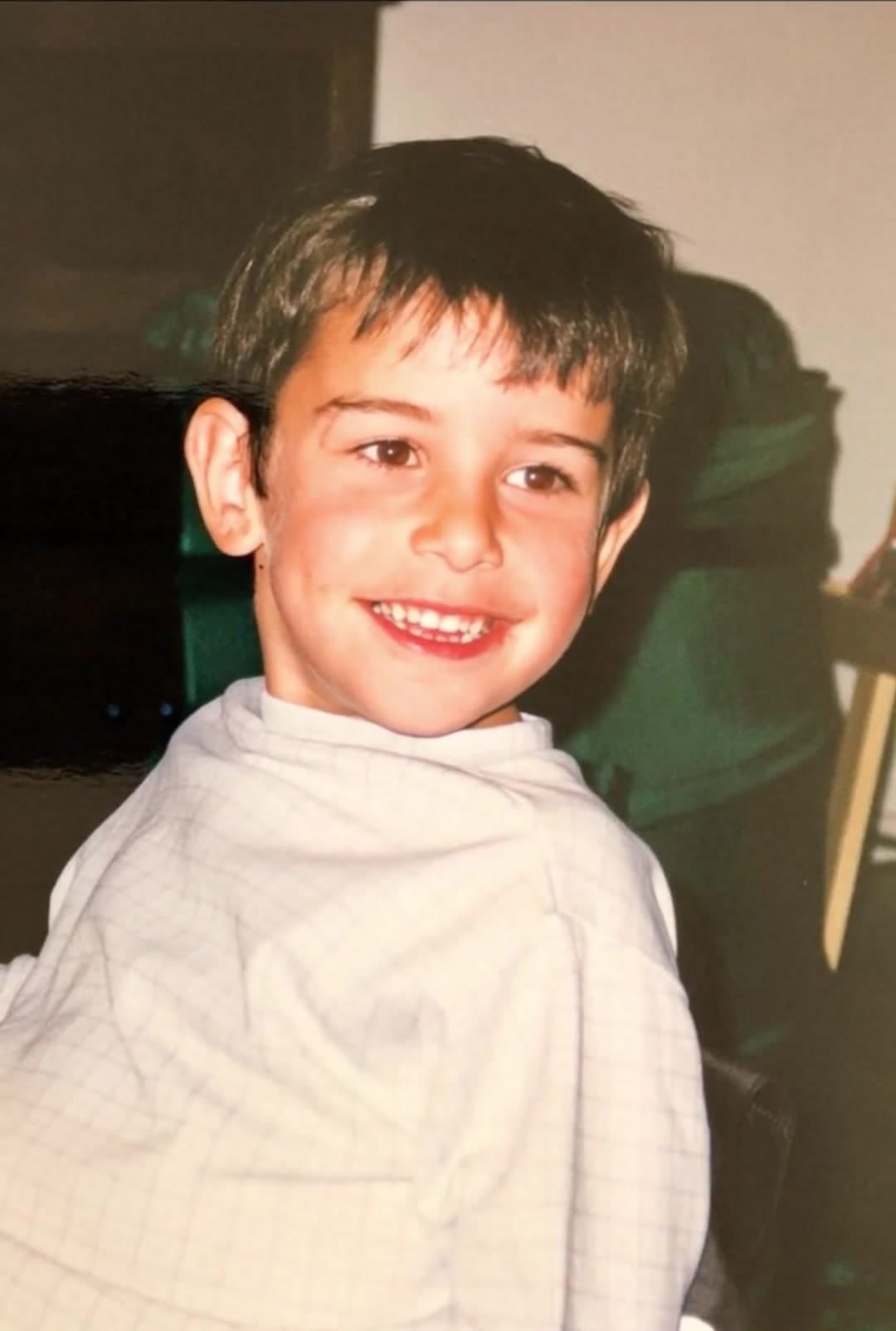
Choose a readable image
Use an original photo rather than a screenshot with text or interface controls. Leave space around the subject and avoid a very tight crop.
Turn one still image into a short moving scene: a gentle expression, a breeze through the background, or a slow camera approach.
Upload your photo and edit the suggested motion in the creator. Choose a video model, review the credit cost, then generate and download your clip.
Pick a photo with one clear subject so you can judge the movement easily.
Use an original photo rather than a screenshot with text or interface controls. Leave space around the subject and avoid a very tight crop.
Ask for one action and say what should remain steady. You can edit the suggested prompt before generating; it is a starting point, not a fixed effect.
Compare the subject at the beginning and end. Download a result you like, or simplify the movement if faces or outlines change.
A blink or a soft expression needs less invented detail than a full head turn. Keep the original pose for your first attempt.
Try a slow push-in with subtle leaves or water movement. Keep buildings and the horizon stable.
A restrained camera move can reveal the setting. Avoid asking an object to rotate when its other sides are not visible.
The generated frames are new interpretations of your photo. They do not recover a recording of the original moment. A clear source and modest movement help, but fine details can still change.
One natural blink and a subtle smile. Keep the original head position, facial features, and background. Camera stays still.
Try this prompt: Portrait · a quiet expressionA light breeze moves the leaves gently. Keep the bench and garden path unchanged. No camera movement.
Try this prompt: Garden · movement around the subjectVery slow camera push-in toward the vase. Keep the vase, flowers, table, and lighting consistent. Minimal subject motion.
Try this prompt: Still life · let the camera moveThis workflow animates one source image into a short video. To arrange several photos or clips into a slideshow, export your clips and assemble them in a video editor.
The upload button opens the creator with a suggested prompt. Edit it to describe the subject and movement in your own photo before generating.
Generation uses credits. The creator displays the cost for your selected model and settings; check pricing for current purchase options.
Choose one image and one small movement. Preview the full result before sharing it.