
Guide
Animate Old Photo: Best Workflow for a Single Restored Portrait
When someone searches for a way to animate an old photo, they usually want one specific picture to feel alive again without losing the person in it. The best workflow starts with cleanup, keeps motion restrained, and treats the image like an heirloom instead of a social gimmick.
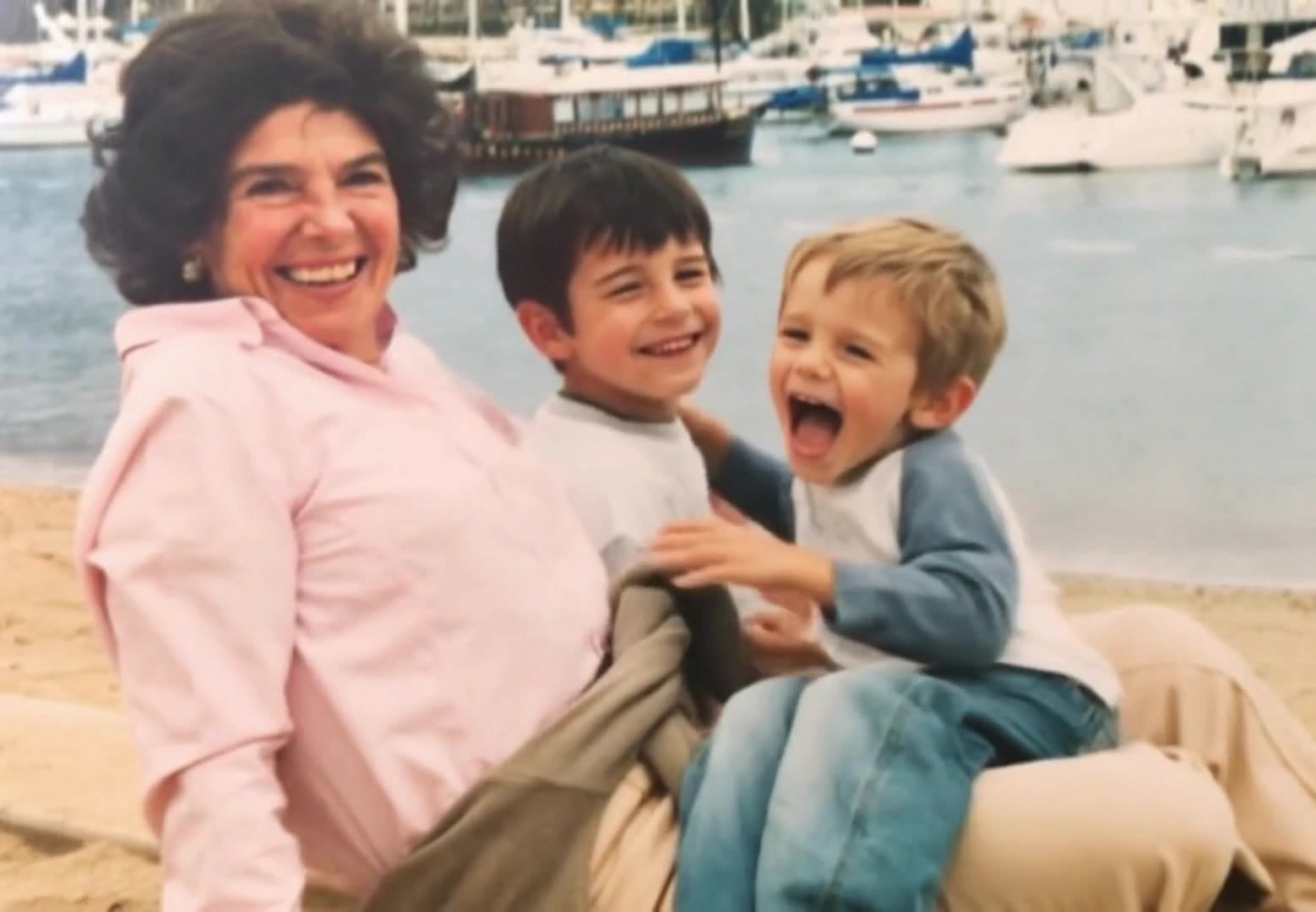
Ready to try it? Choose a photo-to-video workflow with motion ideas and a direct path to the creator.
Clean the portrait before generation
Remove dust, repair obvious scratches, and lift contrast before animating. Cleaner inputs make it easier for the model to hold facial identity and avoid shimmer around eyes, hair, and collars.
Prompt for one believable movement
Ask for a gentle blink, subtle breath, or soft camera push instead of multiple actions at once. One believable motion usually looks more respectful and more realistic for archival portraits.
Export with family viewing in mind
Save a clean master file, then create smaller versions for messaging apps or tribute slideshows. This lets you preserve a high-quality keepsake while still sharing the clip easily with relatives.
Create your own clip
Use these prompt patterns and workflows with your own photos, then generate a polished video in minutes.
More guides to read
Keep going with adjacent topics, practical workflows, and useful variations on the same kind of project.
animate old photos
How to Animate Old Photos for Family Stories
Learn how to animate old photos or animate an old photo while preserving facial identity, emotional tone, and historical details.
Read guideanimate your family photos
Animate Your Family Photos Without Losing the Original Feeling
Learn how to animate your family photos for birthdays, memorials, reunions, and keepsake videos while keeping the result natural.
Read guidephoto tribute
Photo Tribute Ideas: Turn Family Pictures into a Stronger Story
Photo tribute ideas for memorials, birthdays, anniversaries, and family keepsakes built from still images.
Read guide