
Guide
How to Animate Old Photos for Family Stories
Animating old photos is one of the most meaningful uses of AI video tools. Whether you want to animate an old photo or build a longer family story, careful restoration and gentle prompts can turn archived images into watchable memory clips.
Ready to try it? Choose a photo-to-video workflow with motion ideas and a direct path to the creator.
Restore before animating
Basic restoration helps the model recognize facial landmarks. Remove scratches, improve contrast, and crop distractions so the animation model focuses on the subject.
Use period-appropriate motion
For historical photos, subtle expression and camera movement feel more authentic than high-energy motion. Keep output calm to preserve the emotional context.
Build a sequence
Animate several photos and stitch them into one narrative. A short timeline with transitions and captions creates a stronger story than one isolated clip.
Create your own clip
Use these prompt patterns and workflows with your own photos, then generate a polished video in minutes.
More guides to read
Keep going with adjacent topics, practical workflows, and useful variations on the same kind of project.
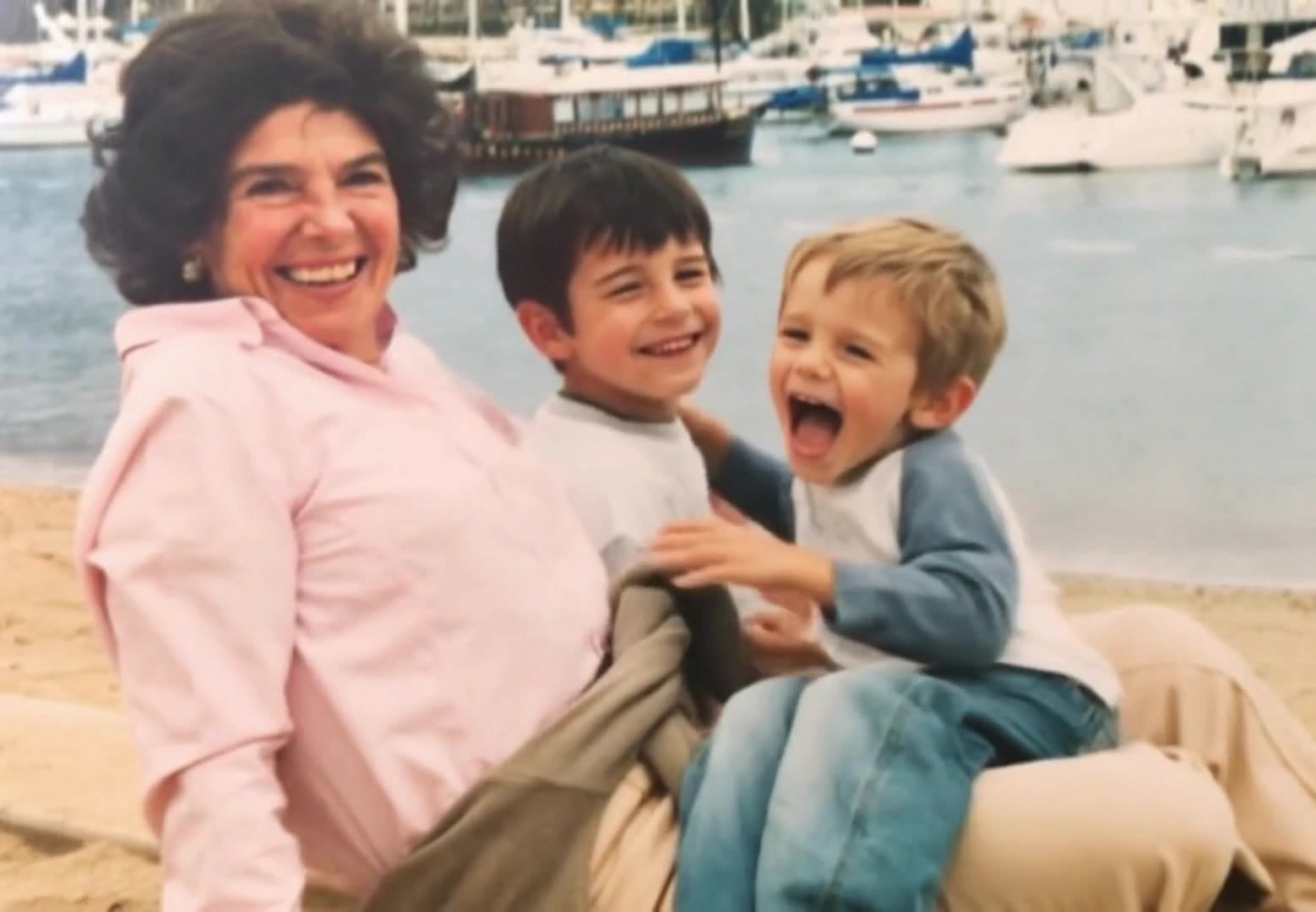
animate old photo
Animate Old Photo: Best Workflow for a Single Restored Portrait
Learn how to animate an old photo from one restored portrait, with prompt ideas, cleanup steps, and realistic motion settings.
Read guideanimate your family photos
Animate Your Family Photos Without Losing the Original Feeling
Learn how to animate your family photos for birthdays, memorials, reunions, and keepsake videos while keeping the result natural.
Read guidememorial video from photos
Create a Memorial Video from Photos with AI
Step-by-step process to create a memorial video from photos using AI image-to-video generation.
Read guide