01
Choose a photo
Pick a picture you love, old or new.
Upload a photo, describe the motion, and get a ready-to-share MP4 in minutes.
Drop your photo here, then choose how it moves.
JPG, PNG or WebP
Credits from $1 · No subscription required
Your photo stays in this browser until you generate. Sign in when you’re ready.
Pick a picture you love, old or new.
Add one short line about how you want it to feel.
We turn that still image into gentle, natural motion.
Download your video and keep the memory close.
Every clip starts with one still photo and becomes a moment you can feel again.
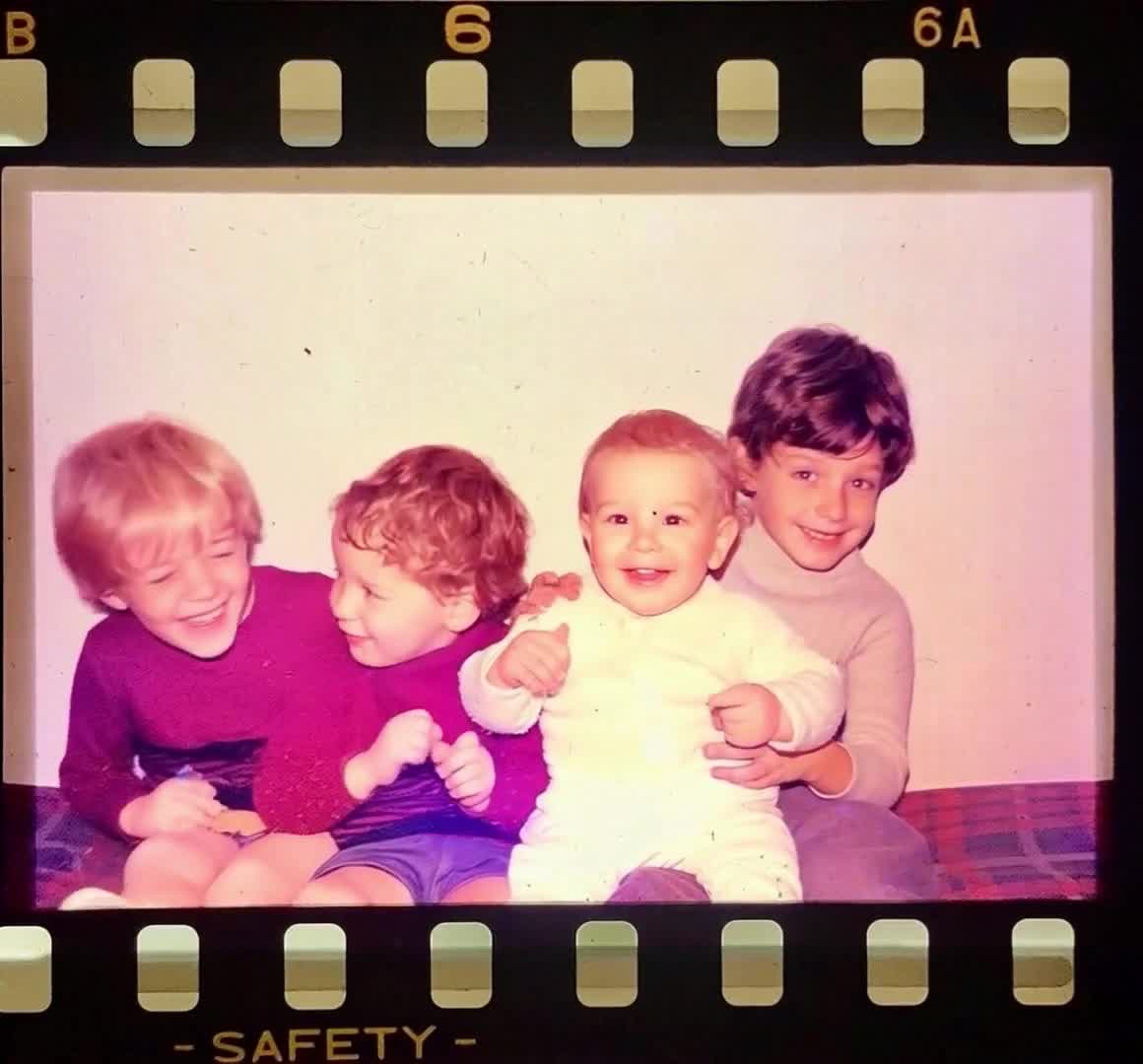
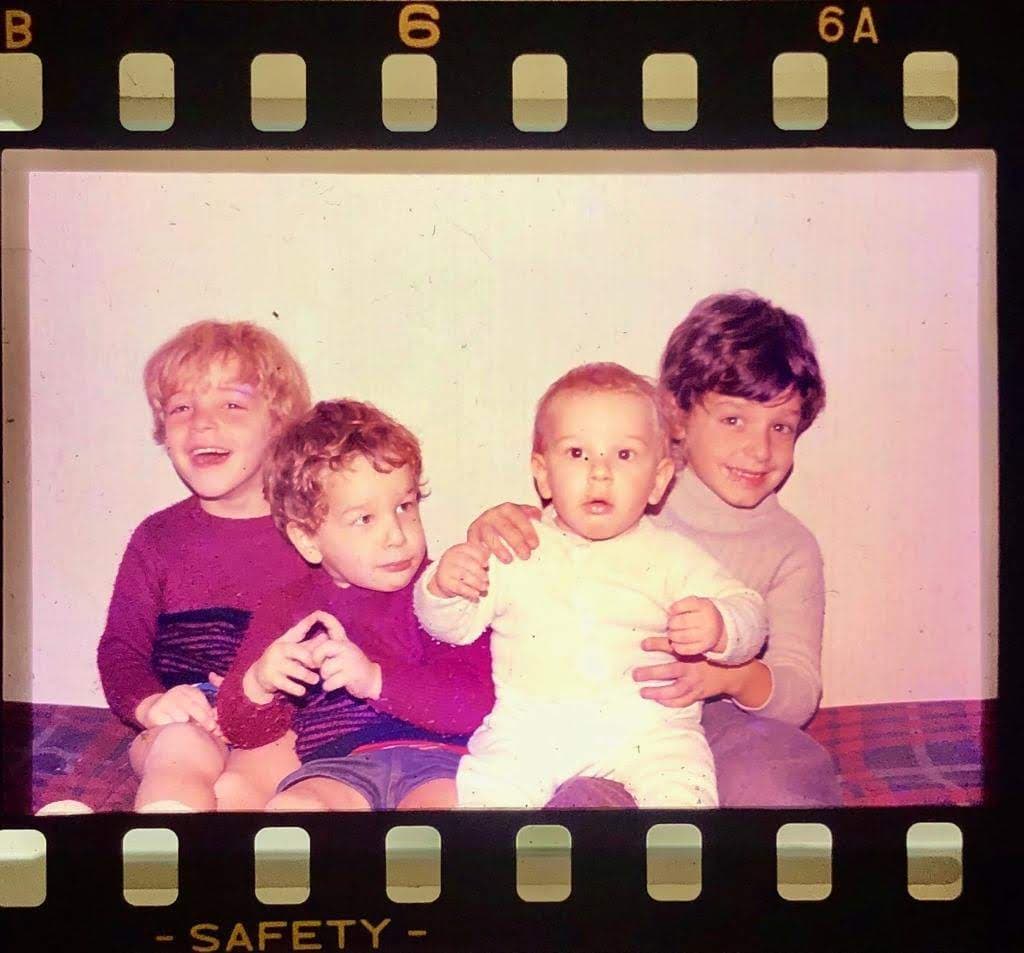
A family memory with gentle movement and familiar expressions.
Suggested motion: Gentle natural movement and soft smiles. Preserve the faces and the original scene.
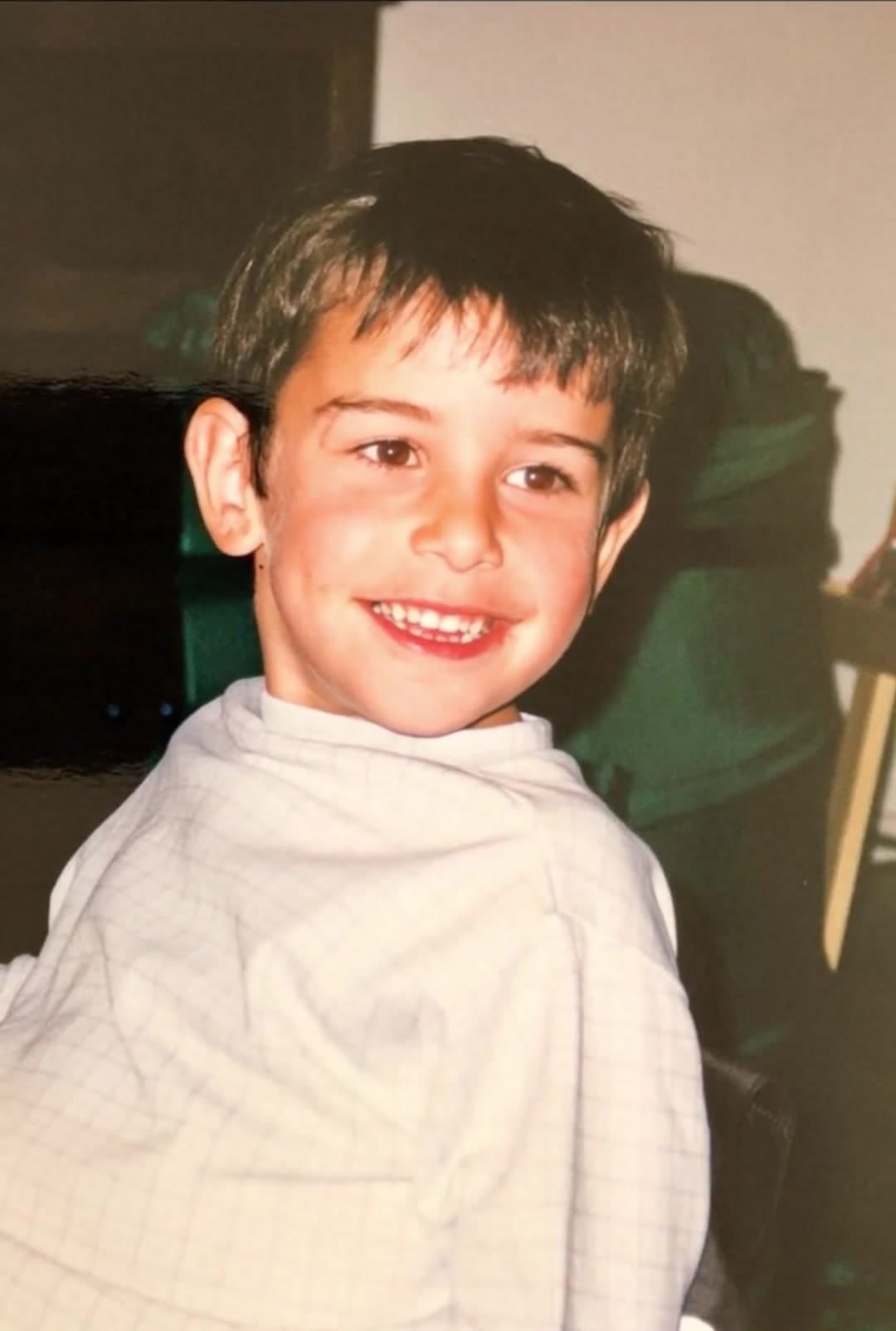
Try this motionOpen watch pageNatural smiles bring a joyful childhood photo into motion.
Suggested motion: The children share small natural smiles. Keep the camera still and preserve facial details.
Try this motionOpen watch pageA softer close-up that fits birthday openings, family montages, and those more intimate portrait moments.
Suggested motion: Soft smile, gentle head movement, slow camera push-in. Preserve facial features.
Try this motionOpen watch pageA warm birthday moment with multiple family members around the cake and subtle natural motion.
Suggested motion: Small smiles around the birthday cake. Keep faces, hands, and candles stable.
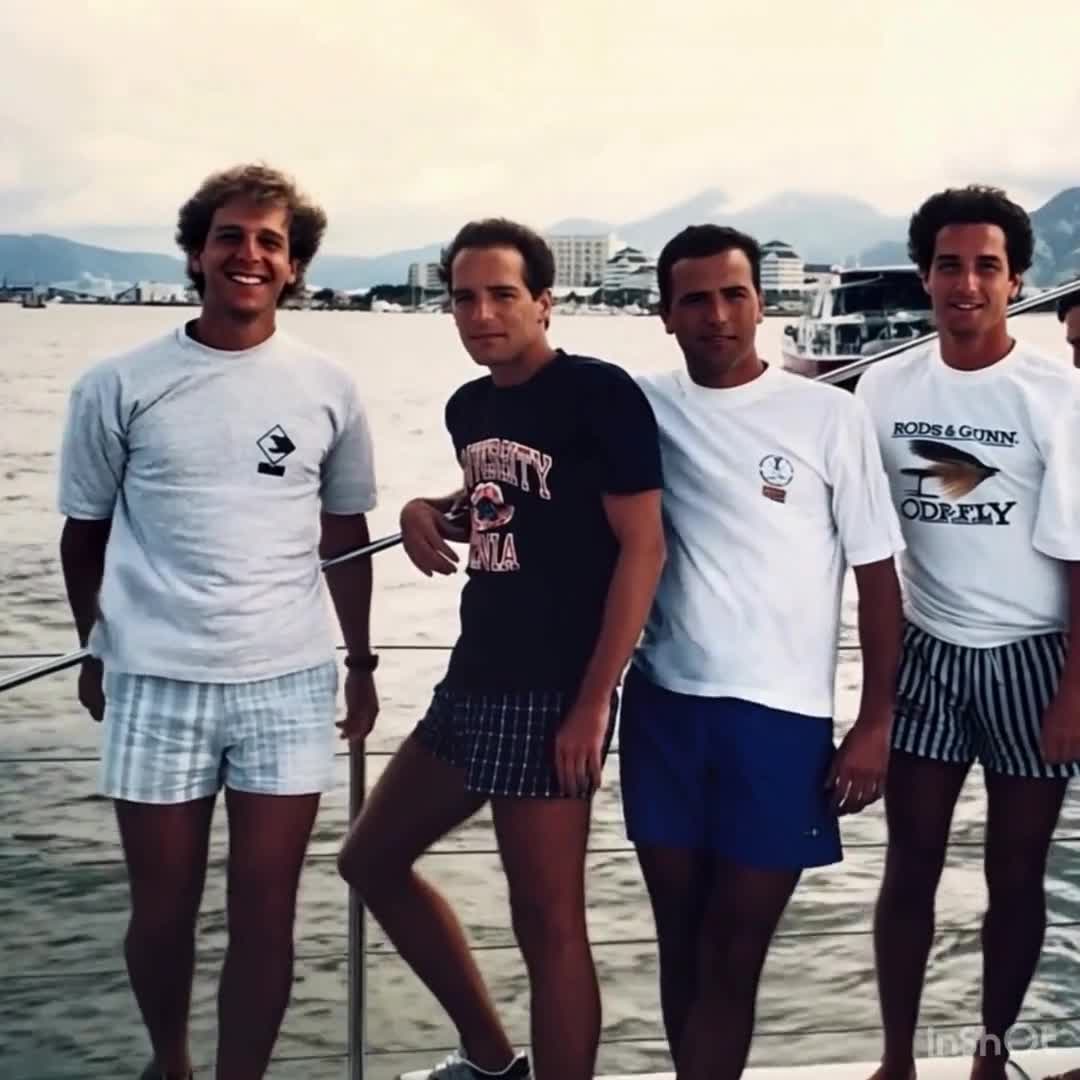
Try this motionOpen watch pageSmall movements and a gentle camera drift bring a shared trip back to life.
Suggested motion: A slow camera drift across the family scene, with subtle natural movement.
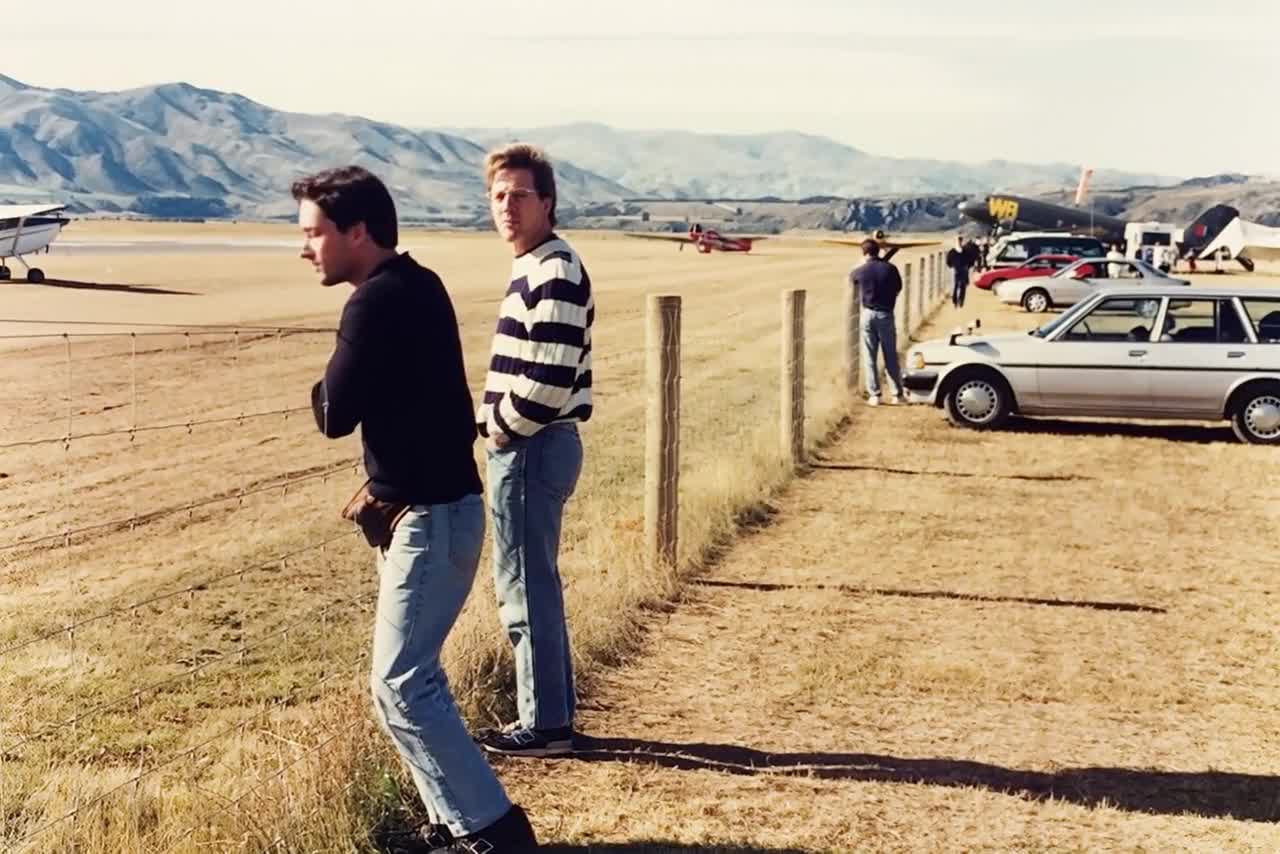
Try this motionOpen watch pageA wider travel scene with subtle movement and a calm, observational feel.
Suggested motion: A gentle camera push-in across the airport scene. Preserve the people and architecture.
Try this motionOpen watch pageRead guides for old photos, family tributes, and ecommerce visuals. They are written to help you move from one image to a result that feels intentional, polished, and ready to share.
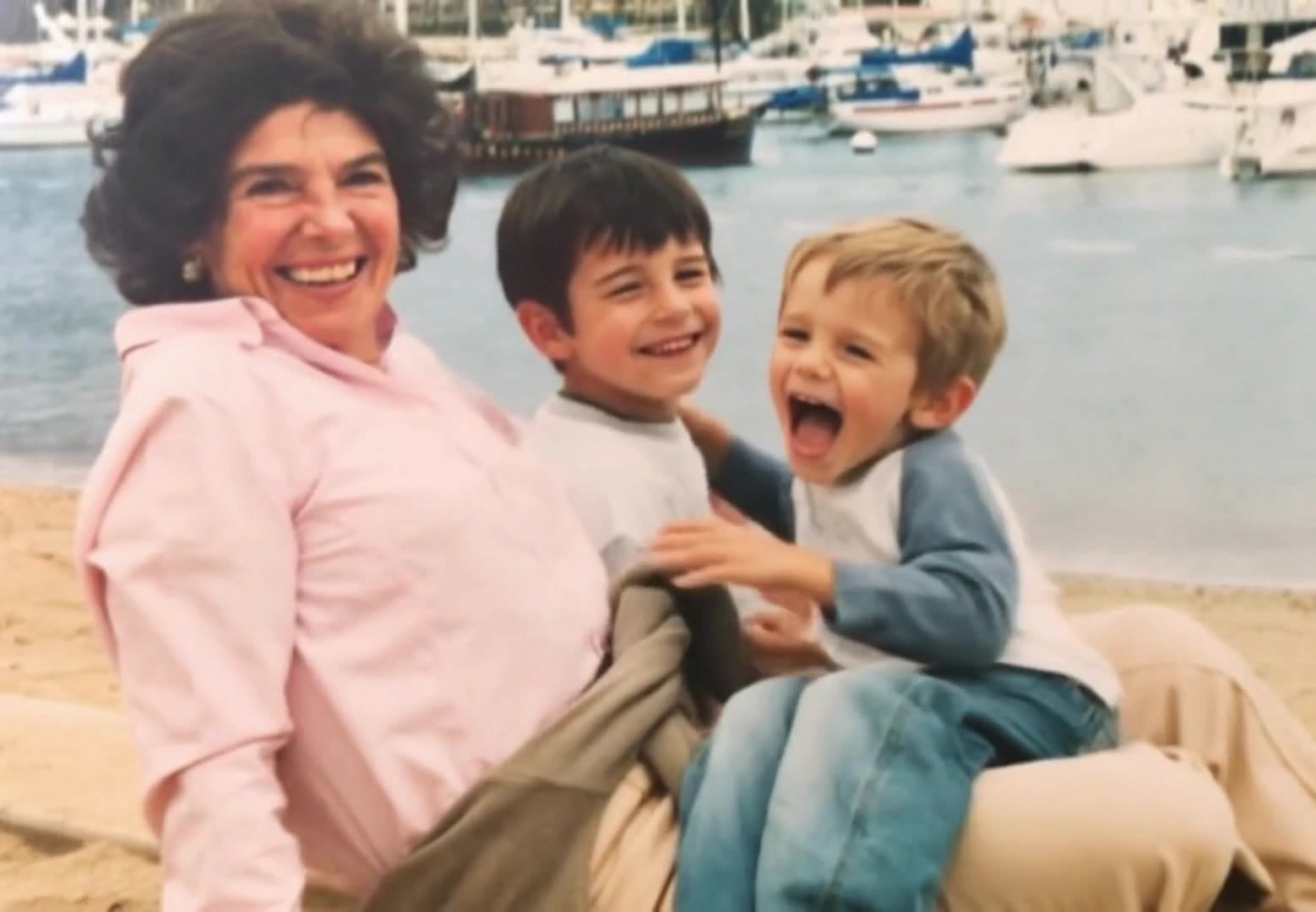
Learn how to animate an old photo from one restored portrait, with prompt ideas, cleanup steps, and realistic motion settings.
Read guideLearn how to animate your family photos for birthdays, memorials, reunions, and keepsake videos while keeping the result natural.
Read guidePhoto tribute ideas for memorials, birthdays, anniversaries, and family keepsakes built from still images.
Read guideHow to use a video tribute maker for memorial videos, birthday edits, and milestone keepsakes built from photos.
Read guide
A practical ecommerce photo and video guide for product pages, ads, marketplaces, and repeatable creative operations.
Read guideFor casual keepsakes and occasional family moments
For repeat creators who want the popular monthly sweet spot
For businesses, power users, and high-volume monthly output
One-time credits for an occasional project or a few new ideas.
The easiest one-off balance when you want room to iterate.
Best when you want a larger bank without committing to a subscription.
Choose how much to spend, starting at $1. See the credit total before you pay. No subscription required.
Yes. Scanned photos, phone captures, and digitized prints all work. Cleaner images usually produce better motion.
Standard video estimates use 660 credits per video. Your actual cost depends on the video model, duration, resolution, and audio settings, and is shown before generating. One-time packs expire after 90 days.
Uploaded photos and generated videos are automatically deleted after 7 days so we do not keep your family media in our system longer than needed.
Birthday tributes, memorial pieces, anniversary films, reunion videos, and family keepsake products.
A short prompt helps. Keep it concrete: describe the subject motion, camera move, and overall tone you want.
Yes. You can buy one of the quick packs or choose a custom credit amount later in billing.