Choose the birthday photo
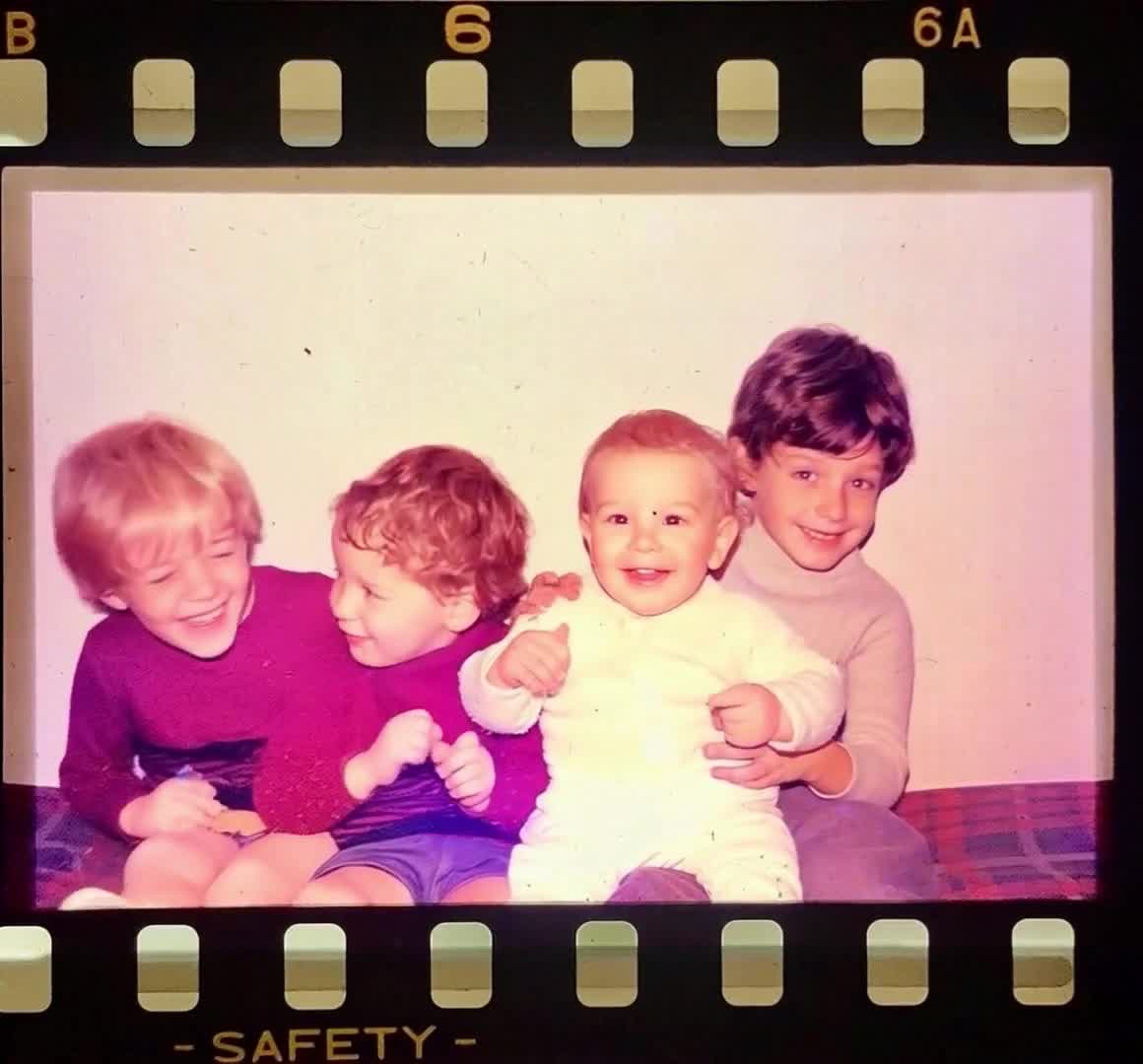
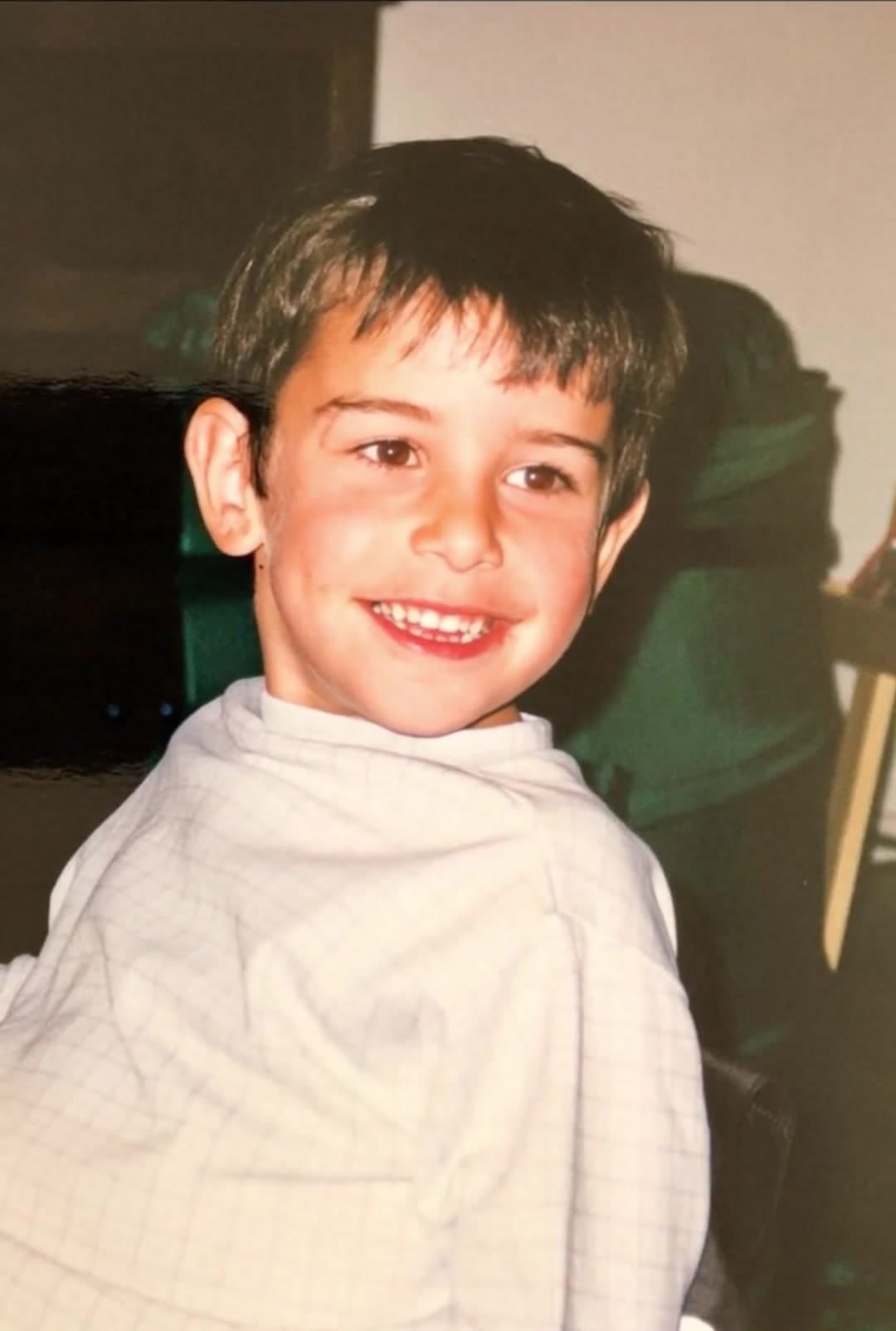
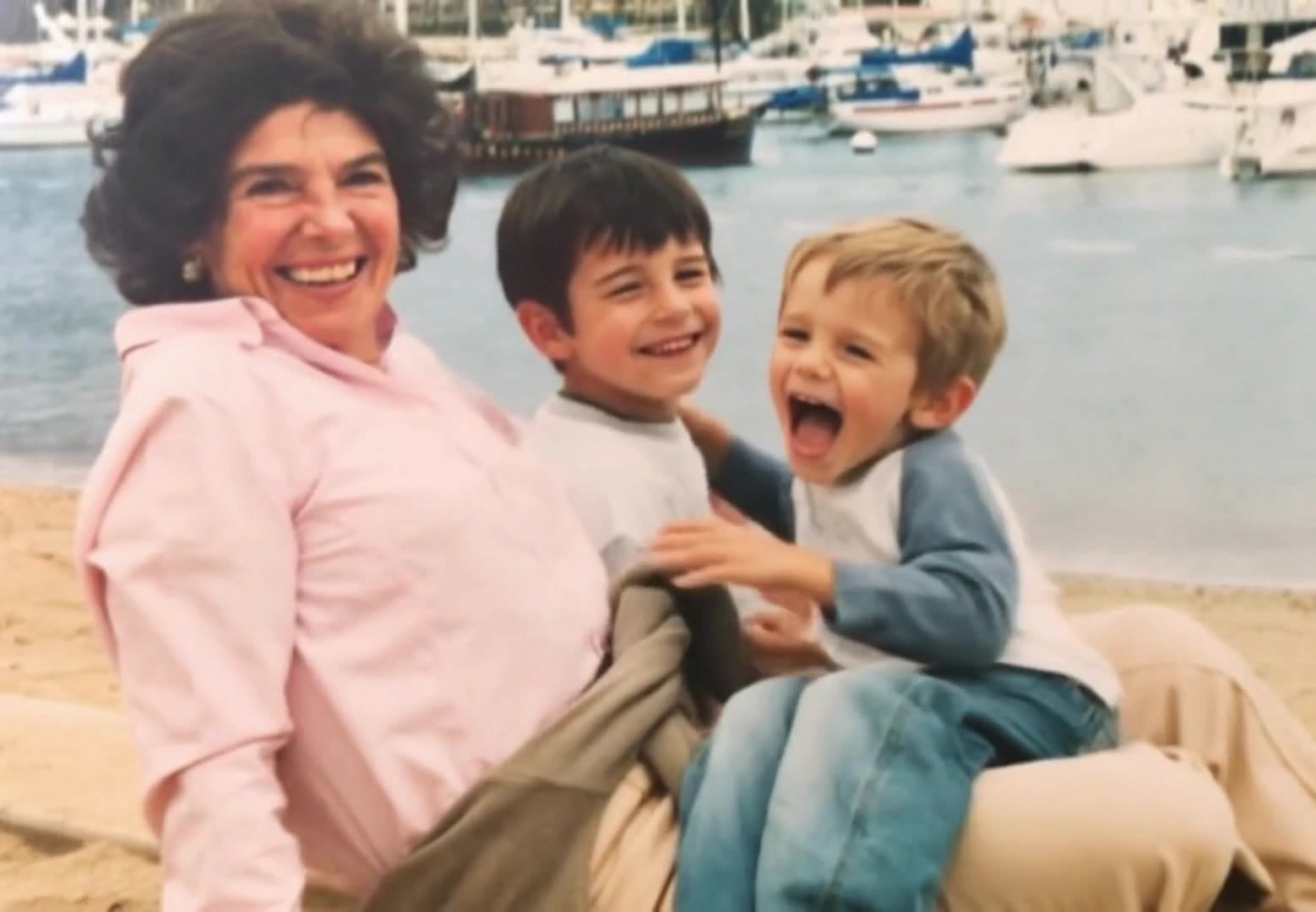
Pick a clear picture that shows the person well. Childhood photos, family pictures, and candid smiles all work beautifully.
Make a birthday video that feels personal, not generic. Turn favorite photos into a short animated clip for someone you love.
Animate one photo for a quick greeting. For a longer montage, generate separate clips and combine them in a video editor.
The flow is simple enough to use while planning the party, writing the card, or sending a surprise from far away.
Pick a clear picture that shows the person well. Childhood photos, family pictures, and candid smiles all work beautifully.
Describe a small joyful movement, such as a gentle smile. Keep the original pose and review the cost for your chosen video model.
Generate a birthday picture video, preview it, then download it for messages, party screens, or social posts.
A photo already carries the memory. Motion adds surprise. It makes the birthday greeting feel more alive while keeping the focus on the person.
A custom video from a real photo shows care. It can be made quickly, but it still feels thoughtful.
Send the video by text, email, or social post when you cannot be there in person.
Use it for a child's birthday, a parent's milestone, a partner's surprise, or a friend's celebration.
A simple line of text can make a short clip feel finished. After downloading, add a name, age, date, inside joke, or birthday wish in your preferred video editor.
Try short lines like Happy birthday, We love you, Still smiling after all these years, or Best day with the best person.
Add music you have permission to use in a separate editor: upbeat for a party or softer for a family tribute.
Birthday videos often work best when they are easy to watch in one sitting and easy to send on mobile.
Start with a childhood photo, then add a recent favorite. The contrast makes a simple birthday video feel emotional.
Animate one favorite portrait and add a short message. This is ideal when you need something meaningful fast.
Use photos with parents, siblings, children, or friends to create a birthday video with photos that feels shared.
Choose a joyful or silly photo and use playful motion for a birthday video clip that makes people smile.
Yes. You can start with photos you already have. PhotoForVideo turns a photo into a short animated clip you can share.
Yes. One strong photo can be enough for a birthday greeting, intro clip, or simple surprise video.
Use clear pictures with faces, good light, and meaningful moments. Mix older photos with recent ones for a stronger story.
Download the generated clip, then add a name, age, or birthday message in a separate video editor. The photo-animation flow does not add text overlays.
Yes. PhotoForVideo is designed for mobile-heavy use, so you can upload, create, and share from your phone.
A few minutes with one photo can become a video they remember. Start with the picture that already makes you smile.