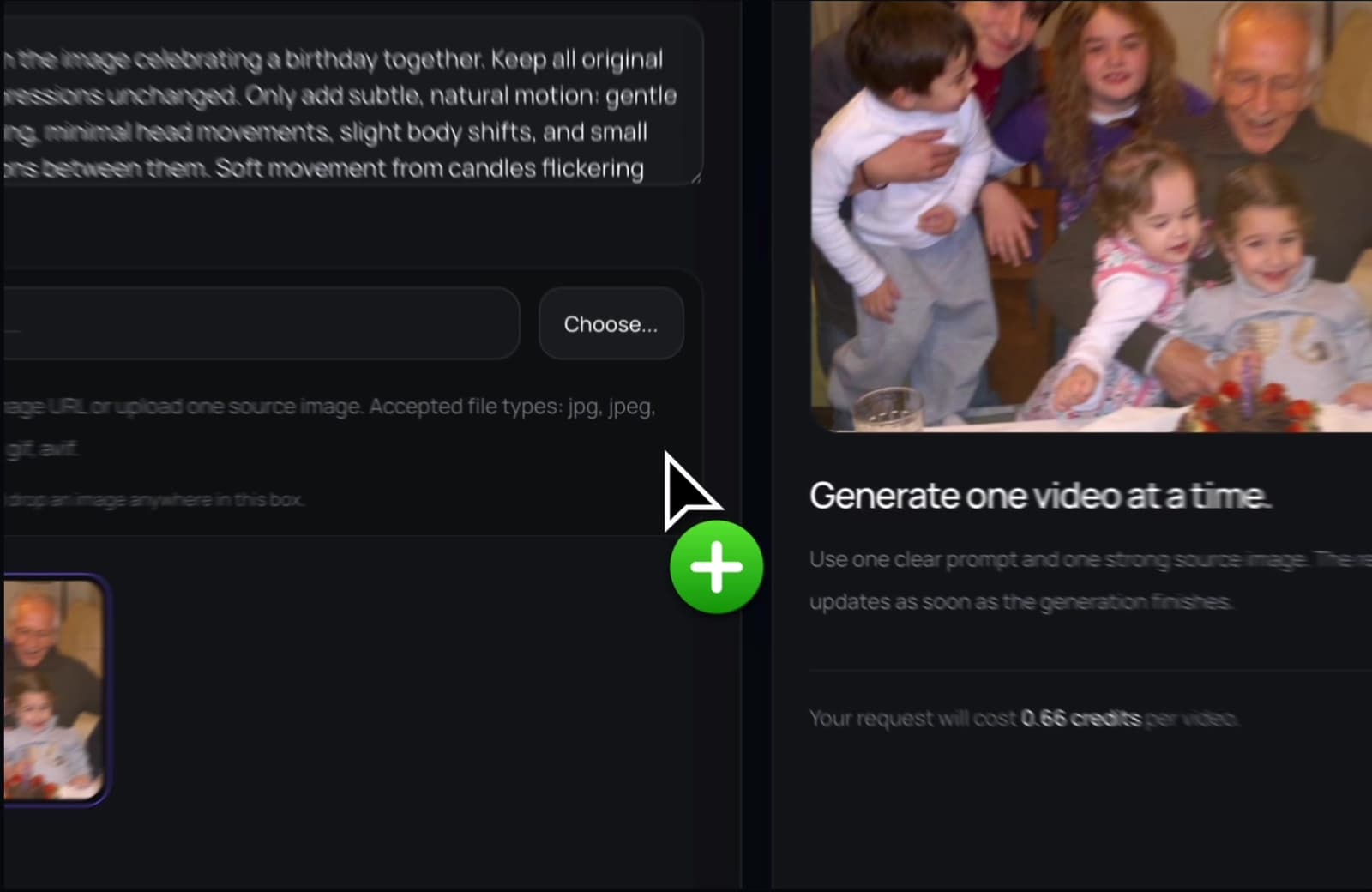
Upload a picture
Choose a portrait, family photo, product image, pet photo, or creative still.
Create a short AI video from a still picture. Turn images to video for family memories, social content, creative edits, and simple clips.
PhotoForVideo keeps the process clear. Upload an image, choose the movement, preview the result, and download a video you can share.
The workflow is built for people who want a finished clip without learning video software.
Choose a portrait, family photo, product image, pet photo, or creative still.
Use a short direction like gentle smile, slow camera push, warm celebration, or soft cinematic movement.
Preview the AI video from image and save the clip for social media, messages, or a larger edit.
The best results come from a simple flow, clear previews, and a tool that does not ask you to become an editor first.
You can create a video from one photo, so you do not need extra footage.
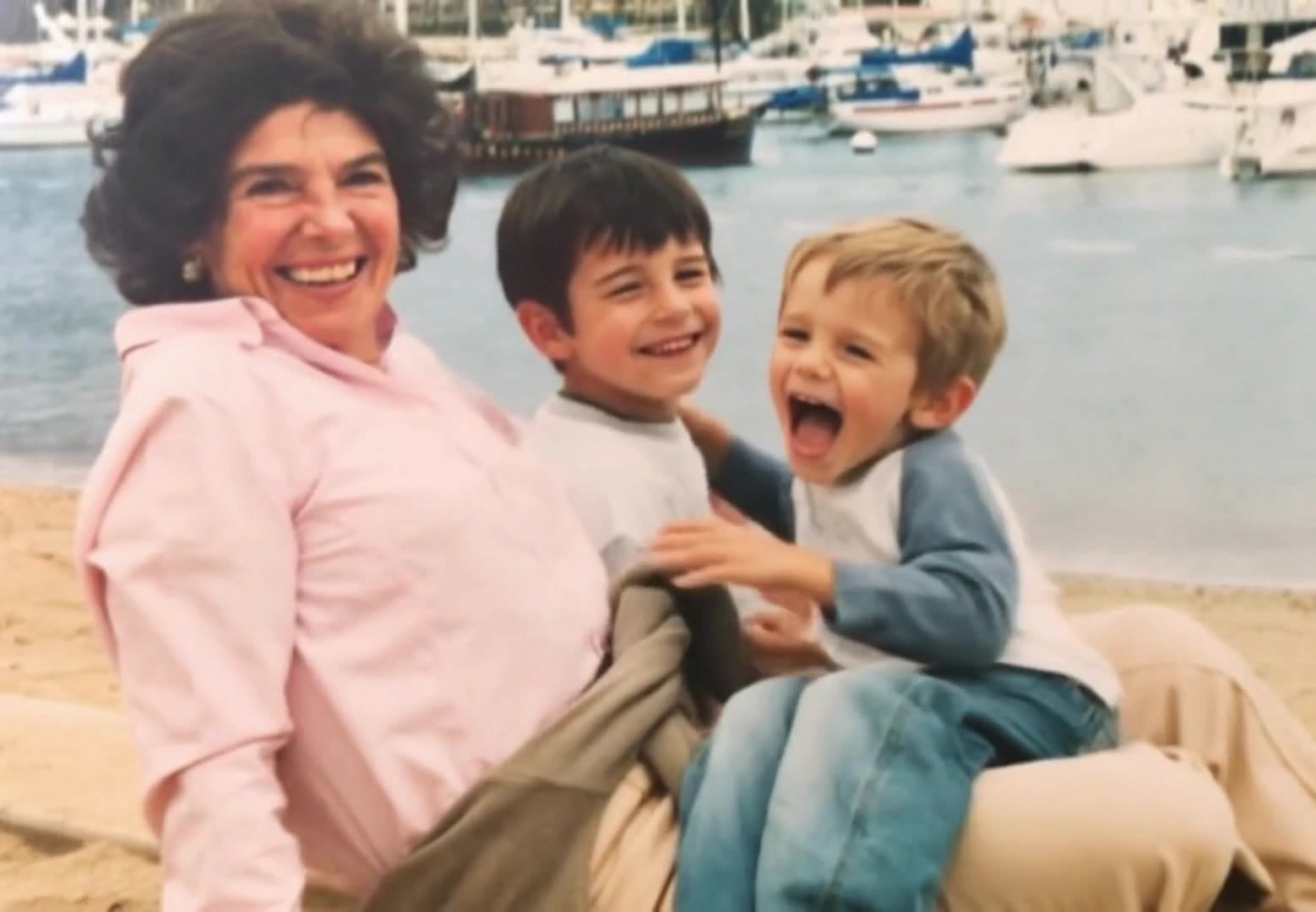
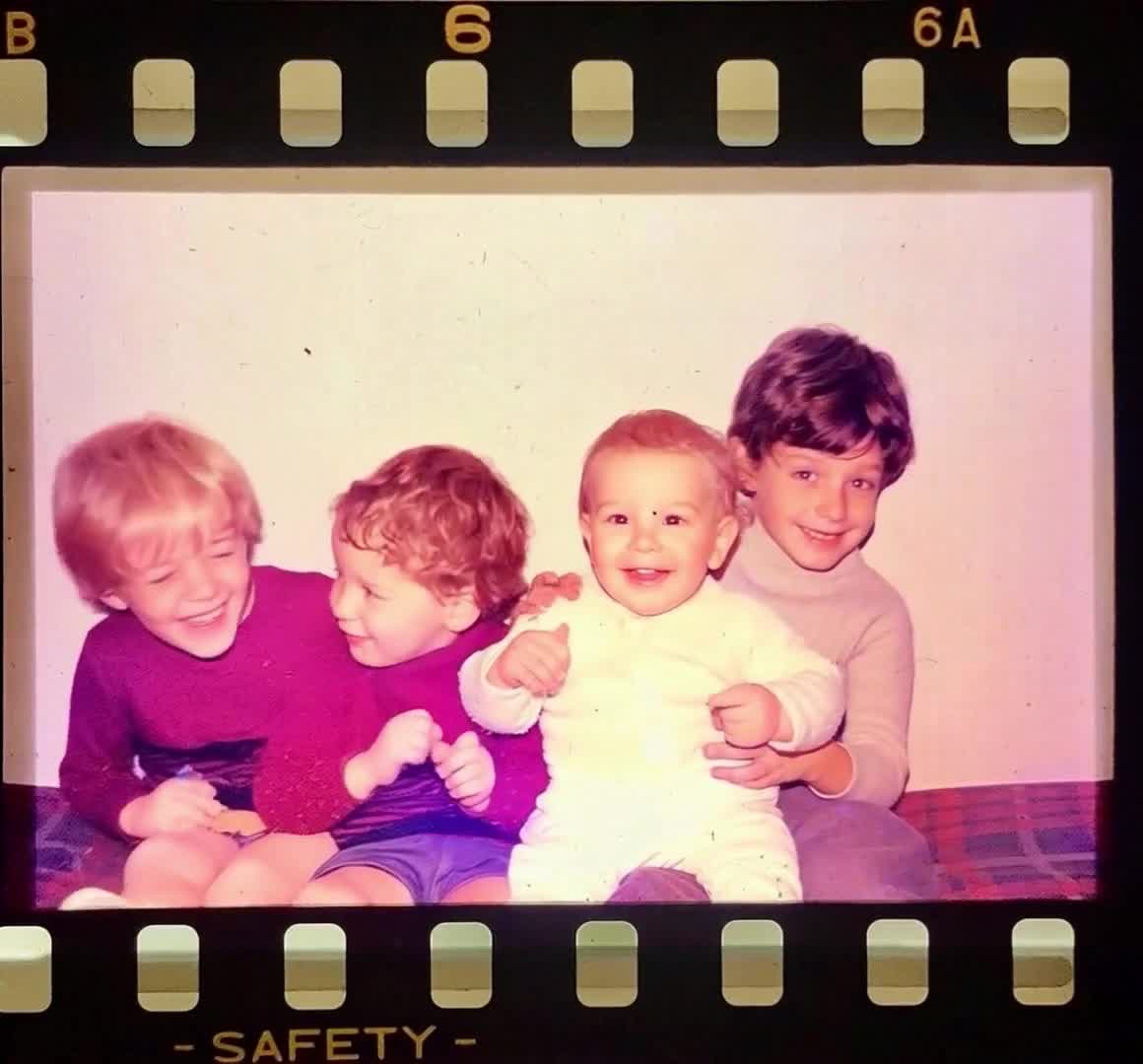
Use it for birthdays, memorials, family memories, and personal keepsakes.
Turn portraits, artwork, product stills, and travel photos into short clips for your channels.
A slideshow moves from one picture to another. An image to video generator animates the photo itself. The result can feel more alive, more cinematic, and more natural in a short-form feed.
Use a video from photo maker when you have a strong still image but no footage.
Bring portraits, group photos, and old memories into soft motion.
Add movement to static content so it feels native in video feeds.
Turn an image into a moving mood shot, visual opener, or art clip.
Animate product photos, place images, or team portraits when you do not have a video shoot.
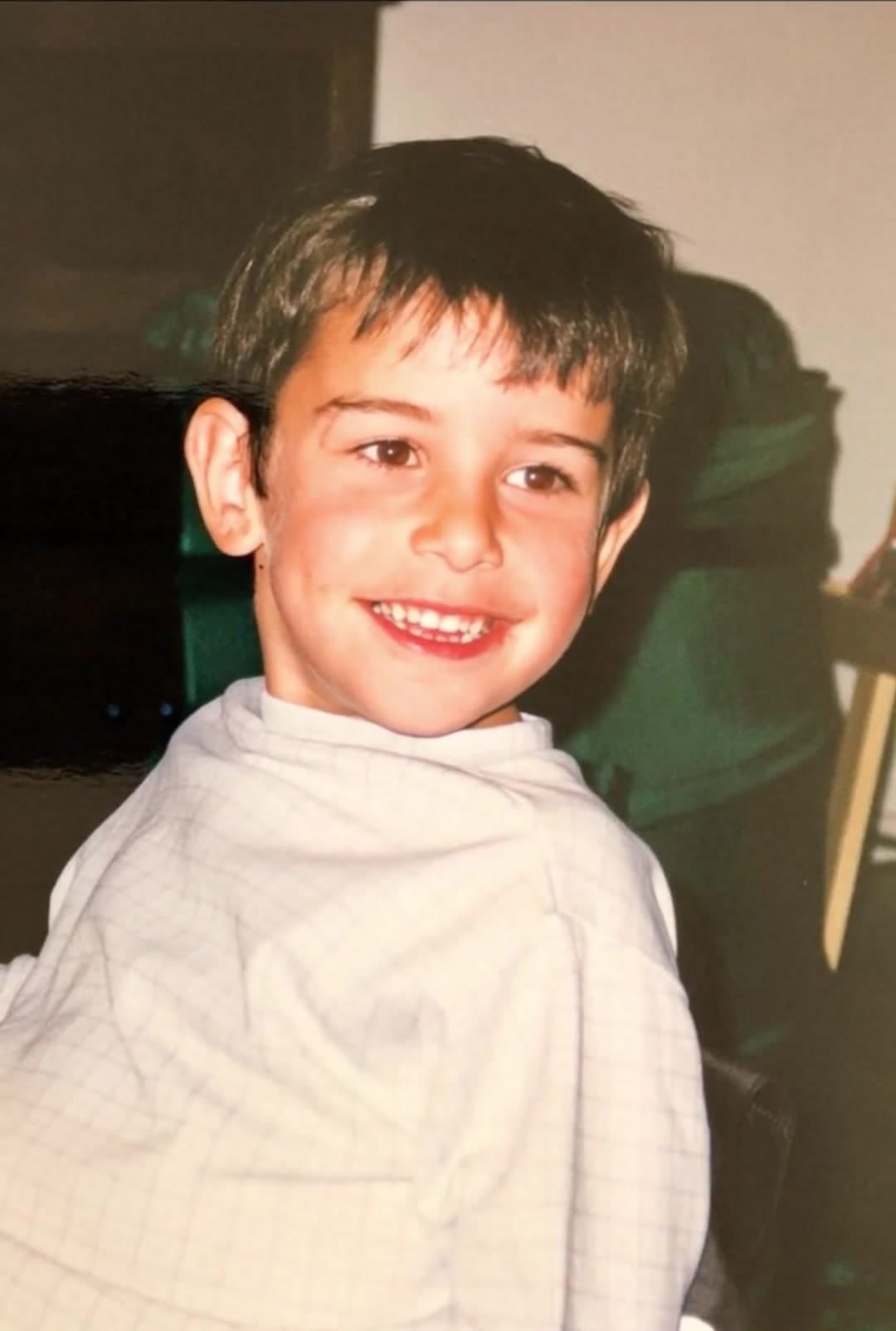
Add a soft smile, small head movement, or slow camera push to a portrait.
Use careful, gentle movement to make an archived photo feel present again.
Create a short visual hook from one image for ads, posts, or landing pages.
Use subtle parallax and camera movement to make creative images feel more immersive.
An image to video generator turns a still picture into a short moving clip using AI. It predicts motion from the image and your direction.
Yes. PhotoForVideo can start from one image and create a short video clip from it.
They are different. Slideshows show multiple photos. Image to video animates a still photo, which can feel more natural for short clips.
Keep it short and concrete. Mention the subject movement, camera movement, and mood in one sentence.
Yes. Download your clip and share it on the platform you prefer.
Start with the photo. Add a little direction. Let PhotoForVideo create a video you can use.