
Pick a familiar expression
Choose a portrait that family recognizes, with the face clearly visible. A photo from an ordinary happy day can be as meaningful as a formal milestone.
Begin with one photograph that feels like them. A slow camera approach can make a gentle keepsake without asking for a new expression.
Create a short clip to share privately or include in a longer tribute. You decide whether animation feels right; review the whole result before sharing with family.
There is no need to build an entire life story in one sitting.
Choose a portrait that family recognizes, with the face clearly visible. A photo from an ordinary happy day can be as meaningful as a formal milestone.
Start with a gentle camera move and the original expression. Avoid imagined speech or gestures if they would feel unfamiliar or upsetting.
Check the eyes and smile against the source. Share a preview with a close relative before including it in a service or sending it more widely.
Download the clip and send it with a memory in your own words. Explain that the movement was generated from a photo.
Use a quiet clip before the main slideshow. Test the exported file on the service's screen and sound system in advance.
Animate one or two anchor photos, then arrange the clips with stills in a separate video editor. Add names, dates, music, or a recorded family voice there.
AI invents the movement; it does not recover the person's actual gestures or voice. Keep an original copy of the photograph and label an animated version when sharing. If it feels uncomfortable, a still photo is a complete and meaningful choice.
Very slow camera push-in on the original photograph. Keep the person nearly still, with the original expression and pose. Preserve facial features and lighting. No speaking or added gestures.
Try this prompt: A portrait · preserve the expressionSlow camera approach toward the garden. Very gentle leaf movement. Preserve the house, path, and original light. Do not add people or objects.
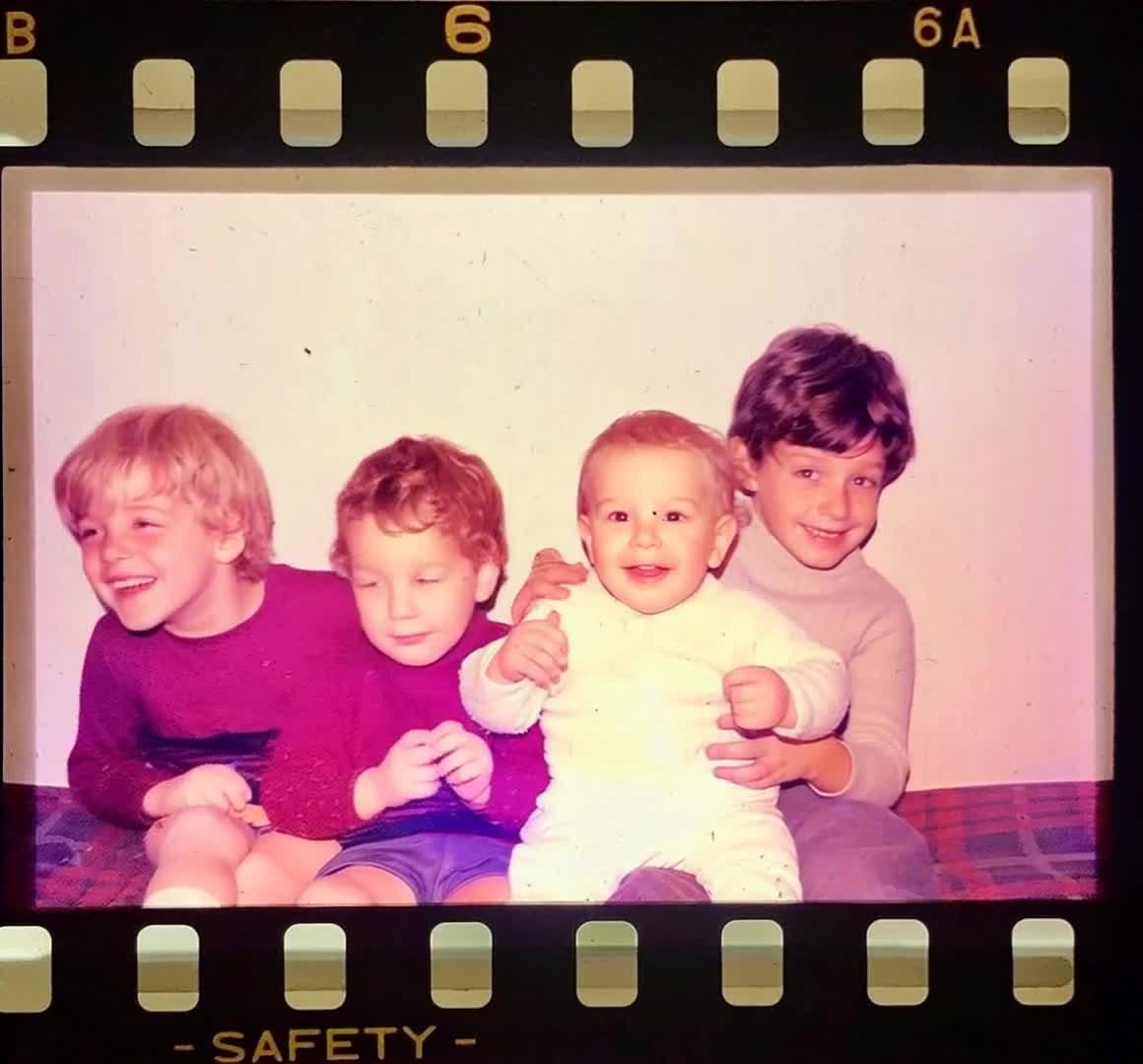
Try this prompt: A favorite place · a quiet settingKeep everyone in the original position and preserve every face. Minimal movement and a steady camera. No new gestures or changes of expression.
Try this prompt: A family photograph · remain togetherThis creator generates a short clip from one photo. You can export clips and combine them with other photos, names, dates, and music in a separate editor for a longer tribute.
AI can change fine details or expressions. Use a clear photo and restrained motion, then compare the full clip with the original. An exact likeness in every frame is not guaranteed.
Yes. Start with a clear scan and ask to retain the original tones. There is no need to colorize a photograph before animating it.
Choose a photograph and review the generation cost in the creator. Take your time deciding what to share.