
Guide
Animated Slideshow with AI: Build a Story, Not Just a Sequence
An animated slideshow with AI is more effective when it follows narrative structure. Ordering and pacing influence emotional impact as much as visual effects.
Ready to try it? Choose a photo-to-video workflow with motion ideas and a direct path to the creator.
Group photos by chapter
Arrange clips into clear chapters such as childhood, milestones, and present day. Chaptering improves comprehension and emotional progression.
Alternate motion energy
Mix calm and active clips to avoid viewer fatigue. Rhythm changes help hold attention across longer edits.
End with a strong closing frame
Choose a final image that summarizes the story and let motion settle naturally before fade-out.
Create your own clip
Use these prompt patterns and workflows with your own photos, then generate a polished video in minutes.
More guides to read
Keep going with adjacent topics, practical workflows, and useful variations on the same kind of project.
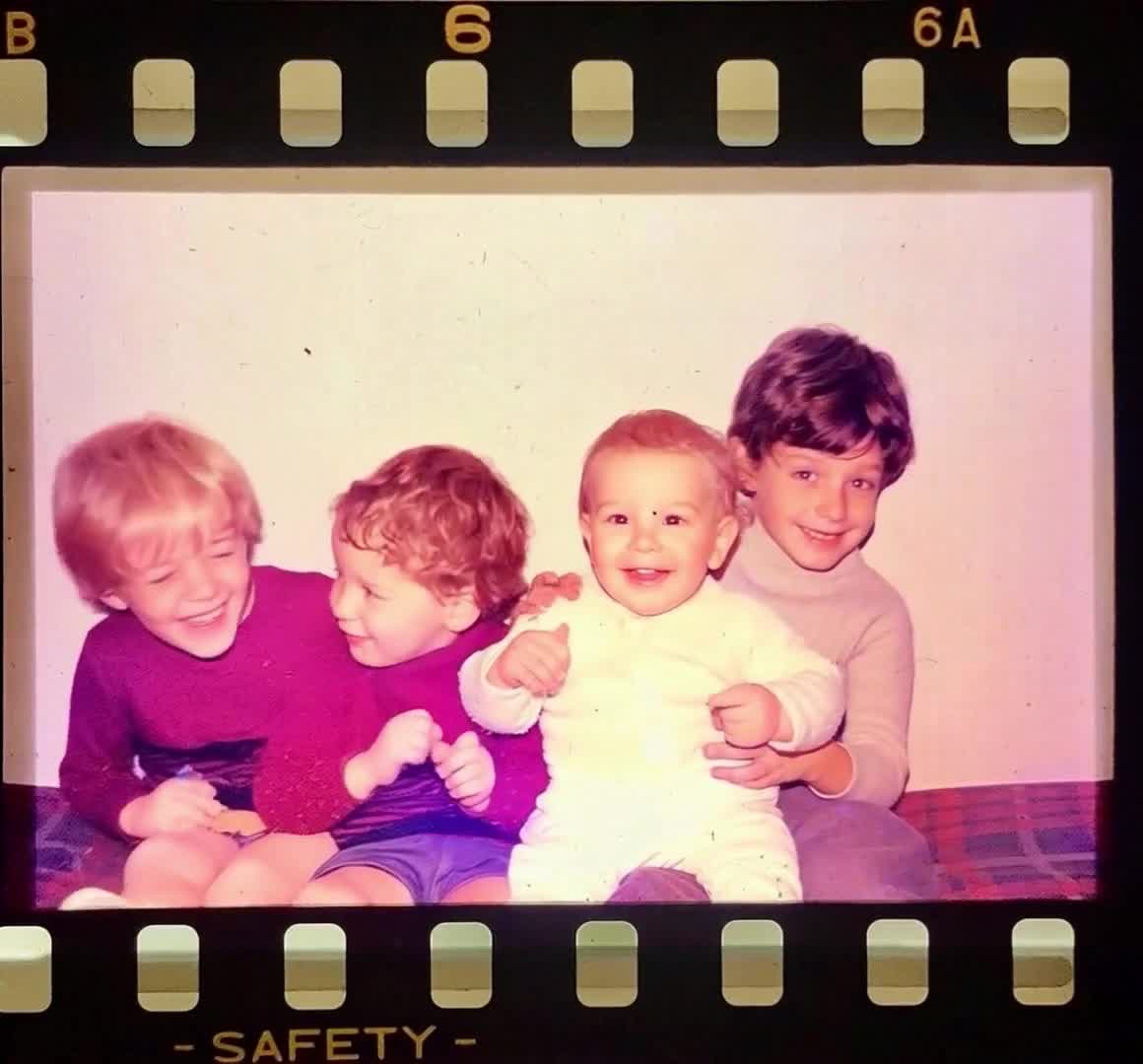
birthday tribute video maker
Birthday Tribute Video Maker: Image-to-Video Ideas That Work
Birthday tribute video maker ideas, including prompt formulas and sequence planning for emotional highlights.
Read guidememorial slideshow ideas
Memorial Slideshow Ideas That Feel Personal, Not Generic
Memorial slideshow ideas for families who want a respectful sequence, better pacing, and more meaningful photo choices.
Read guidephoto tribute
Photo Tribute Ideas: Turn Family Pictures into a Stronger Story
Photo tribute ideas for memorials, birthdays, anniversaries, and family keepsakes built from still images.
Read guide