
Guide
Baby Photo to Video: First-Year Memories That Still Feel Natural
Baby photo to video edits can become overly sweet or visually noisy very quickly. The better approach is to keep the motion gentle, let expressions stay soft, and use the sequence to show how a child changed across the first months or years.
Ready to try it? Choose a photo-to-video workflow with motion ideas and a direct path to the creator.
Choose photos with clear expressions
Images with readable eyes, gestures, and parent-child interaction tend to produce more emotional and natural-looking results.
Use light movement only
Subtle breathing, tiny smiles, and soft camera drift usually feel more believable than anything highly animated for baby portraits.
Organize by growth stage
Grouping newborn, early months, and first-year milestones helps the final edit tell a visible story of change.
Create your own clip
Use these prompt patterns and workflows with your own photos, then generate a polished video in minutes.
More guides to read
Keep going with adjacent topics, practical workflows, and useful variations on the same kind of project.
animate your family photos
Animate Your Family Photos Without Losing the Original Feeling
Learn how to animate your family photos for birthdays, memorials, reunions, and keepsake videos while keeping the result natural.
Read guide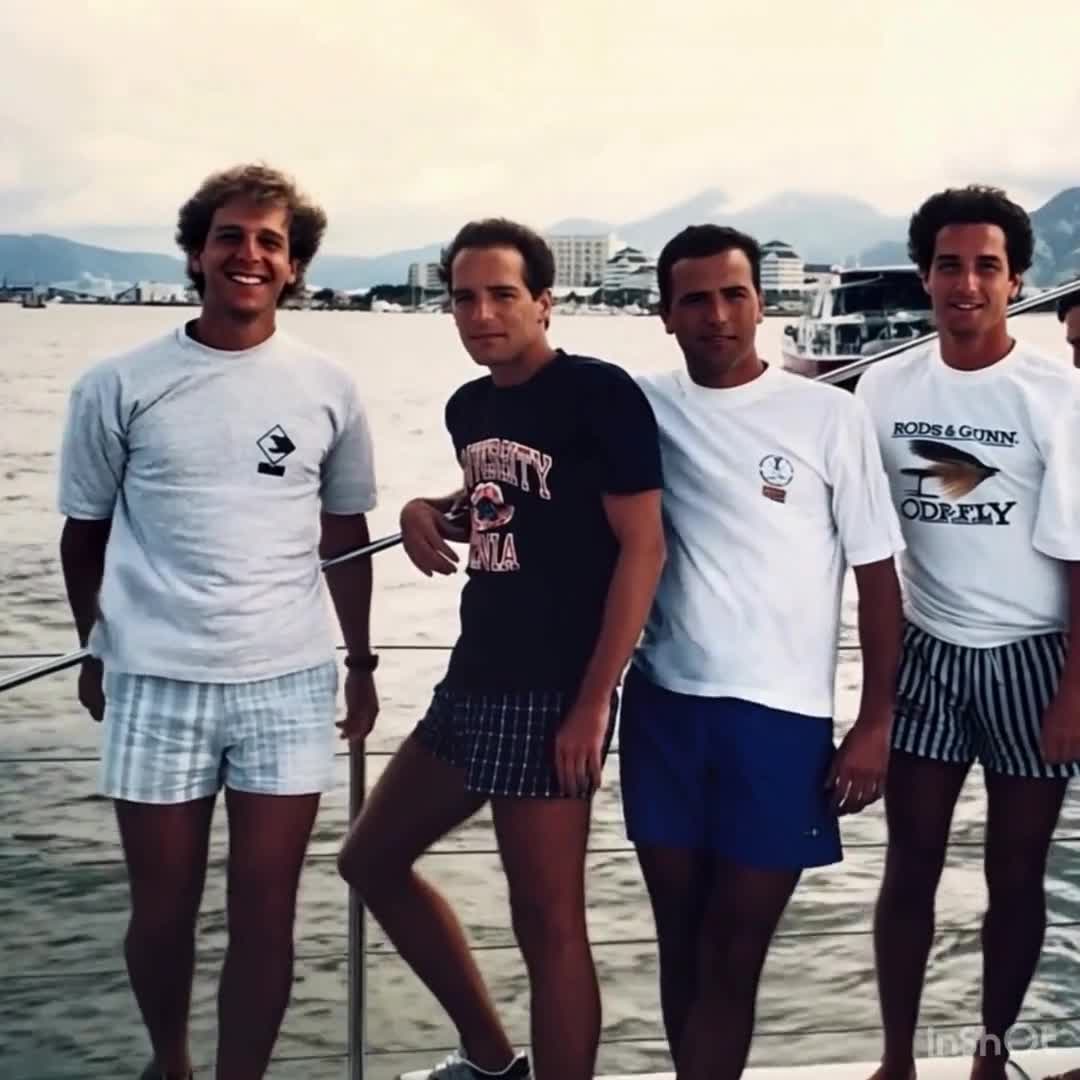
family photo video ideas
Family Photo Video Ideas for Meaningful Keepsakes
Family photo video ideas for reunions, anniversaries, and long-term digital keepsakes.
Read guide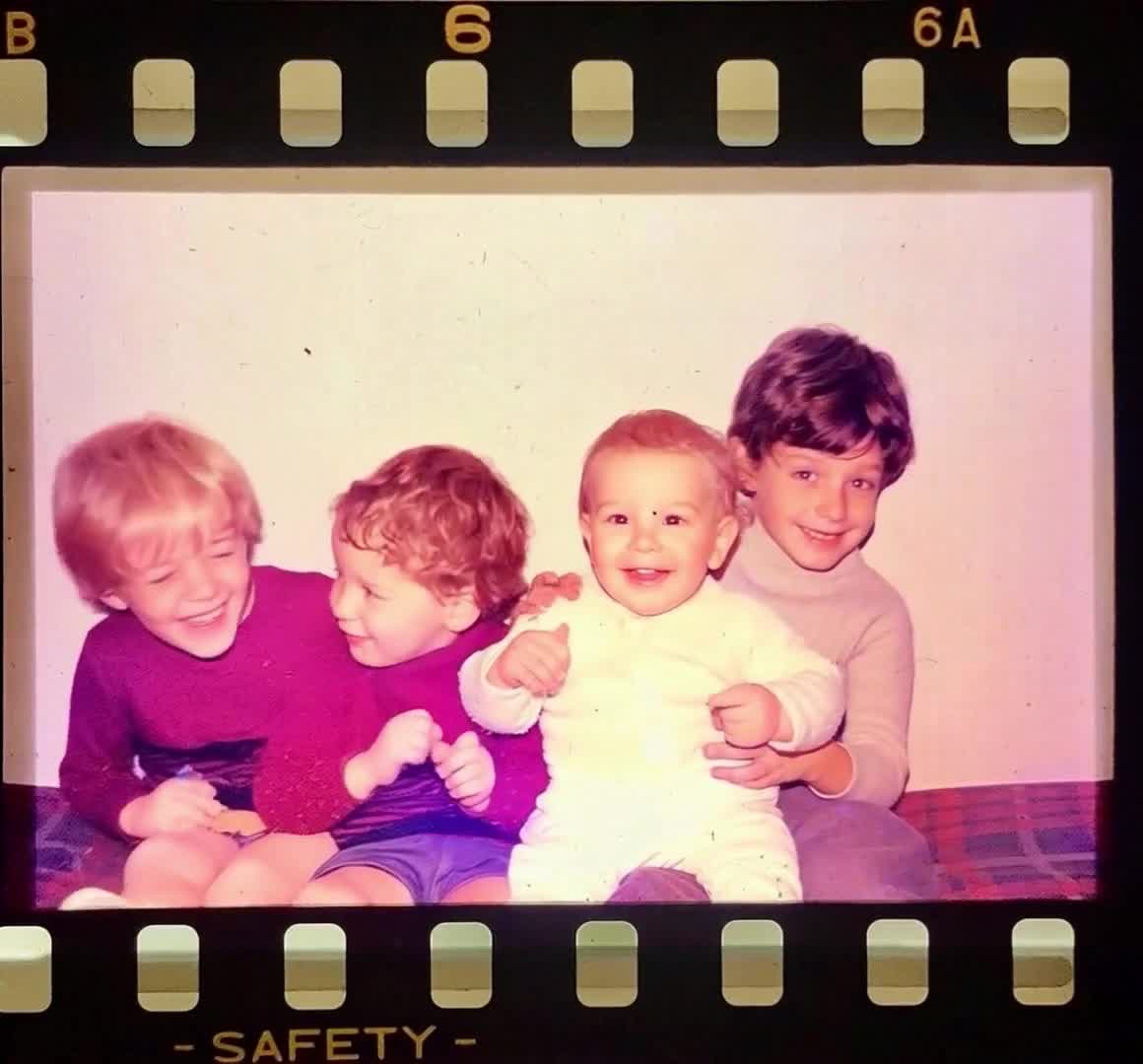
birthday tribute video maker
Birthday Tribute Video Maker: Image-to-Video Ideas That Work
Birthday tribute video maker ideas, including prompt formulas and sequence planning for emotional highlights.
Read guide