
Guide
Realistic Face Animation from Photo: What Improves Quality
Face-focused generations are sensitive to source quality and prompt clarity. Small improvements in input image and motion instructions can dramatically increase realism.
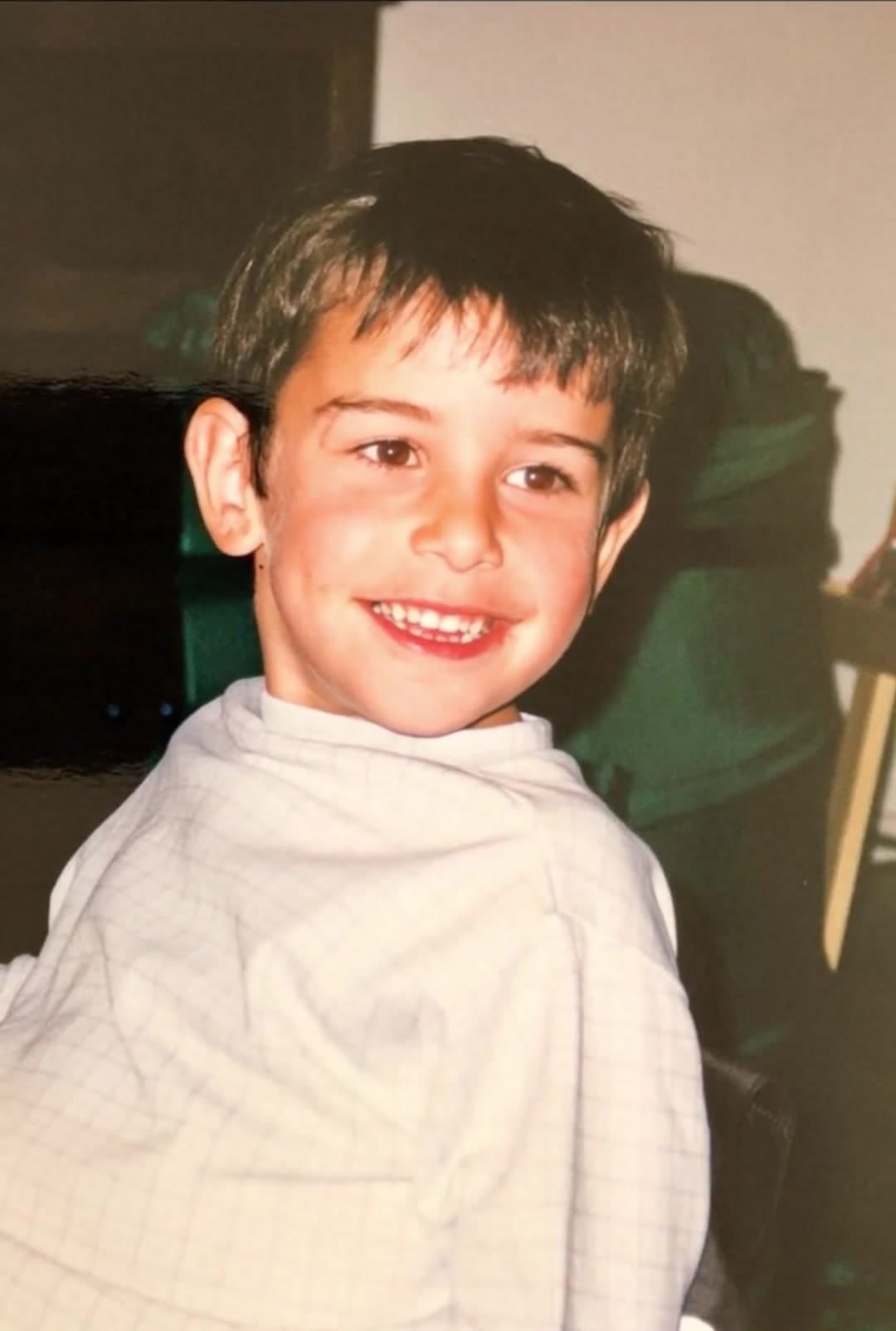
Ready to try it? Choose a photo-to-video workflow with motion ideas and a direct path to the creator.
Prioritize facial detail
Use photos with visible eyes, natural skin texture, and clean focus. Over-smoothed portraits can lead to plastic-looking output.
Prompt subtle expression
Natural smile shifts, breathing, and slight eye movement tend to look more human than exaggerated gestures.
Check for identity drift
Review output frame by frame for facial consistency. If identity changes, simplify prompts and rerun with lower motion intensity.
Create your own clip
Use these prompt patterns and workflows with your own photos, then generate a polished video in minutes.
More guides to read
Keep going with adjacent topics, practical workflows, and useful variations on the same kind of project.
current trends in image animation technology
Current Trends in Image Animation Technology (2026)
Explore current trends and recent advancements in image and photo animation AI, from native audio to first-and-last-frame control.
Read guideanimate a photo for instagram
How to Animate a Photo for Instagram Reels
How to animate a photo for Instagram Reels with practical formatting, pacing, and prompt tips.
Read guidephoto to video ai
Photo to Video AI: Practical Guide for Better Results
A practical photo to video AI guide with prompt ideas, composition tips, and quality controls for clean generation.
Read guide