
Guide
Wedding Photo to Video: Turn Album Moments into Motion
Wedding photo to video workflows are popular for recap reels and anniversary surprises. With AI generation, couples can add motion to timeless album shots without new filming.
Ready to try it? Choose a photo-to-video workflow with motion ideas and a direct path to the creator.
Pick anchor moments
Start with key frames: first look, ceremony, and family portraits. Anchoring around iconic images gives emotional continuity.
Match tone to soundtrack
If you plan to add music later, use motion prompts that align with tempo. Slow tracks pair best with smooth camera pushes and subtle gestures.
Prepare vertical and horizontal outputs
Export versions for social and big-screen viewing. This helps reuse the same animated assets across multiple channels.
Create your own clip
Use these prompt patterns and workflows with your own photos, then generate a polished video in minutes.
More guides to read
Keep going with adjacent topics, practical workflows, and useful variations on the same kind of project.
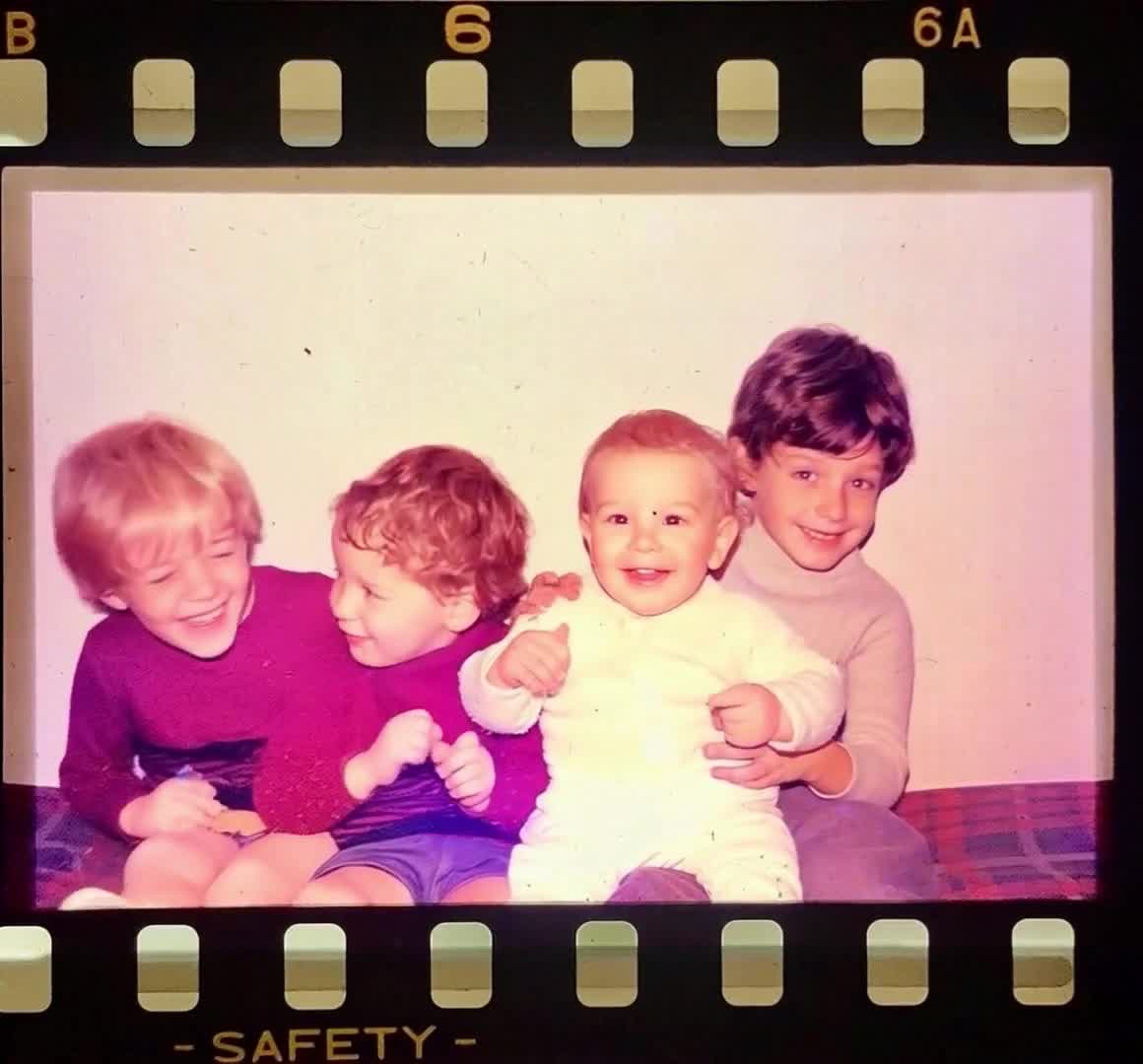
birthday tribute video maker
Birthday Tribute Video Maker: Image-to-Video Ideas That Work
Birthday tribute video maker ideas, including prompt formulas and sequence planning for emotional highlights.
Read guideanimate your family photos
Animate Your Family Photos Without Losing the Original Feeling
Learn how to animate your family photos for birthdays, memorials, reunions, and keepsake videos while keeping the result natural.
Read guideanniversary photo video
Anniversary Photo Video: Turn Years of Memories into One Story
Anniversary photo video ideas for couples, parents, and family celebrations built from photos collected over time.
Read guide