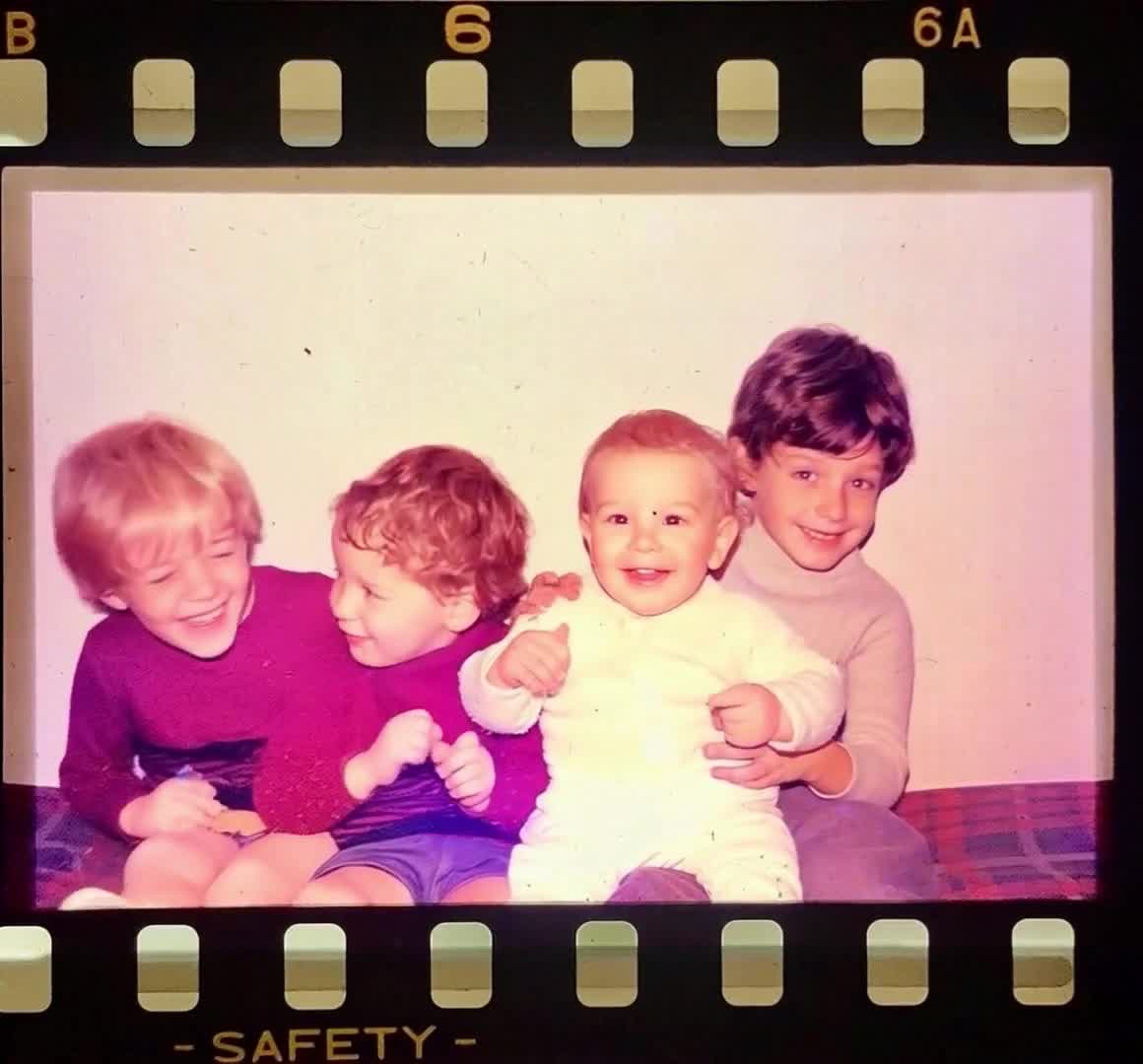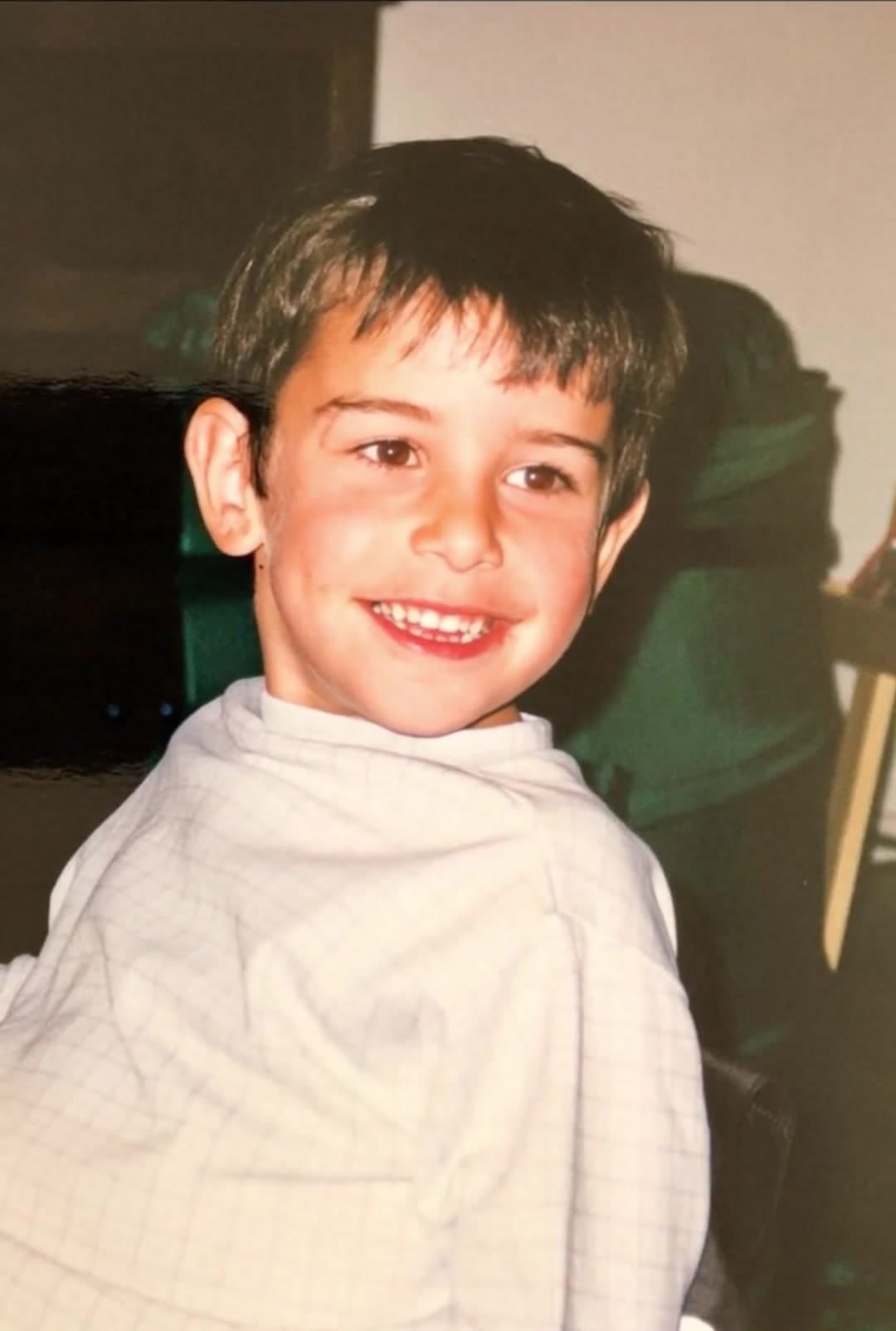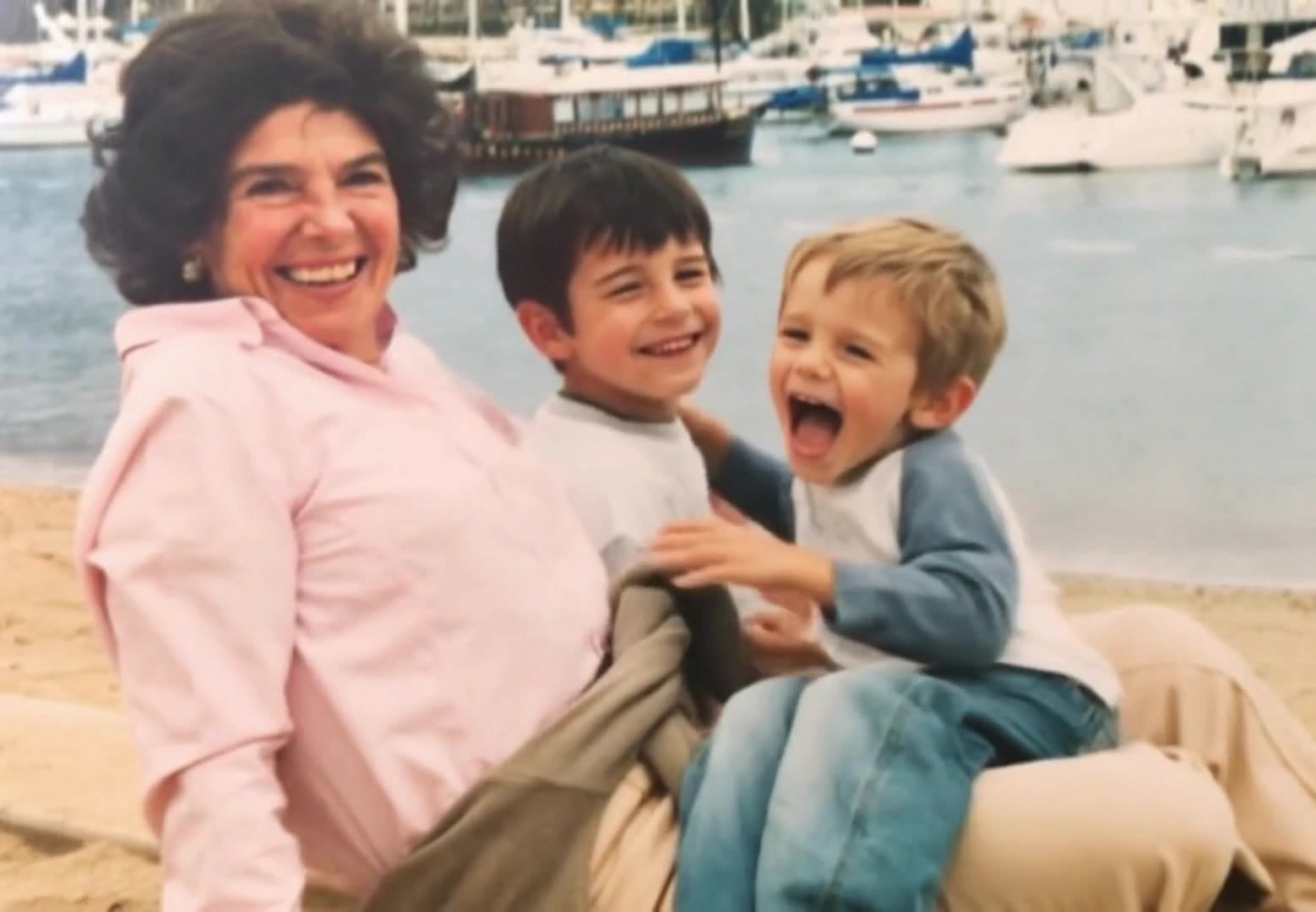
Choose a meaningful photo
Start with a portrait, family moment, milestone photo, or image that feels right.
Create a memorial video that feels calm and personal. Start with one meaningful photo and add soft motion.
PhotoForVideo gives families a simple way to create a remembrance clip without a complicated editing process.
The workflow is built for non-technical users. Start with a photo and create a short video you can actually use.
Start with a portrait, family moment, milestone photo, or image that feels right.
Use soft motion and a calm direction so the video supports the memory.
Download the clip for family, a service, a remembrance page, or your own keepsake.
When choosing many pictures feels difficult, begin with the photo that feels most right.
A short video can give family members a shared moment without needing a full edit.
You can start small when choosing many photos feels too hard.
Gentle movement, short captions, and simple pacing help keep the tone appropriate.
A short memorial clip can be shared with people who cannot attend in person.
Create a service opener, family remembrance message, slideshow clip, or private keepsake.
Use one animated portrait as an opening or closing moment for a gathering.
Send a private clip to relatives who want to remember together.
Use animated clips alongside still photos in a longer memorial video.
Create a quiet clip from one photo you want to hold onto.
Animate a smiling portrait with subtle movement and a short name caption.
Use a photo that shows love, connection, and the people around them.
Turn a wedding, travel, service, or proud achievement photo into a gentle clip.
Use one calm animated image at the end of a memorial slideshow.
Yes. One meaningful photo can become a short memorial video or an anchor clip for a longer tribute.
Soft movement, simple captions, and a calm pace usually feel most respectful.
Yes. Download the clip and share it directly with relatives or friends.
No. You can create one short animated clip, then decide later if you want a longer video.
Yes. Scanned photos can work, especially when the face or subject is clear.
Choose the photo that feels right. Keep the motion soft. Make something your family can keep.