Upload your photo
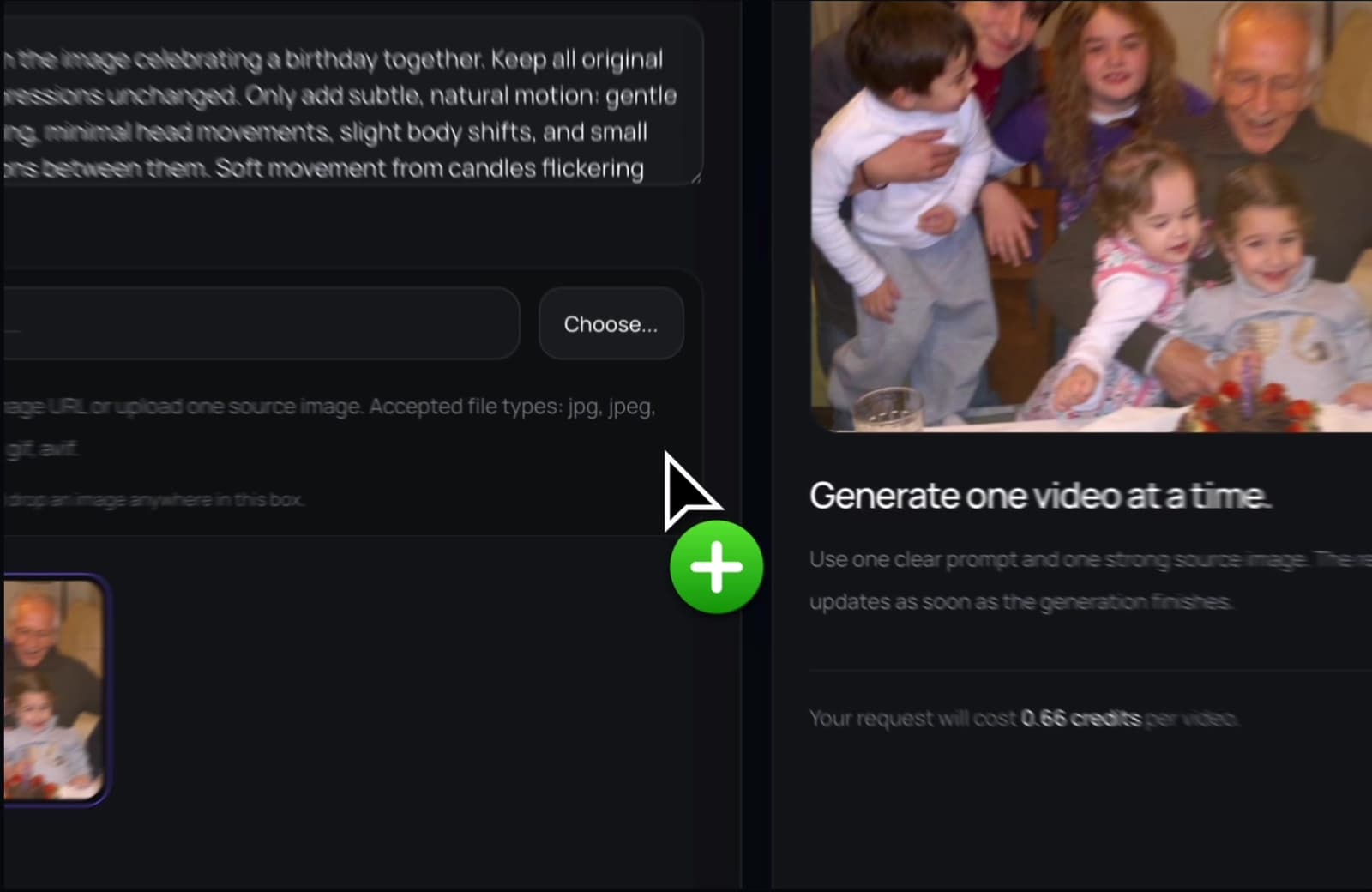
Choose a clear picture from your phone, computer, or photo library.
Use a still photo as the start of a short video. Add AI motion and create a clip for memories, gifts, or posts.
PhotoForVideo keeps the flow simple for non-technical users. Upload, generate, preview, and download.
The workflow is built for non-technical users. Start with a photo and create a short video you can actually use.
Choose a clear picture from your phone, computer, or photo library.
Describe the movement you want in simple words. Keep it natural and direct.
Preview the result and save your new video for sharing or editing.
You can make video content even when your source is a single image from your camera roll.
You do not need video footage. A single picture can become the source.
Motion helps older images feel ready for today's video-first platforms.
Create clips for messages, social posts, stories, and larger edits.
Upload, generate, preview, and download without a complex editing timeline.
Create birthday videos, memorial clips, family keepsakes, animated portraits, and social media posts.
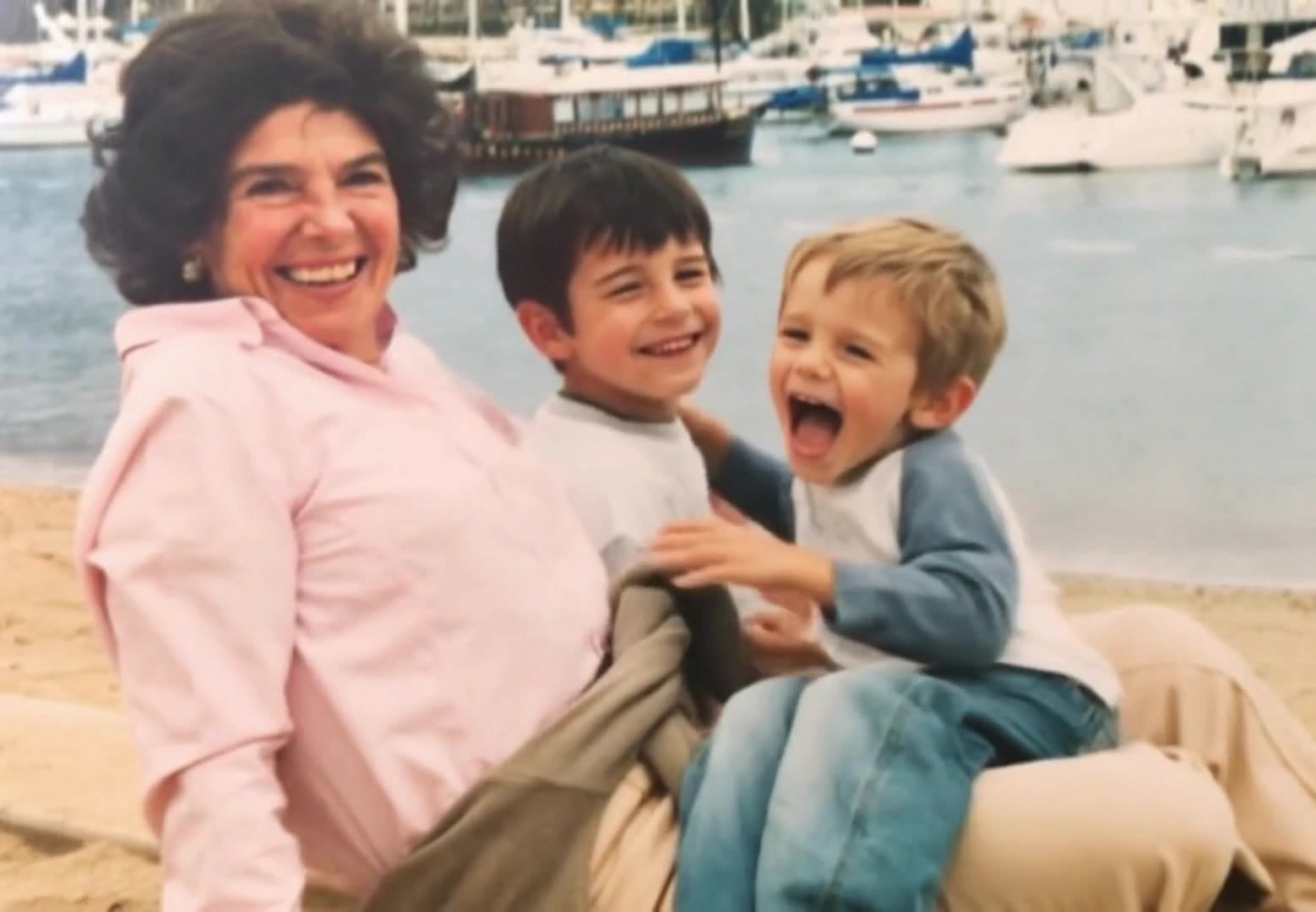
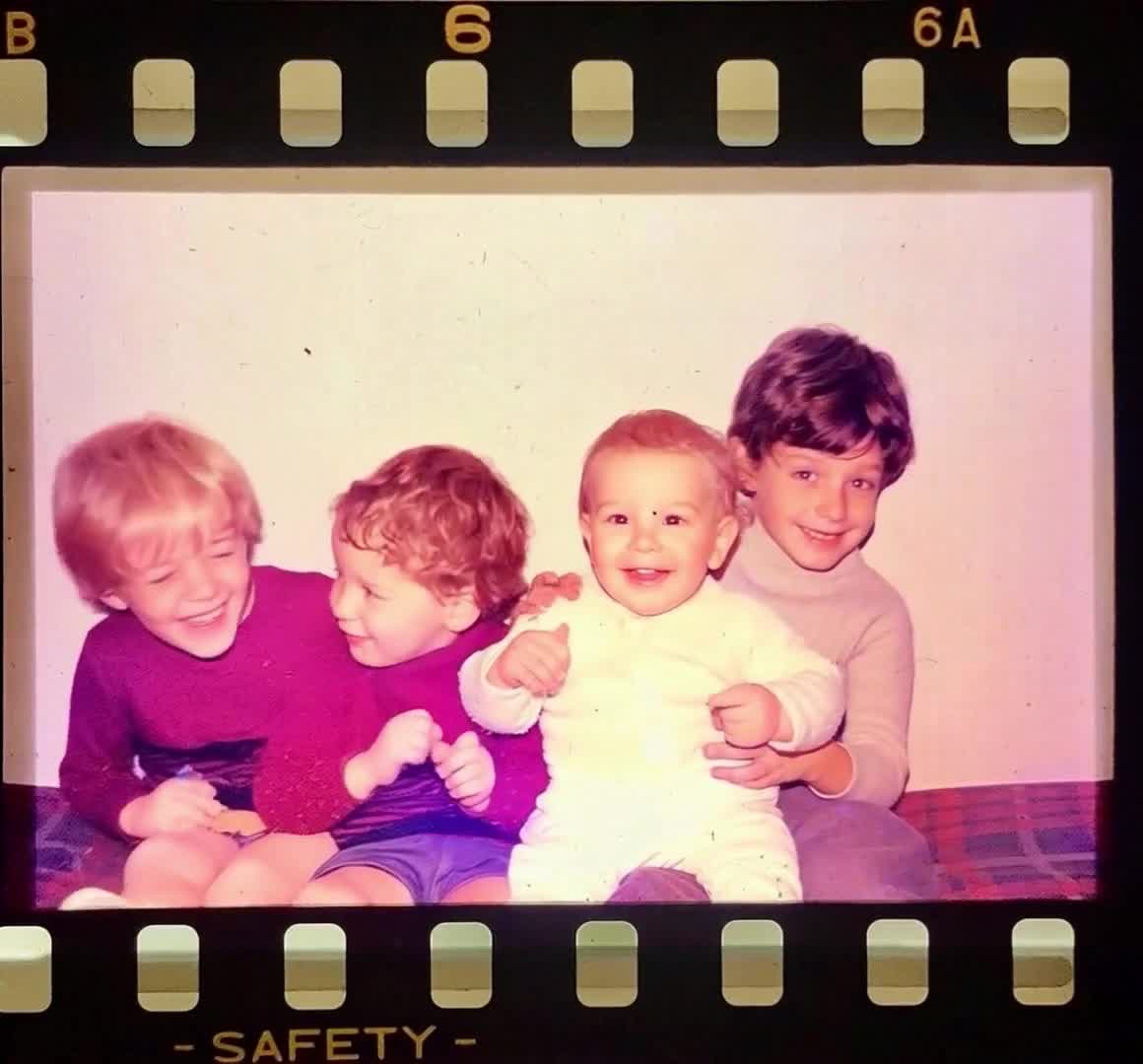
Bring portraits, group images, and old memories into gentle motion.
Turn one birthday picture into a short greeting or montage opener.
Create a moving post from a static image when you do not have footage.
Animate artwork, mood images, characters, and visual concepts.
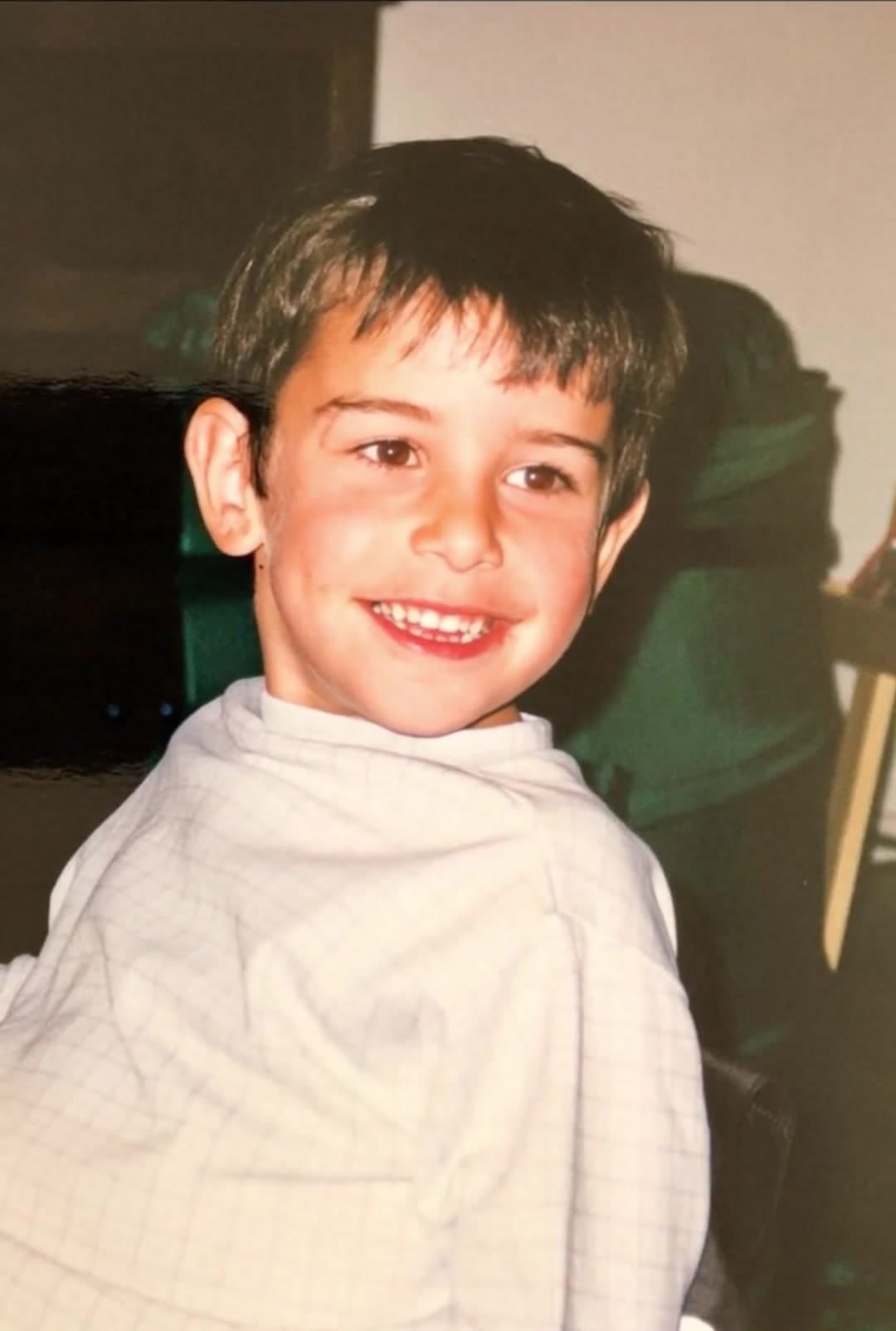
Add a soft smile, subtle expression, or slow camera push.
Turn a still travel shot into a calm motion clip.
Animate a group photo so it feels more present and shareable.
Use one image as the start of a cinematic short clip.
Yes. PhotoForVideo can turn a single image into a short animated video.
No. A slideshow moves between pictures. PhotoForVideo animates the image itself.
Clear images with a visible subject usually work best. Portraits, family photos, and travel images are good choices.
Yes. Download your clip and share it on the platform you prefer.
No. PhotoForVideo runs in the browser, so you can start from your phone or computer.
Upload a photo, choose a simple direction, and create a video from the image you already have.