
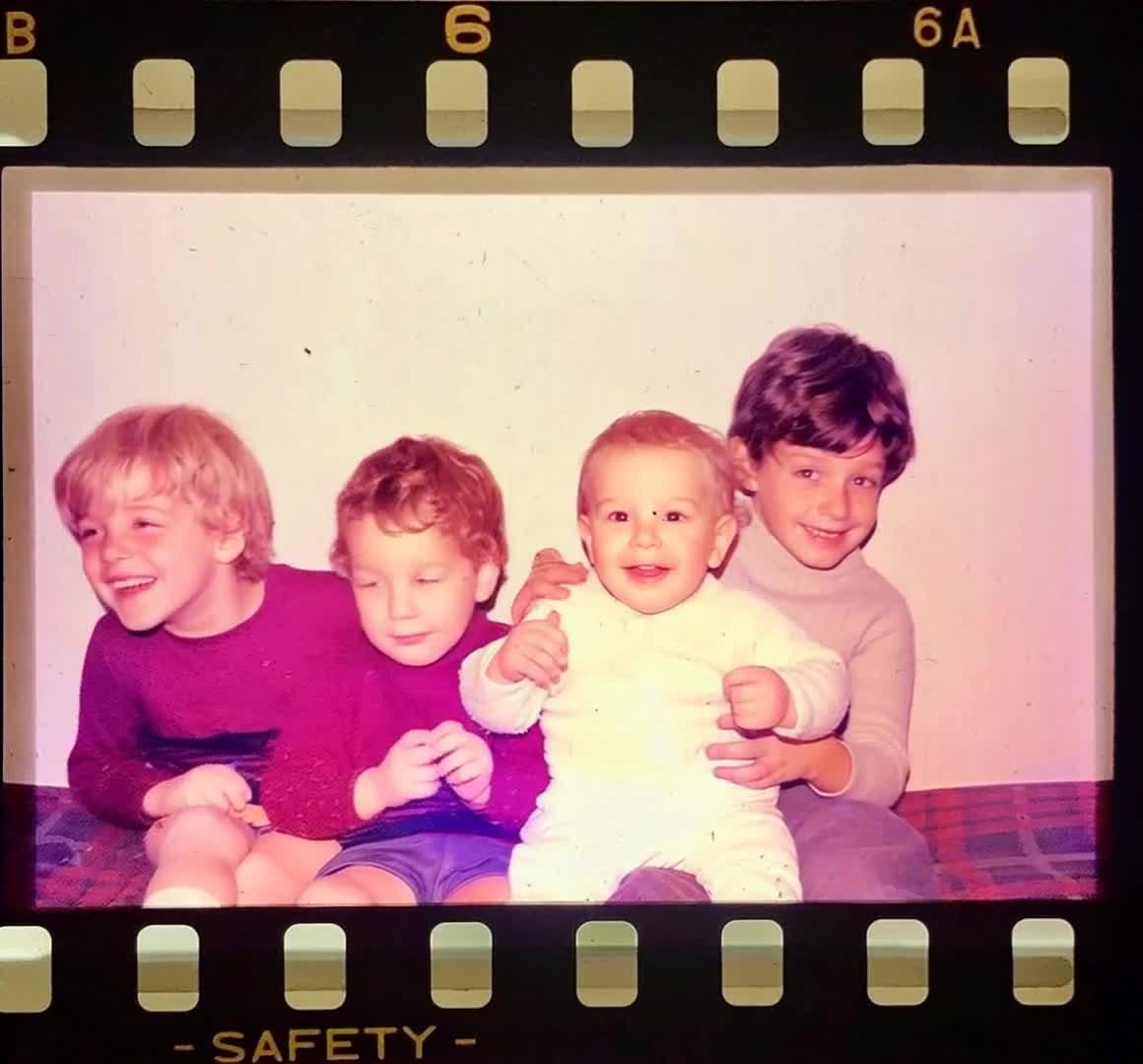
Scan without glare
Scan the print flat or photograph it evenly lit. Crop scanner edges and frames so the model focuses on the photograph.
Turn a scanned family photo into a short video. Compare the original and its AI animation, then choose a gentle movement for your own picture.
Buy credits from $1, with no subscription required. You will see the generation cost before starting; the model and settings affect how many credits it uses. Every attempt can produce a different result.
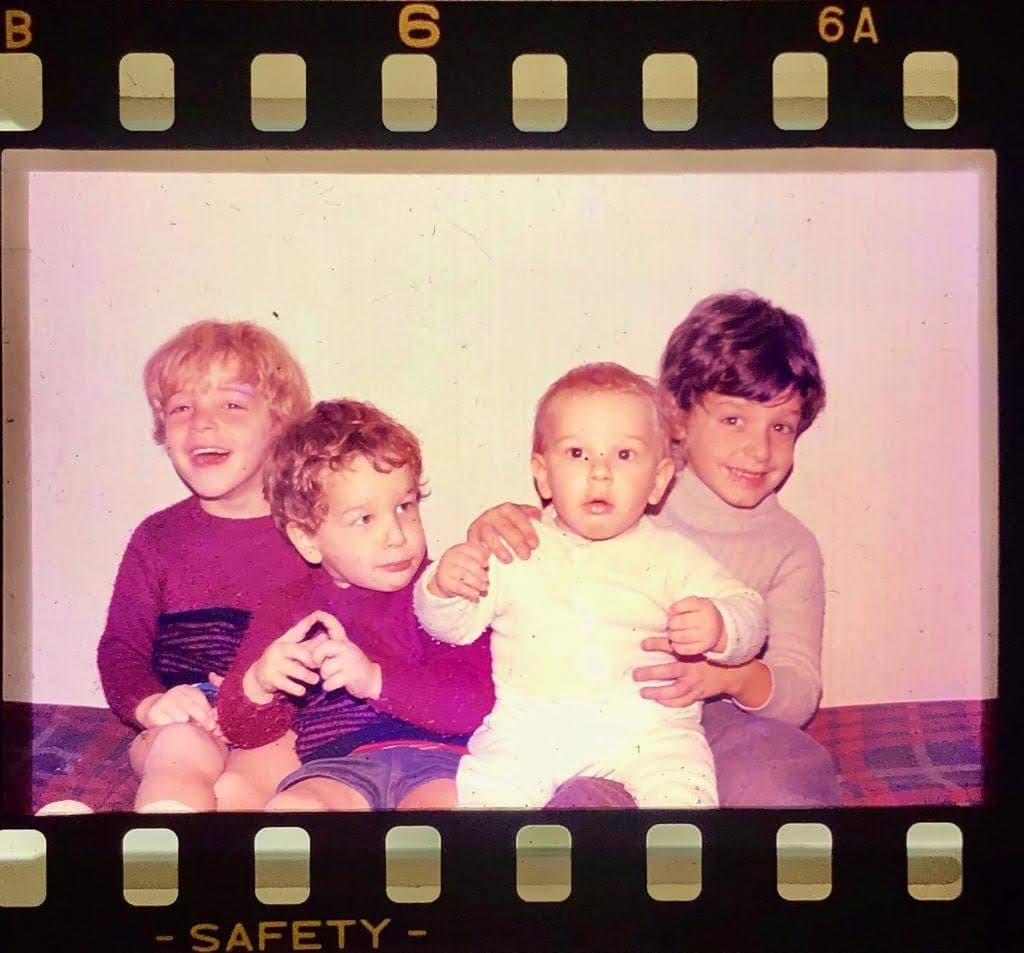
Press play to compare one source photo with its generated result. The movement is an AI interpretation, not recovered footage. Faces and details can change; results vary by photo, model and prompt.
A clean scan and a small motion request are a better starting point than an elaborate scene.
Scan the print flat or photograph it evenly lit. Crop scanner edges and frames so the model focuses on the photograph.
Begin with breathing or a blink. Avoid large head turns when the scan does not show the sides of the face.
Watch the eyes, mouth, and hands. If details drift, simplify the prompt and try a shorter or subtler movement.
A monochrome photo does not need colorization to move. Ask to preserve the grain and original lighting. If you restore severe damage first, compare the restored face with the original before animating.
A visible face, a stable pose, even exposure, and enough detail to distinguish eyes and mouth.
Deep scratches across facial features, reflective glass, overlapping prints, or a request for a wide smile on a heavily blurred face.
For a single portrait, a blink can be enough. For several people, use a still camera and shared subtle motion rather than different gestures for each face.
PhotoForVideo generates a short clip from your image and motion prompt. It does not recover a lost recording or reliably restore missing facial details. Choose a model and duration in the creator, review the displayed credit cost, and check the faces and hands before downloading or sharing the MP4.
Save an unchanged copy of the scan. Upload only a photo you have the right to use, consider the wishes of the people pictured, and tell relatives the movement was generated by AI. Read our Privacy Policy and Terms before uploading sensitive family media.
Subtle natural blinking and breathing. Preserve facial features, film grain, and the original pose. Keep the camera still.
Try this prompt: Suggested motion: still portraitVery slow camera push-in on the original photograph. Preserve every face, the monochrome tones, and the background. Minimal subject movement.
Try this prompt: Suggested motion: gentle camera moveGeneration uses paid credits. Custom credit purchases start at $1, and subscription plans are optional. The creator shows the credit cost for your chosen model and settings before generation; buying credits is not a promise of a particular result.
Yes. Use PhotoForVideo in your browser, upload a photo, enter the motion you want, and review the generated clip. A successful result can be downloaded as an MP4; you do not need to install a video editor.
No. You can animate a black-and-white or faded color photo. Ask to preserve its existing colors and texture.
It cannot reliably recover details that are not present. Start from the clearest scan available and do not treat generated details as historical evidence.
Large expressions and turns require the model to invent unseen details. Reduce movement and use a clearer source photo; results still vary.
Upload your scan, choose a gentle motion, and review the credit cost before generating. Keep your original and download the successful clip as an MP4.