Upload the image
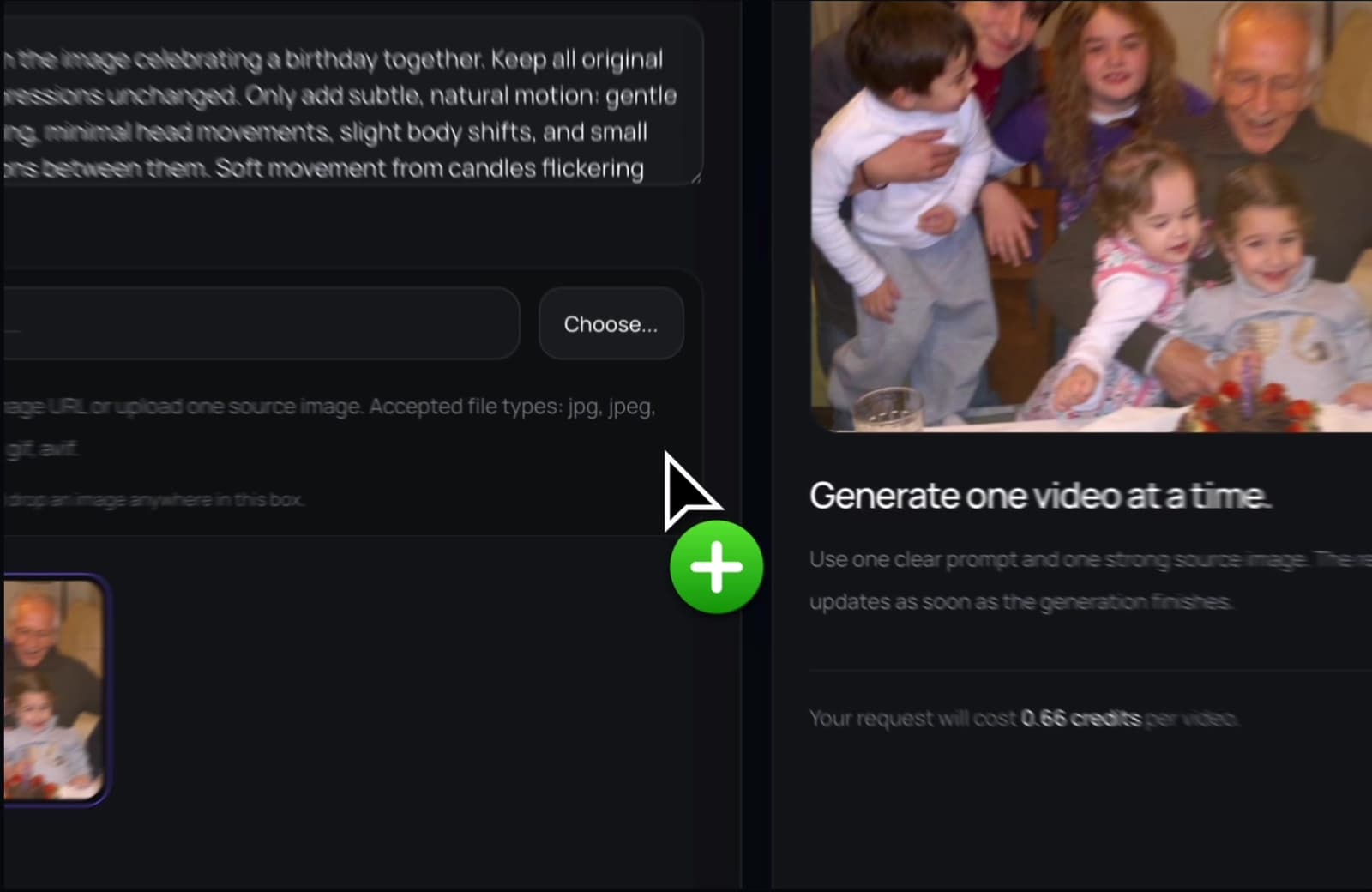
Start with the photo you want to include in your video project.
Turn a still image into a short video clip, then use it in your message, montage, or creative project.
PhotoForVideo helps you create motion from a photo so an image can feel natural inside video-first formats.
The workflow is built for non-technical users. Start with a photo and create a short video you can actually use.
Start with the photo you want to include in your video project.
Turn the still image into a short clip with natural AI movement.
Save the clip and add it to your larger video, message, or social post.
An animated image clip can keep the rhythm of a video while still using the photo you need.
A moving clip can fit more naturally inside a video edit than a static picture.
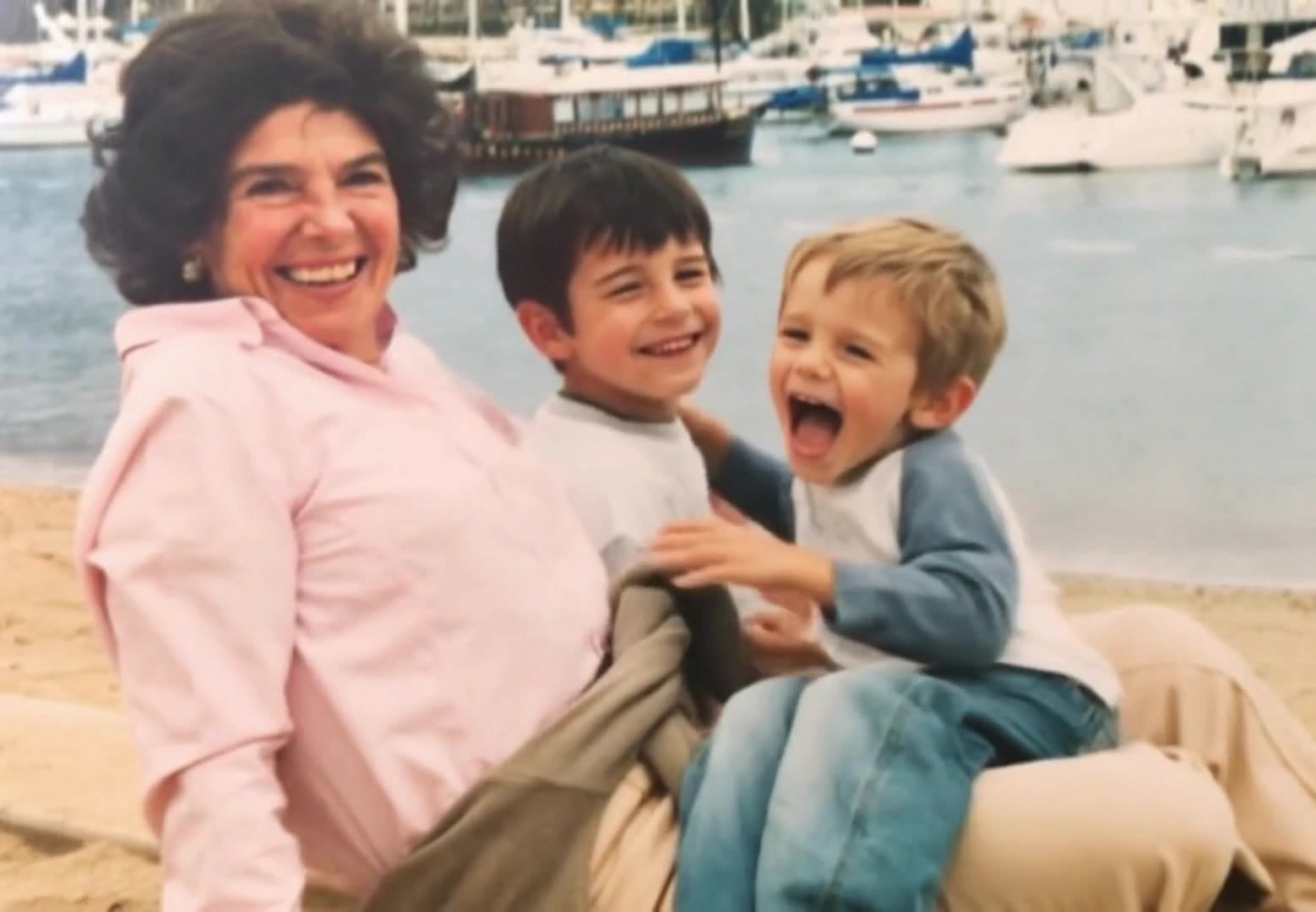
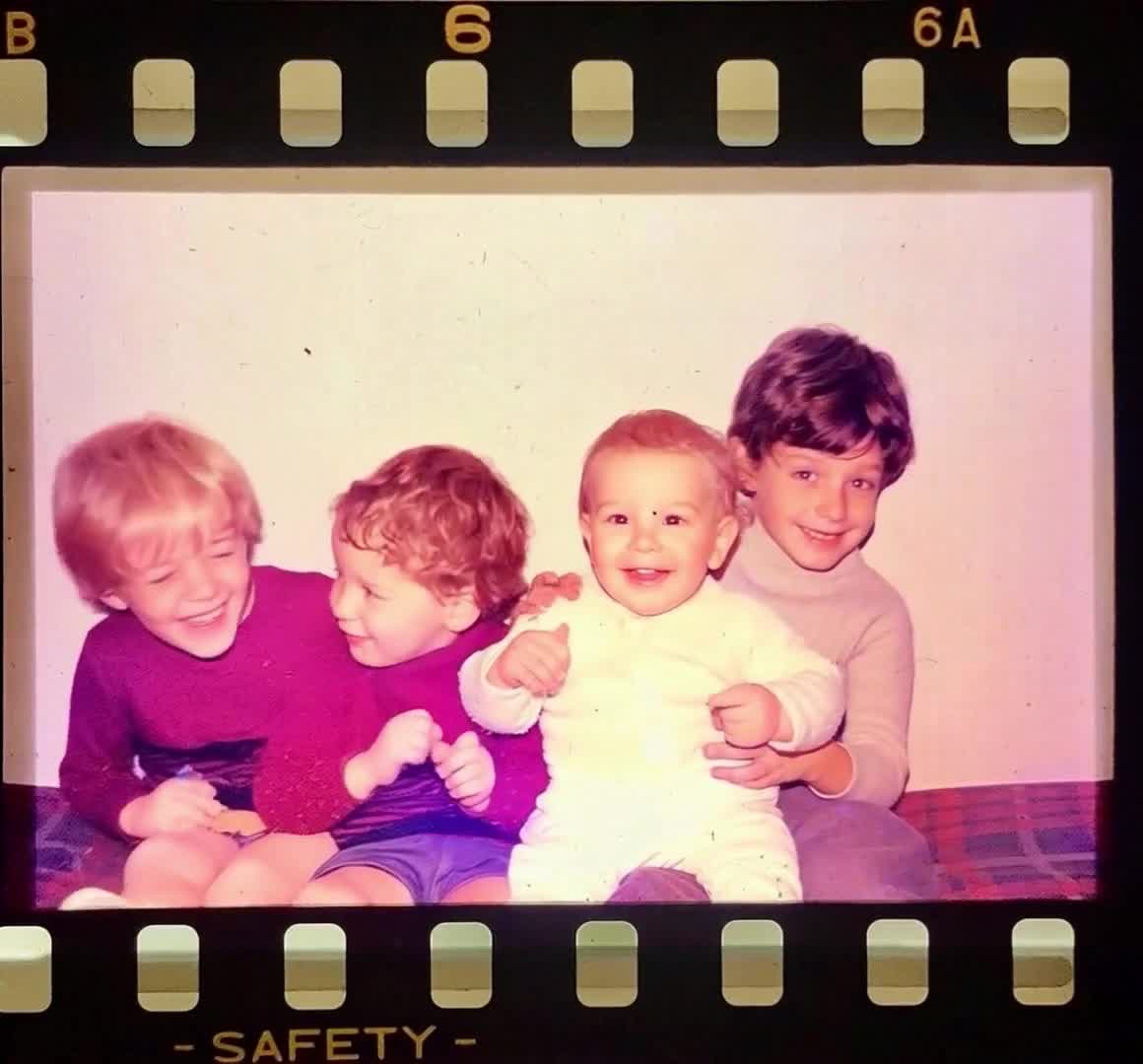
When you only have photos, you can still create video moments.
Add animated photos to birthday, tribute, memorial, or reunion videos.
Download the generated clip and use it where you need it.
Use animated images in birthday videos, tribute edits, memorial videos, social posts, and creative sequences.
Create short animated photo clips to mix into a celebration edit.
Turn important portraits into gentle motion before adding them to a tribute.
Use a moving image clip when the platform favors video.
Animate artwork or a still frame before placing it into a larger project.
Turn one image into an opening clip for a longer video.
Use an animated photo between two sections of a montage.
Create a respectful motion clip from a loved one's picture.
Use one photo as the entire short video for a post.
Yes. PhotoForVideo can help you turn a photo into a short clip that you can use in a larger video project.
PhotoForVideo focuses on creating a new video clip from your image. You can then use that clip in another editor if needed.
Yes. Animate the image first, then include the clip in your birthday montage.
Yes. One image can become a short moving video.
Use a clear photo with an easy-to-see subject for the strongest result.
Create a moving clip from your image, then use it as a video moment wherever you need it.