
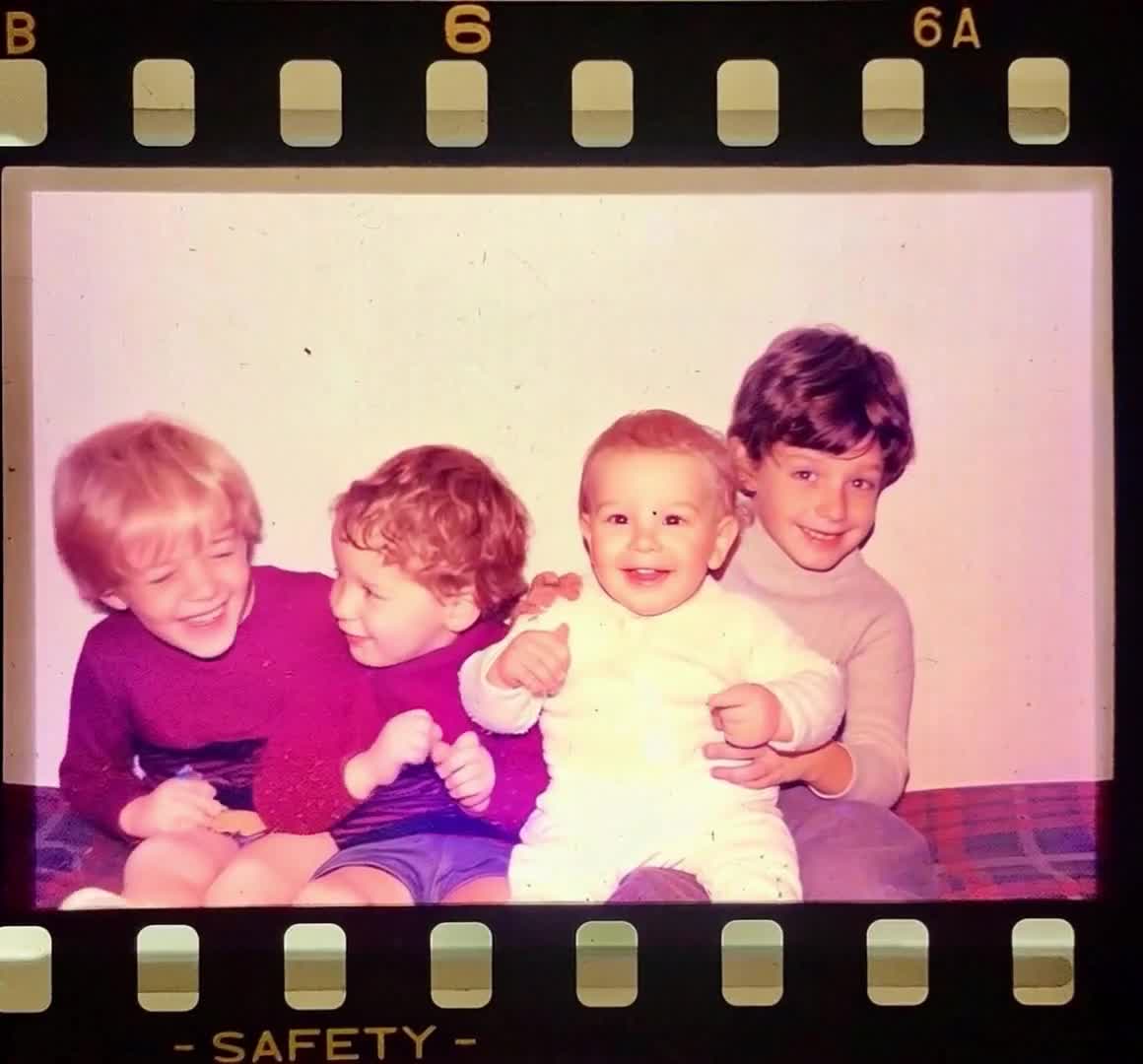
Check every face
Choose an image where each person is visible. Tiny faces at the back of a large group are harder to animate consistently.
Keep the group together and let a familiar moment move.
Start with a clear family picture and one shared direction. Small smiles and a steady camera usually make a better first attempt than a different action for every person.
More faces mean more details to check. Begin with an uncomplicated photo and prompt.
Choose an image where each person is visible. Tiny faces at the back of a large group are harder to animate consistently.
Ask everyone to remain in their original position. Avoid hugs, handshakes, or walking in the first attempt, especially when bodies overlap.
Watch faces at the edges as well as the center. Check that the number of people, hands, and background details stays consistent.
One person turning left while another waves and a third laughs creates several competing tasks. A shared direction such as subtle breathing and small smiles gives the model a simpler scene to preserve.
Use a wider frame and a still camera. Preserve everyone's place rather than trying to recreate the entire gathering.
Small expressions around the cake can carry the celebration. Avoid requesting moving hands and changing candles together.
Start with a clean scan and preserve its original texture. Use the old-photo guide if damage or glare hides faces.
Everyone remains in their original position with subtle breathing and small natural smiles. Keep the camera still and preserve every face.
Try this prompt: Suggested motion: group portraitSlow camera drift across the family photograph. Minimal movement from the people. Preserve the number of people, their faces, clothes, and surroundings.
Try this prompt: Suggested motion: shared memoryThere is no single quality threshold that fits every photo. Larger groups and smaller faces increase the chance of inconsistent details. Try a clearer, smaller group for your first video.
You can request one, but overlapping arms and faces make it harder. Begin with the original pose and subtle motion, then decide whether to try a more ambitious movement.
Download the generated MP4 and send it through your preferred messaging or video app. Review the clip and check that the people pictured are comfortable with sharing.
Upload it, try a group-friendly motion, and review the cost before generating.